> ## Documentation Index
> Fetch the complete documentation index at: https://docs.firmhouse.com/llms.txt
> Use this file to discover all available pages before exploring further.
# Change product quantity for next order
> Let customers change the quantity of products for their upcoming subscription order from Customer Portal v2.
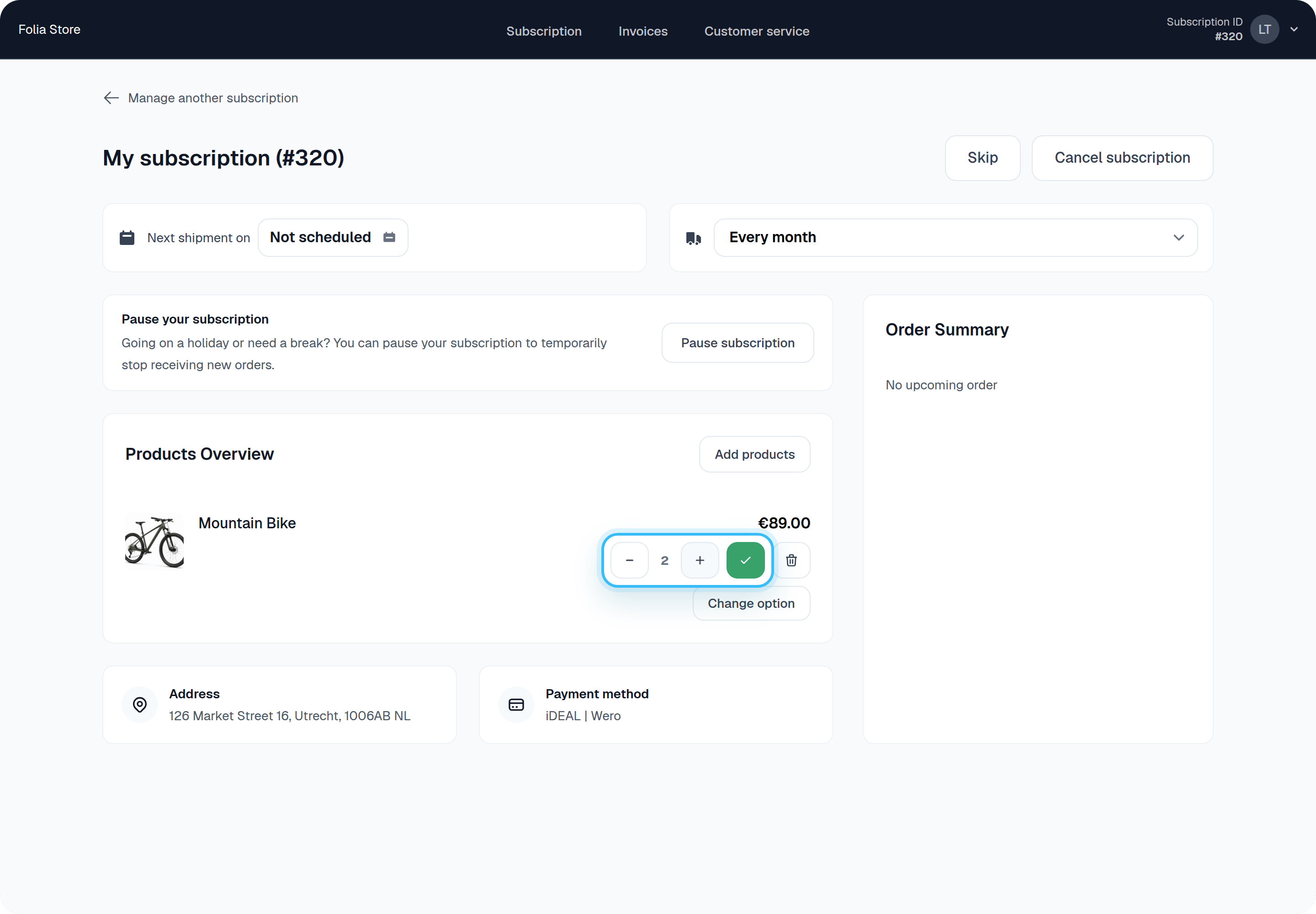
Customers can change the quantity of a subscribed product directly from Customer Portal v2. The new quantity applies to their **next** order.
## Steps
1. The customer logs into Customer Portal v2 with the one-time login email.
2. Next to the product they want to change, they use the minus and plus buttons to select a new quantity.
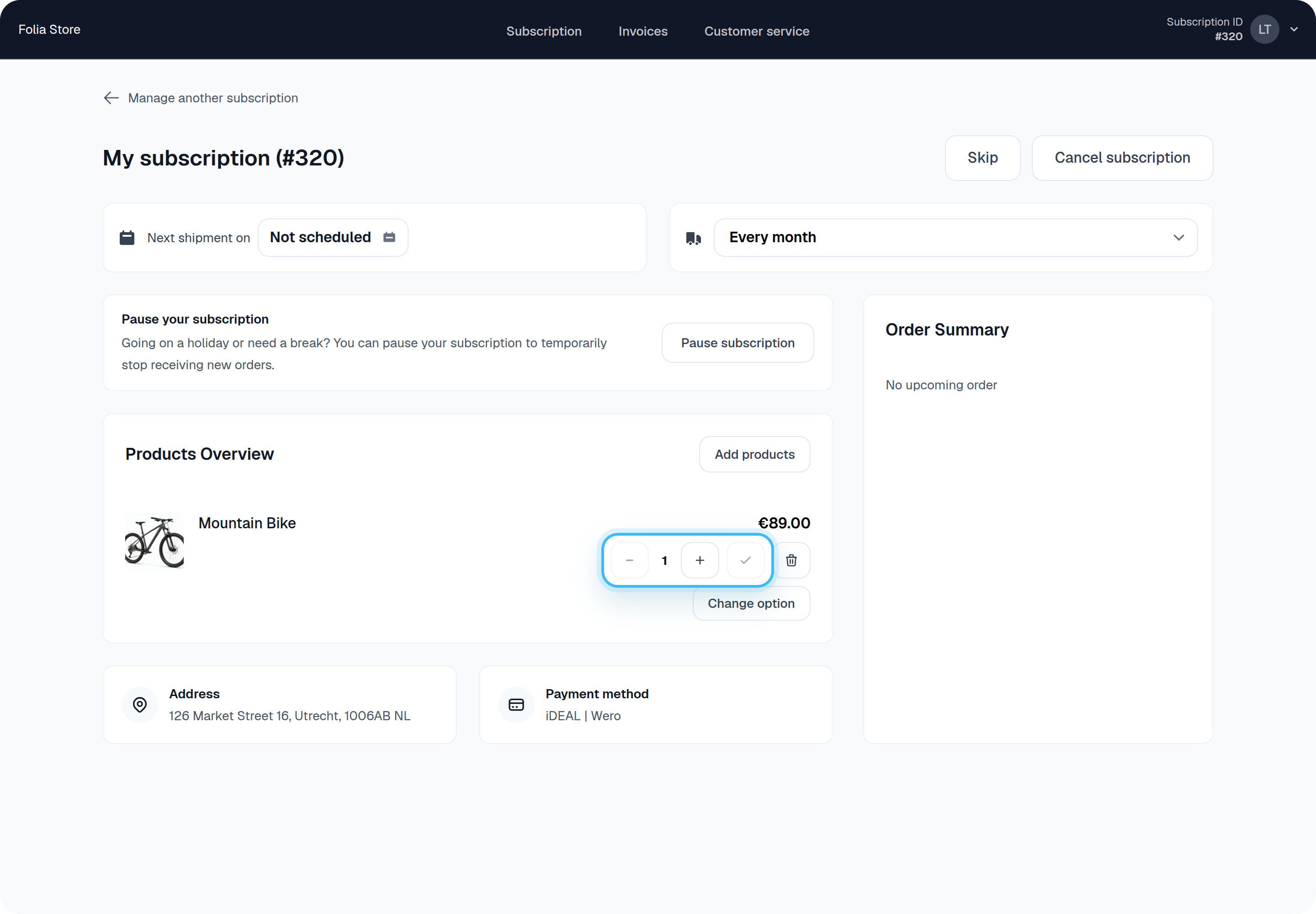 3. After selecting the new quantity, they click the green check button to save it for their next order.