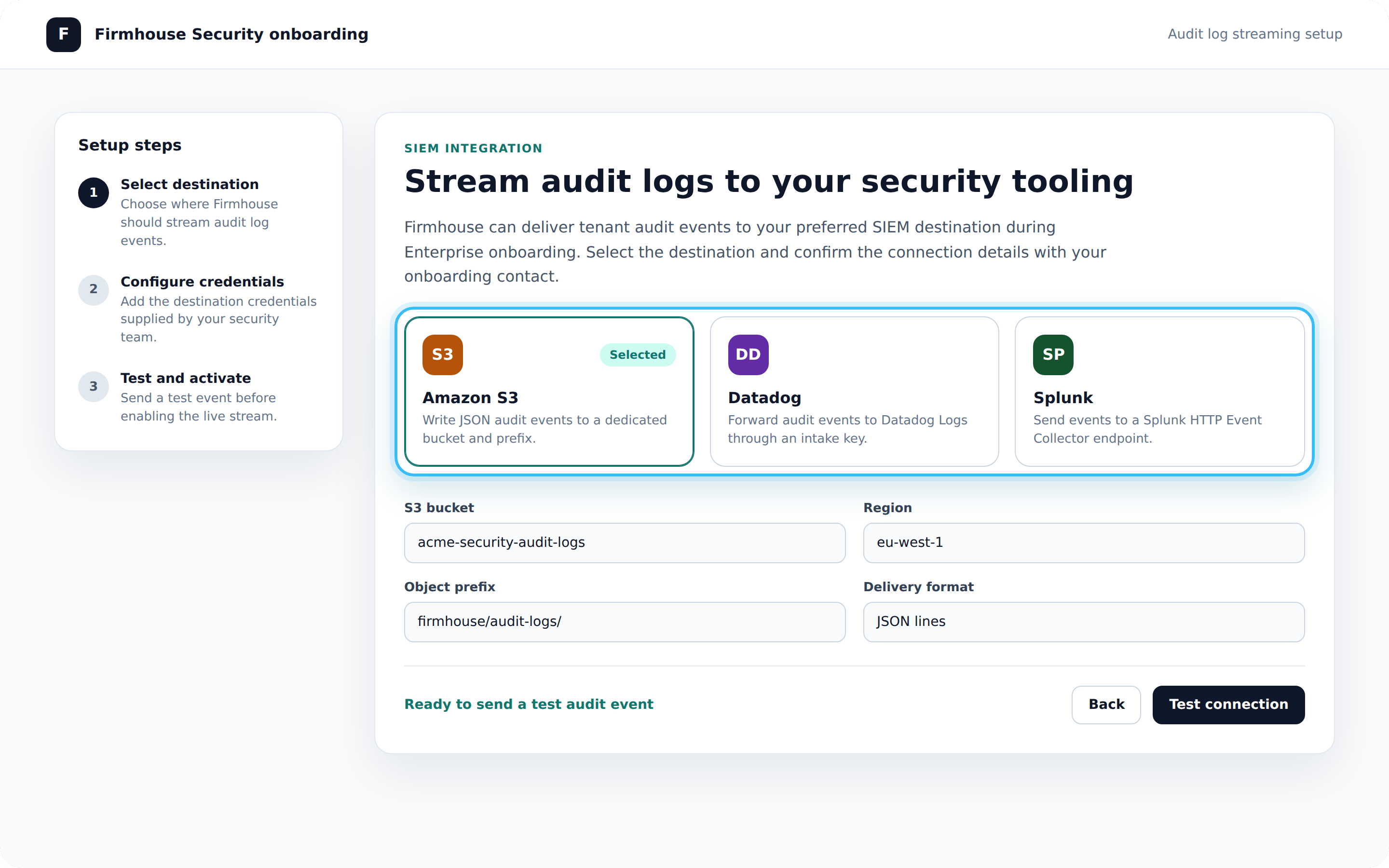
Setting up Audit Logs
The Audit Logs feature is configured and set up via our Enterprise onboarding services. Please get in touch with our team or your direct onboarding contact if you’re interested or need help with this feature.Accessing Audit Logs
Any user that is a project manager of all projects in an Enterprise Tenant can access Audit Logs.Steps
- Log into the Firmhouse portal via your own SSO portal or the designated SSO login URL for your Enterprise Tenant
- From the My Account menu on the top-right, click View audit Logs
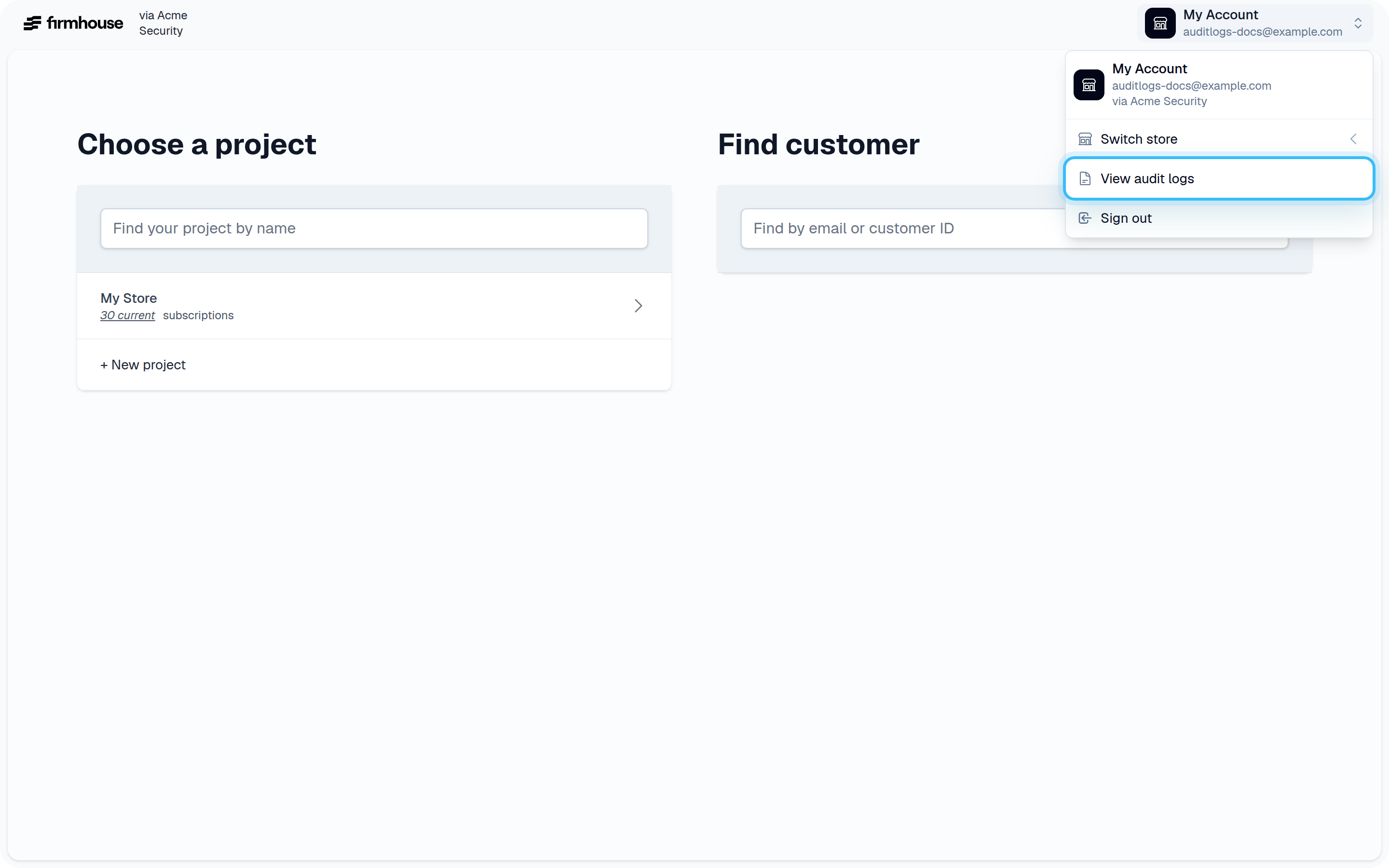
- A new page will appear which gives you access to browse, search, and export audit logs to CSV
Streaming Audit Logs to Your SIEM
Audit logs can be set up to stream to your SIEM. Our team can provide your IT or security team with an onboarding setup wizard to set up the connection.