

Identify where your subscription is billed
Firmhouse Billing Portal
Account members with the owner or billing role can access the Billing Portal via the Account page. Account owners can also grant or revoke access to other users. These account roles apply to the Firmhouse Billing Portal; Shopify billing access is managed in Shopify.Access your Account page
There are two ways to access your Account page. From the account menu in a project that is linked to your account:- Navigate to your Firmhouse project.
- Open the account menu showing your store name.
- Click Manage Billing.
- Navigate to your Firmhouse project.
- Under Settings in the sidebar click Manage Billing.
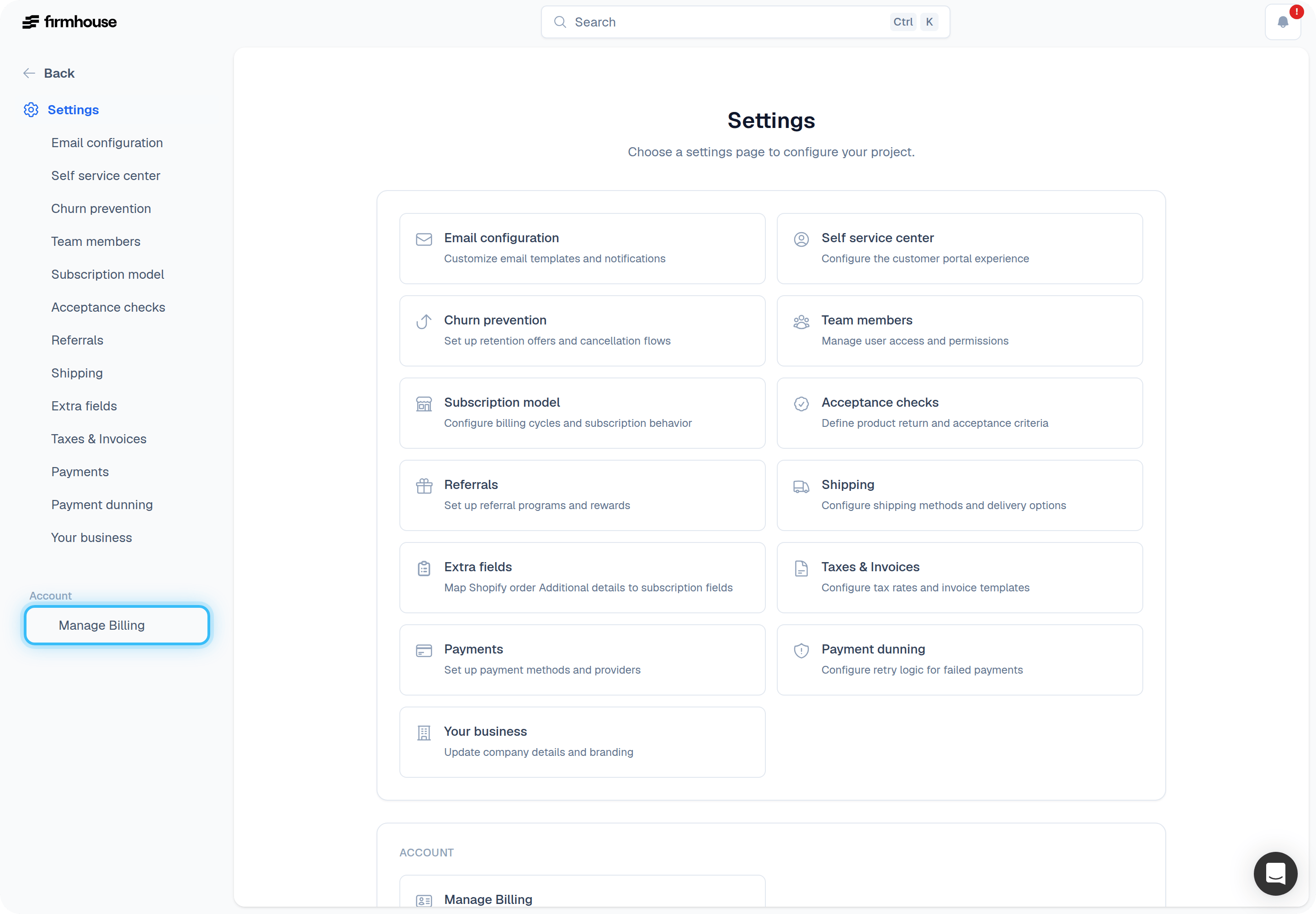
Open the Billing Portal
Access your Account page and then click Manage Billing. This will open a new window with your billing portal. The billing portal gives you access to invoices, your Firmhouse Subscription plan, and updating your payment details.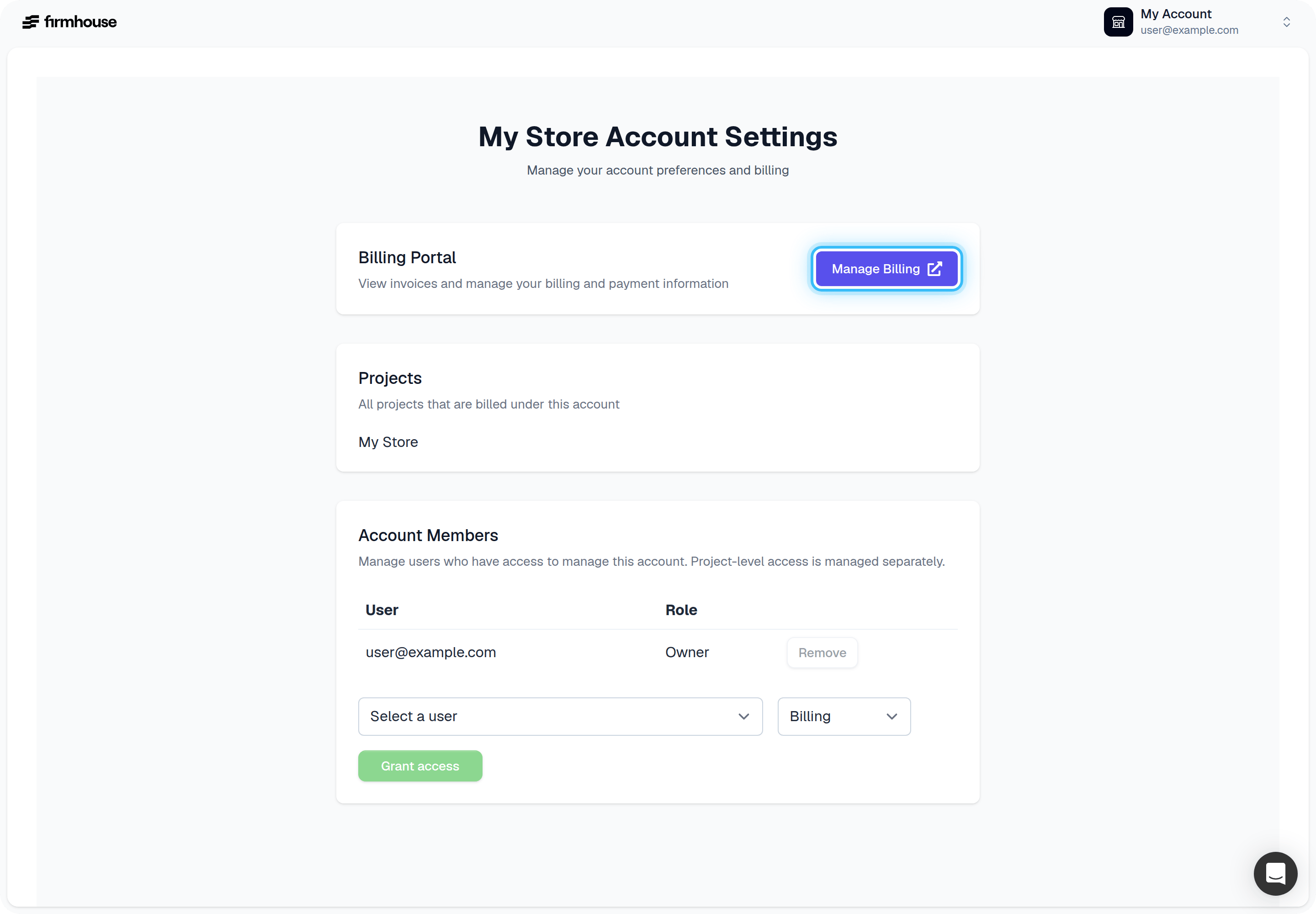
If a new project shows a 14-day trial
For subscriptions billed through Hyperline, Firmhouse billing is managed at the account level, while projects are linked to that billing account separately. This means a newly created project can still show a 14-day trial banner even when your company already has an active paid Firmhouse account. This usually happens when the new project was created before it was linked to the existing billing account. What to do: If this happens:- Confirm whether your company already has an active Firmhouse account and billing setup.
- Contact Firmhouse support and share which new project should be linked to the existing billing account.
- After the project is linked, the billing settings will sync over automatically.
Grant someone access
Account owners can grant or revoke others to manage the account. There are two roles that can be given:- Owner - Can grant or revoke access to/from other users.
- Billing - Can access the Billing Portal.
- Access your account page and find the Account Members section.
- Select a user and a role.
- Click Grant access.
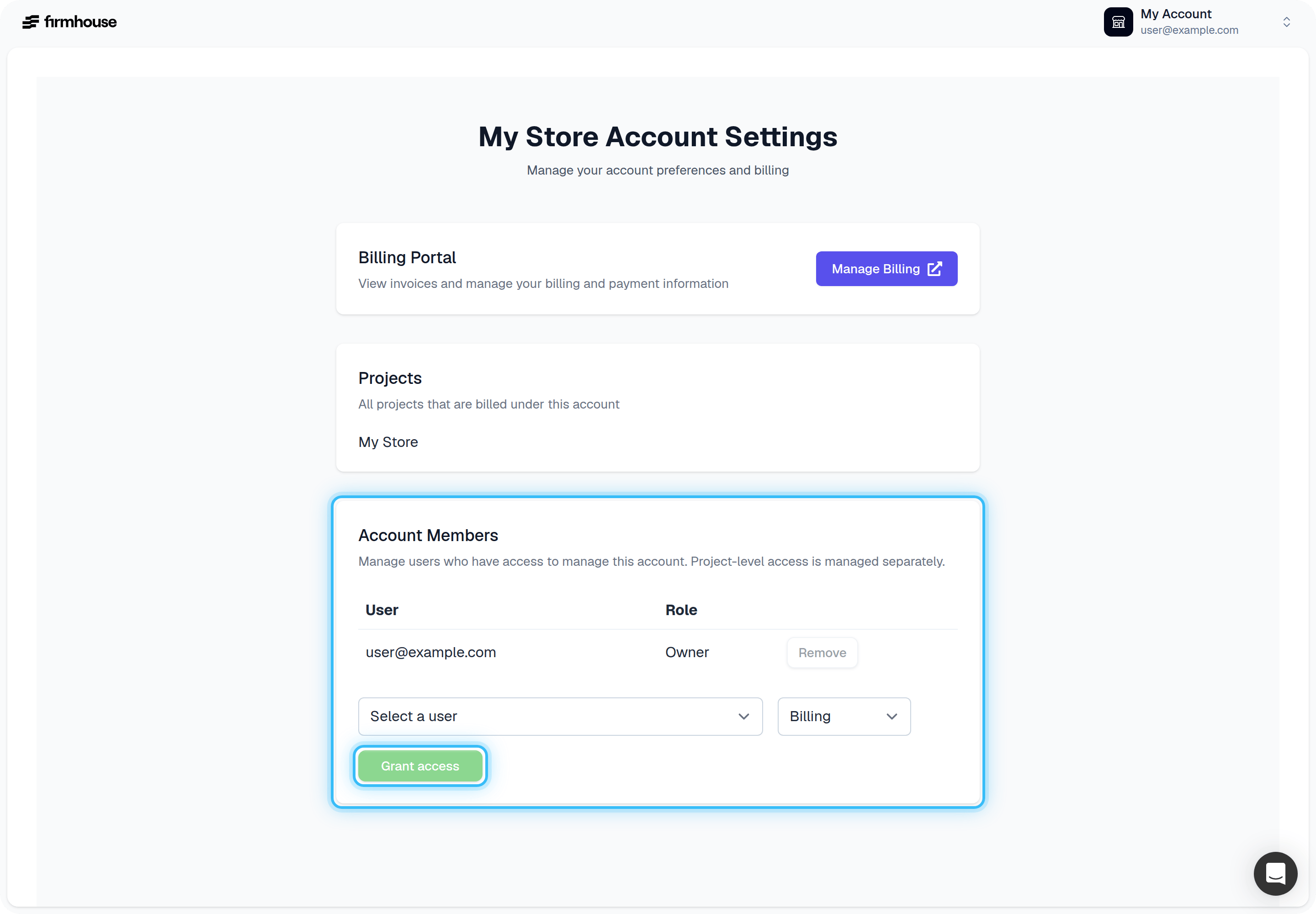
Revoking access
- Access your account page and find the Account Members section.
- Click Remove next to the user you wish to revoke access from.
Note: Revoking access will not remove the user from any projects within your account. Removing only revokes account-level management access.
Shopify-billed Firmhouse subscriptions
If your Firmhouse plan uses Shopify billing, Shopify collects the payment. Your recurring Firmhouse app fee and any usage-based charges are added to your Shopify bills. See Shopify’s guide to app charges. To view these charges or manage your Shopify billing payment method, open Settings > Billing in your Shopify admin. To view your Firmhouse plan, open Manage subscription in the Firmhouse account menu.If a Shopify payment fails
Shopify retries failed collection. A failed payment alone does not lock your Firmhouse project: access remains available while Shopify retries, until Shopify reports the Firmhouse app subscription as frozen. Other access restrictions, such as a canceled subscription, still apply. When Shopify freezes the app subscription because of unpaid Shopify bills, Firmhouse locks the project. New subscriptions and billing cycles/order generation are put on hold. The locked-license banner explains how to recover.Restore access after a Shopify billing freeze
- Log in to Shopify as the store owner. If the store is frozen, follow the payment prompt shown when you log in; full Shopify admin access may be unavailable.
- Pay all outstanding Shopify invoices in full, including any app charges. Paying only the Firmhouse charge is not enough to reactivate a frozen store.
- Wait for Shopify to reactivate the store and report the Firmhouse app subscription as unfrozen. Firmhouse then restores access automatically when it next syncs the subscription status.