Cart Plugins
Upcart—Cart Drawer Cart Upsell
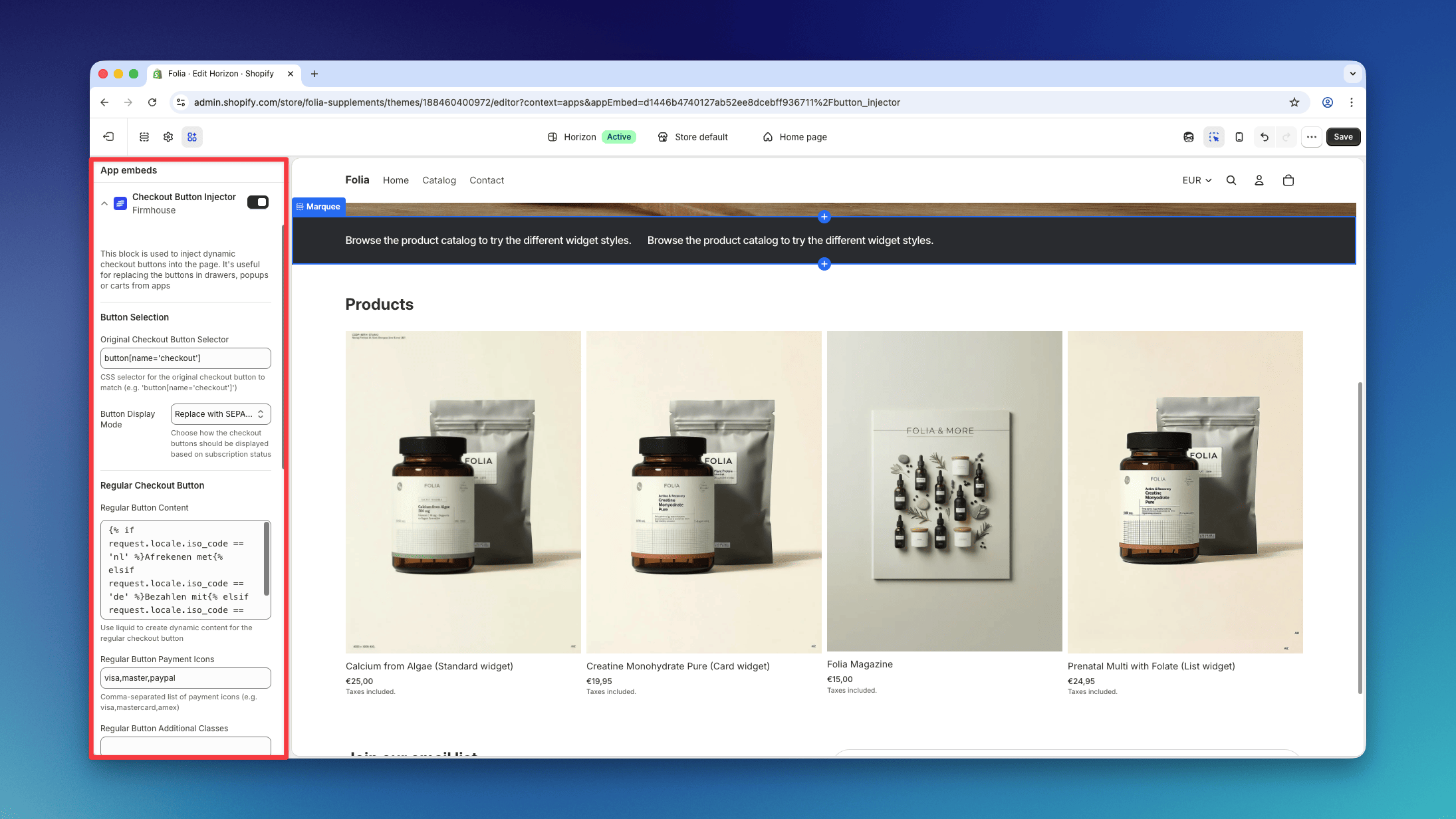
Upcart—Cart Drawer Cart Upsell is compatible with Firmhouse. To make sure your setup works correctly:- Add
.upcart-checkout-button,button[name='checkout']to the Original Checkout Button Selector setting on the Checkout Button Injector app embed.
- Disable the Render Cart in Shadow DOM setting for the Upcart Cart, under Upcart → Settings → Advanced Settings.
Opus Cart Drawer Cart Upsell (now Ego Cart Drawer)
Opus Cart Drawer Cart Upsell, now named Ego Cart Drawer, can render its checkout button inside a Shadow DOM. The Checkout Button Injector cannot reach elements inside that boundary with a CSS selector. The simplest setup is to disable Shadow DOM isolation:- In the Opus settings, disable Render cart in isolated Shadow DOM.
- Keep both SEPA Plan Support and Checkout Button Injector enabled in the Shopify theme editor.
- Set Original Checkout Button Selector to:
- Save the theme and test both a one-time cart and a subscription cart.
Keep Opus Shadow DOM isolation enabled
If you need to keep Render cart in isolated Shadow DOM enabled, use Opus’s custom script support instead:- Keep the SEPA Plan Support app embed enabled.
- Disable the Checkout Button Injector app embed so two integrations do not handle the same click.
- In Opus, open Cart Editor > Settings > Custom script.
- Add the following script after any existing Opus custom code:
shadowRoot to code in this field. The script also looks up the #opus-shadow-container host directly so it can stop safely if that convenience variable is unavailable.
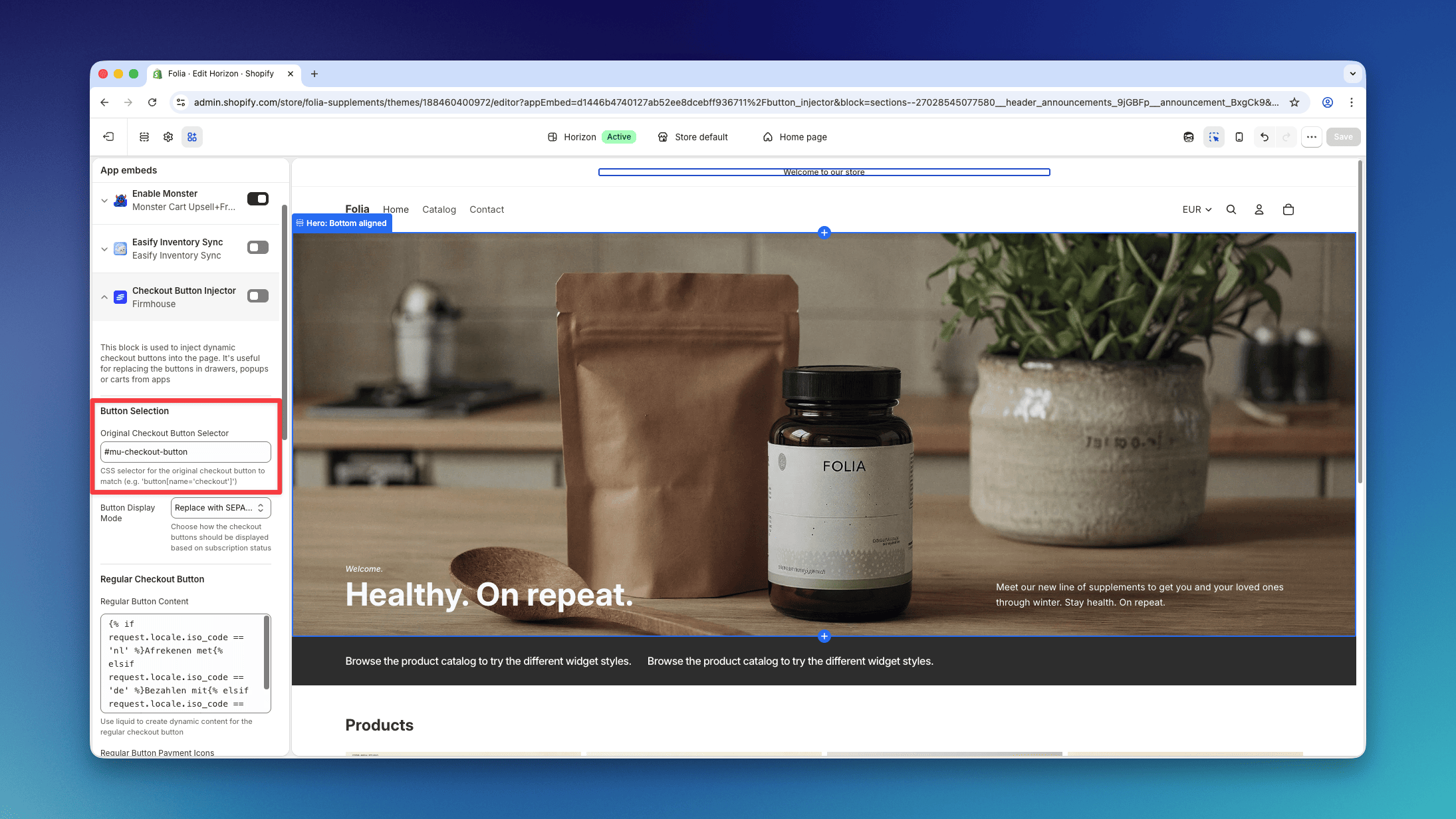
Monster Cart Upsell+Free Gift
Monster Cart Upsell+Free Gift is compatible with Firmhouse. To make sure your setup works correctly, add#mu-checkout-button to the Original Checkout Button Selector setting on the Checkout Button Injector app embed.