Selling Plans
You can create and manage your plans in the Firmhouse portal under the Plans menu.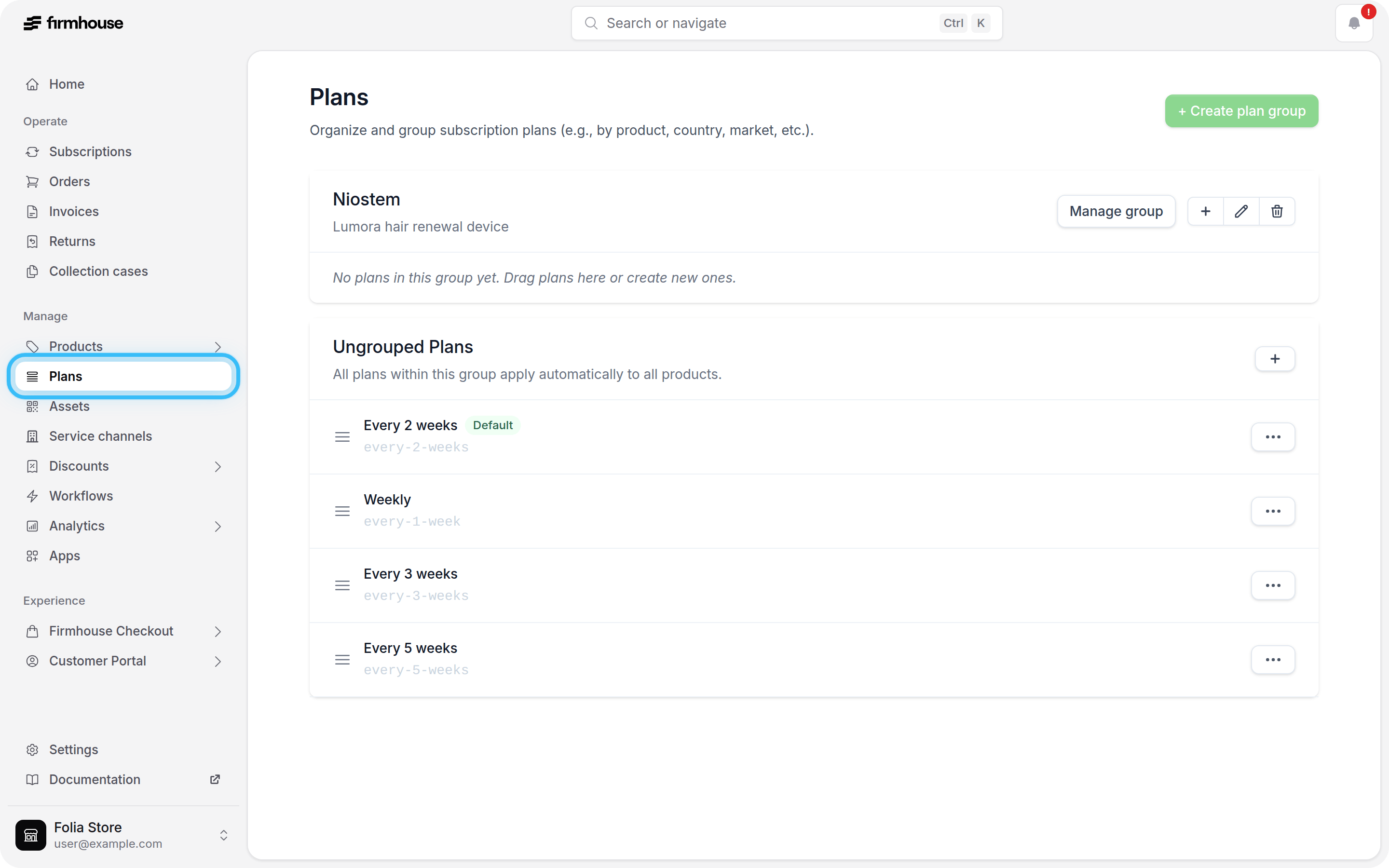
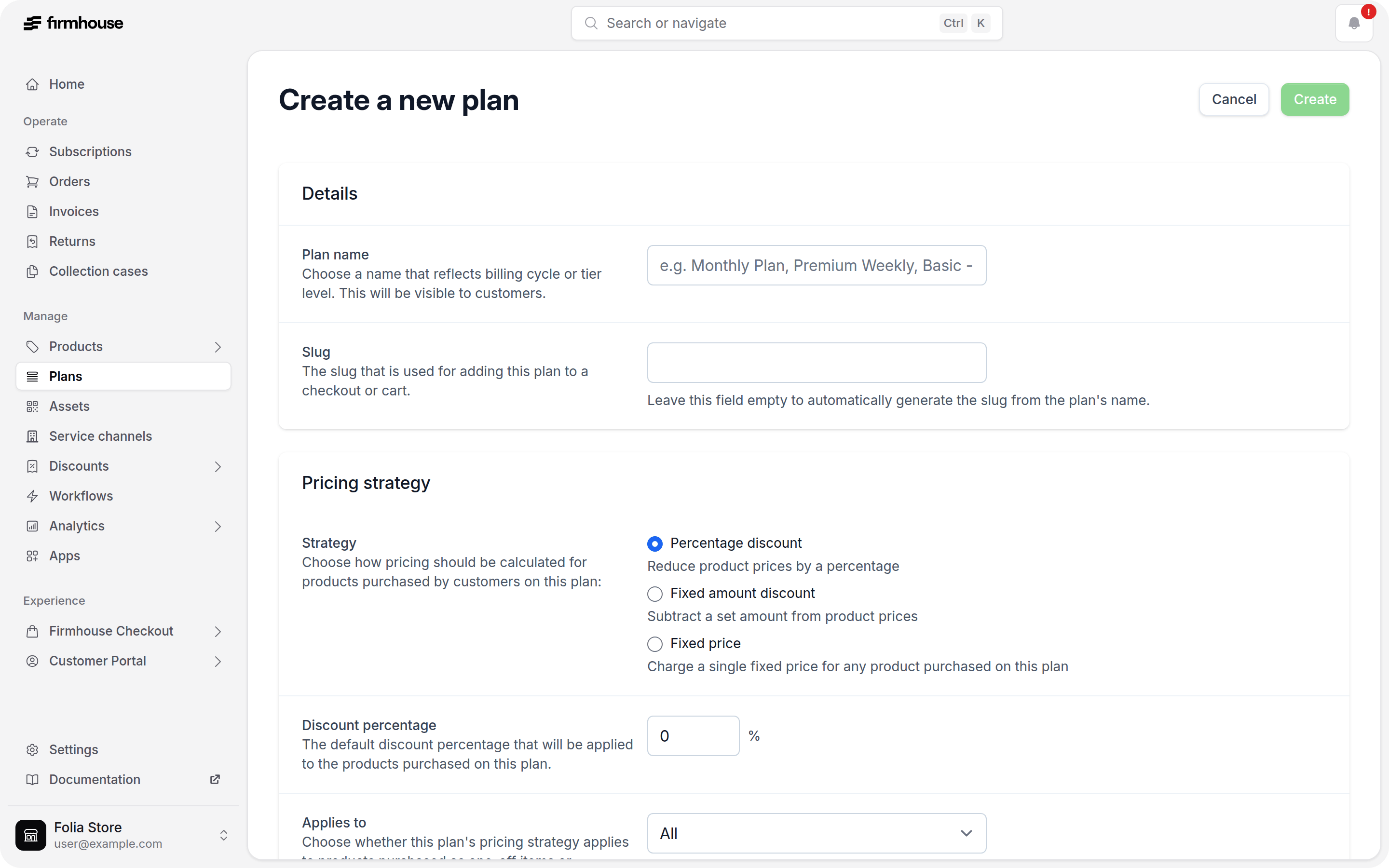
Plan Identifier
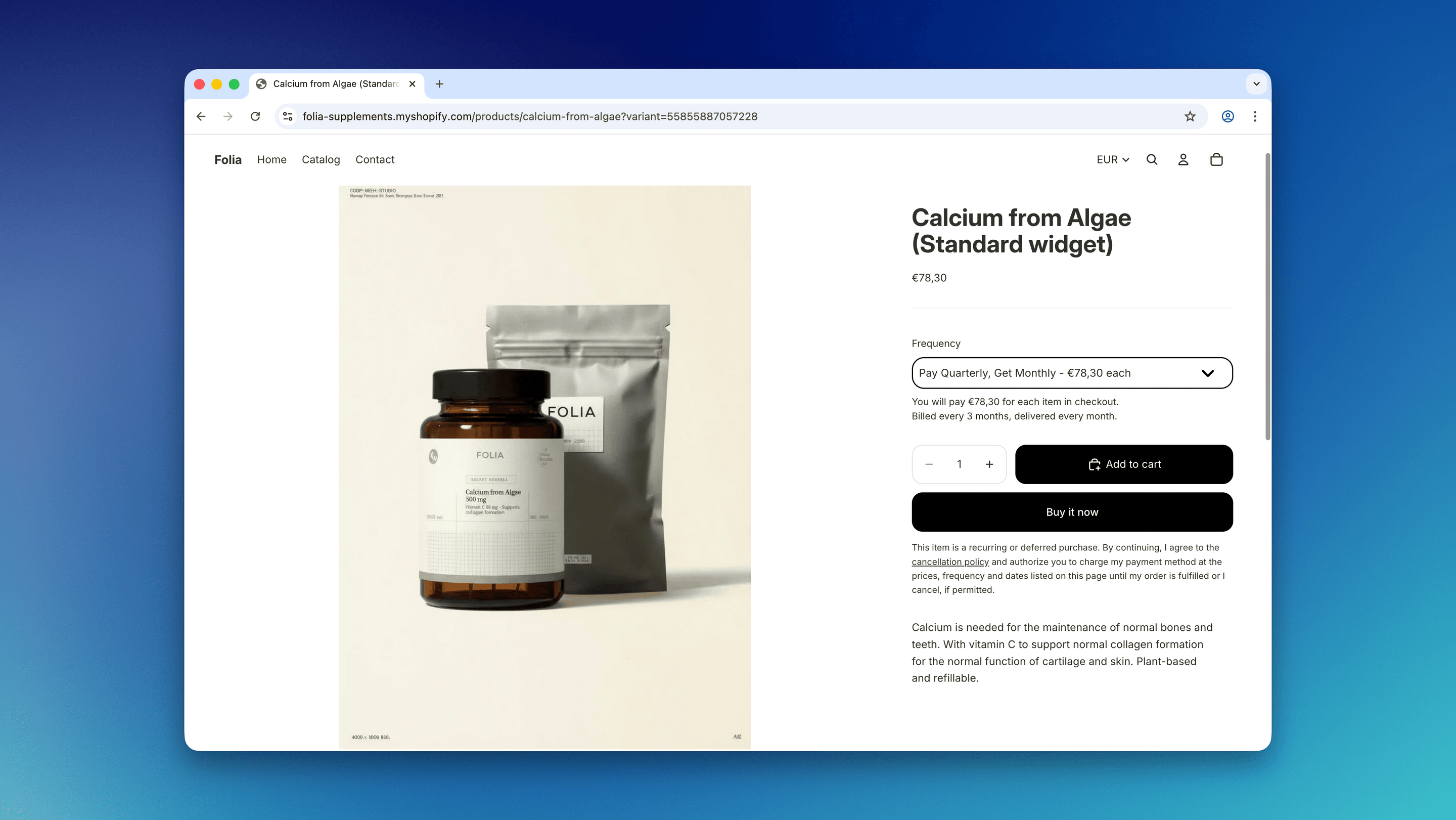
The Plan name is used in the PDP widget of your Shopify store. The Slug is used as a plan identifier along with the plan ID.Pricing Strategy
The Strategy dictates the subscription discount compared to the one-off price. This can be defined in one of three ways:- Percentage discount (e.g., 10% off for subscription)
- Absolute value (e.g., 5 EUR off subscriptions)
- Fixed price - used when you want to charge the same fixed price for any product purchased on the plan. We recommend using this option only for membership propositions where the customer pays the same amount recurrently to receive access to certain services.
- Recurring only - only to subscription products
- One-time purchases - only to one-off items added to the subscription
- All - all products in the subscription will get a discount (whether they are a subscription product or one-time add-on)
Products Shipment Frequency
The shipment frequency dictates how often the customer is charged and should receive an order.Anchor dates and cutoff days
If your plan uses anchor dates, Firmhouse schedules the first subscription order on the next available anchor date. For example, a weekly plan anchored to Monday creates orders for Mondays. When you also use cutoff days, Firmhouse checks whether the billing date for that anchor has already passed. A future delivery can still be selected when its billing date is today, but deliveries scheduled for today are skipped. For example, with a Monday delivery anchor and a 7-day cutoff:- A customer who signs up on Monday, June 15, gets their first scheduled order on Monday, June 22.
- On a weekly plan, the next billing date is June 22.
- On a biweekly plan, the next billing date is June 29, one week before the following Monday delivery on July 6.
- A customer who signs up on Tuesday, June 16, gets their first scheduled order on Monday, June 29 because the June 22 billing cutoff date has already passed.
Contract Terms
The contract terms define the period during which the customer cannot cancel their subscription to this specific plan.Warning: Any changes made to the plan configuration after customers have already signed up with the plan will only apply to NEW subscribers. Existing customers will continue their subscriptions according to the plan configuration in place at the moment of signup.
Selling Plan Groups
For a simple subscription proposition where all products can be paired with every available plan (e.g., 15% off all subscriptions), simply creating plans in the Ungrouped Plans section is sufficient.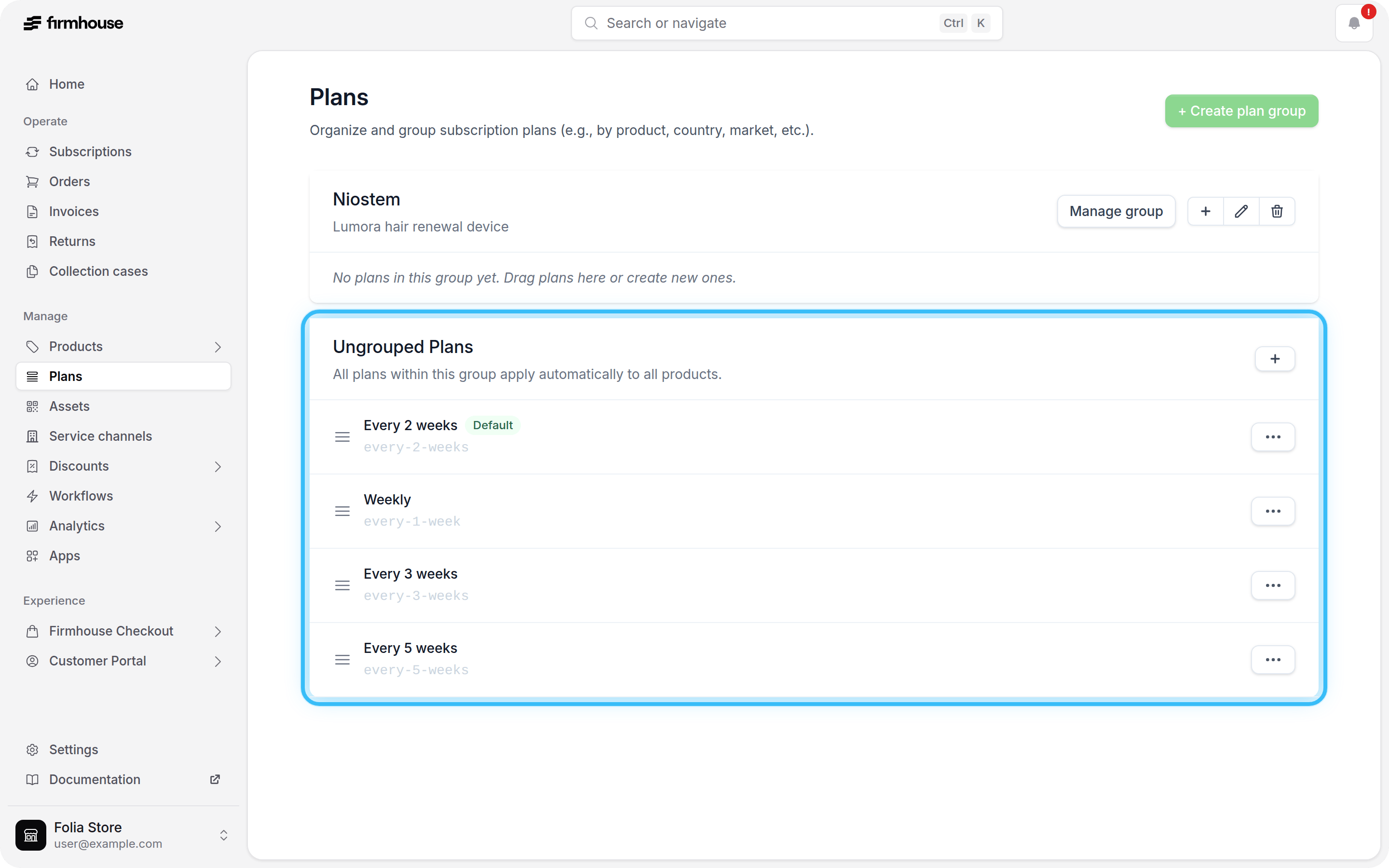
- Create two plan groups: Shampoo and Soap
- Create the plans with the discounts you want to offer for each collection
Create a Selling Plan Group
To create a selling plan group, use the Create Plan Group button.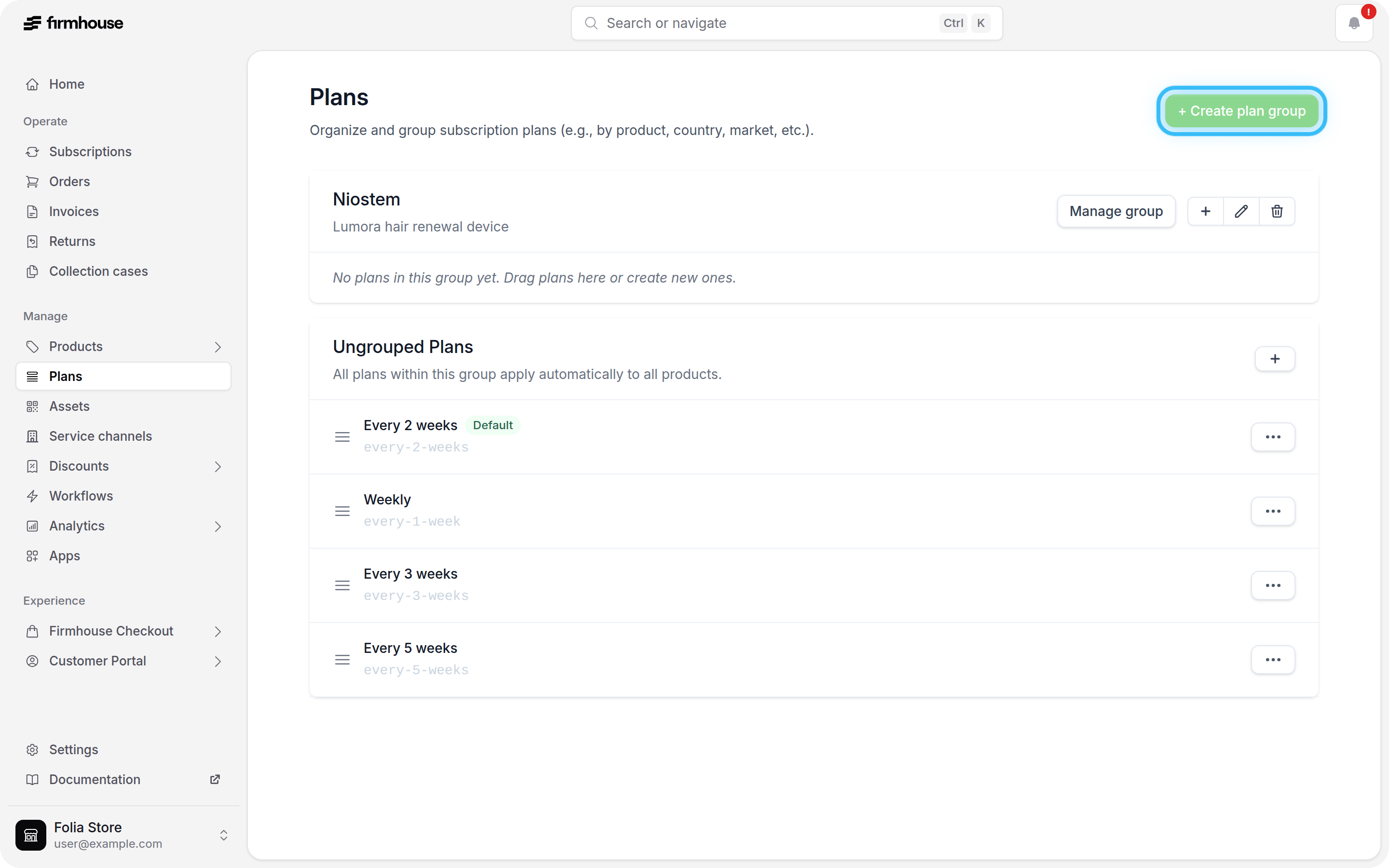
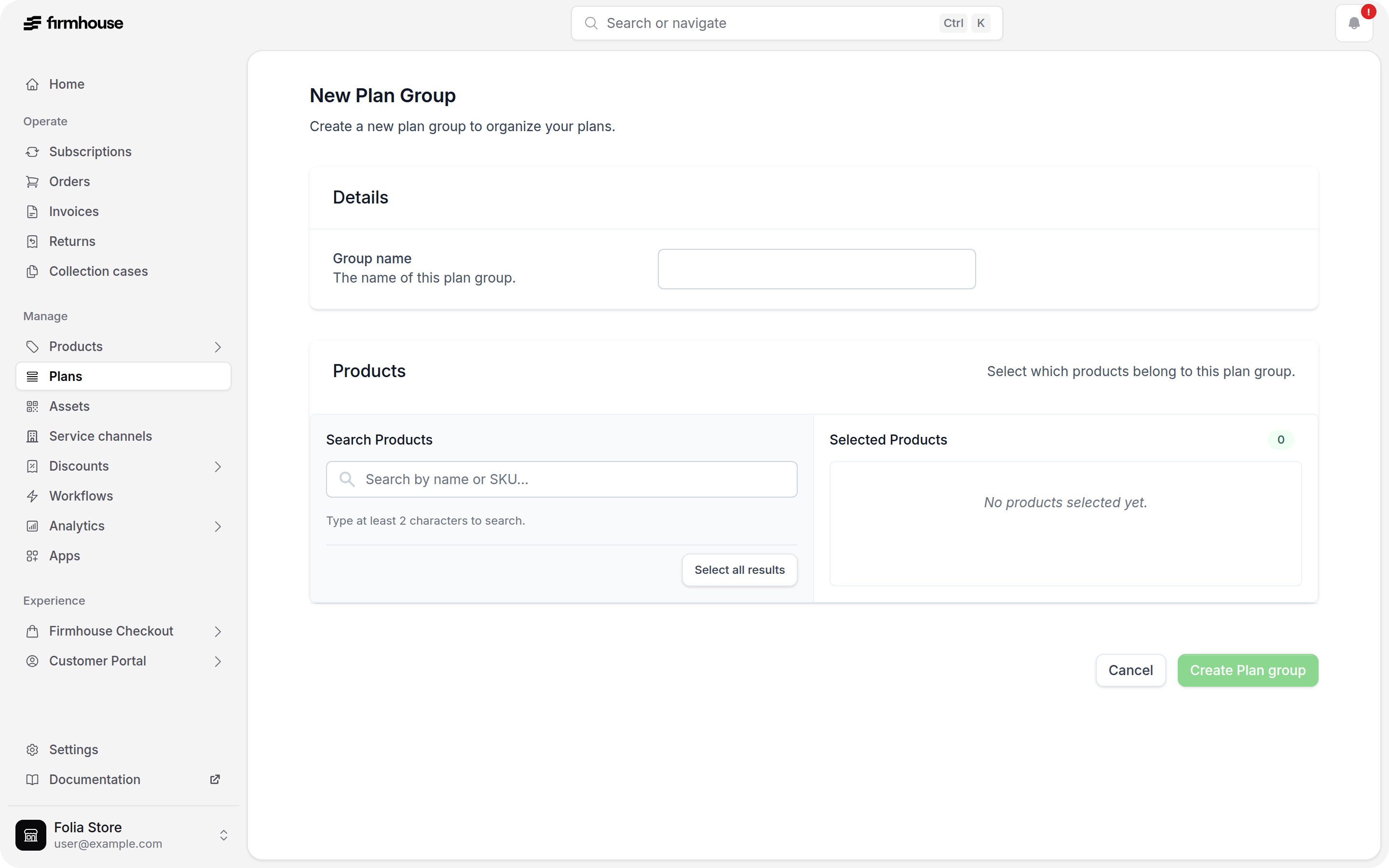
- Configure the selling plan group name (not visible to the customers)
- Search for products that should belong to the plan
- Select the relevant products for the plan
When a subscription option disappears from a Shopify product
If a subscription option no longer appears on a Shopify product page after products or variants were changed, first check whether the visible Shopify variant still belongs to the correct selling plan group. This can happen when a product is replaced, a subscription variant is removed, or a one-time-purchase variant is renamed to become the main product variant. The Firmhouse widget only shows the selling plans that are available for the selected Shopify variant. If the remaining variant is not included in the selling plan group, the product can look like it is no longer connected to Firmhouse. To resolve this:- Open the selling plan group in Firmhouse.
- Check which Shopify product or variant is selected for the group.
- Add the current visible Shopify variant to the selling plan group.
- Save the group and refresh the product page.
Adding products outside the plan group (from the admin portal)
When a subscription has a plan that belongs to a plan group, customers can only add recurring products that are allocated to that plan group in the Self Service Center. Products configured to ship only once remain available across plan groups when Existing customers can add this product to their subscription is enabled. When adding recurring products from the admin portal, you can override the plan-group restriction and select any product, including those outside the plan group. Products outside the plan group are labeled in the product search, and a warning appears when you select one—you can still add it manually. See Add or remove products from a subscription for details.Deleting a Plan
A plan can only be deleted when it has no active or pending subscribers. As long as customers are subscribed to a plan, the Delete option is disabled in the portal and the plan cannot be removed. This protects subscribers from having their plan configuration removed while their subscription is still running. The same rule applies to selling plan groups: a plan group can only be deleted once every plan inside it can be deleted. To remove a plan that still has subscribers, the subscriptions on it first need to end. There are two ways to reach this:- Wait for the existing subscriptions on the plan to end.
- Cancel the affected subscriptions and have those customers sign up again on the correct plan. See Cancelling a subscription.
Hiding a Plan Without Deleting It
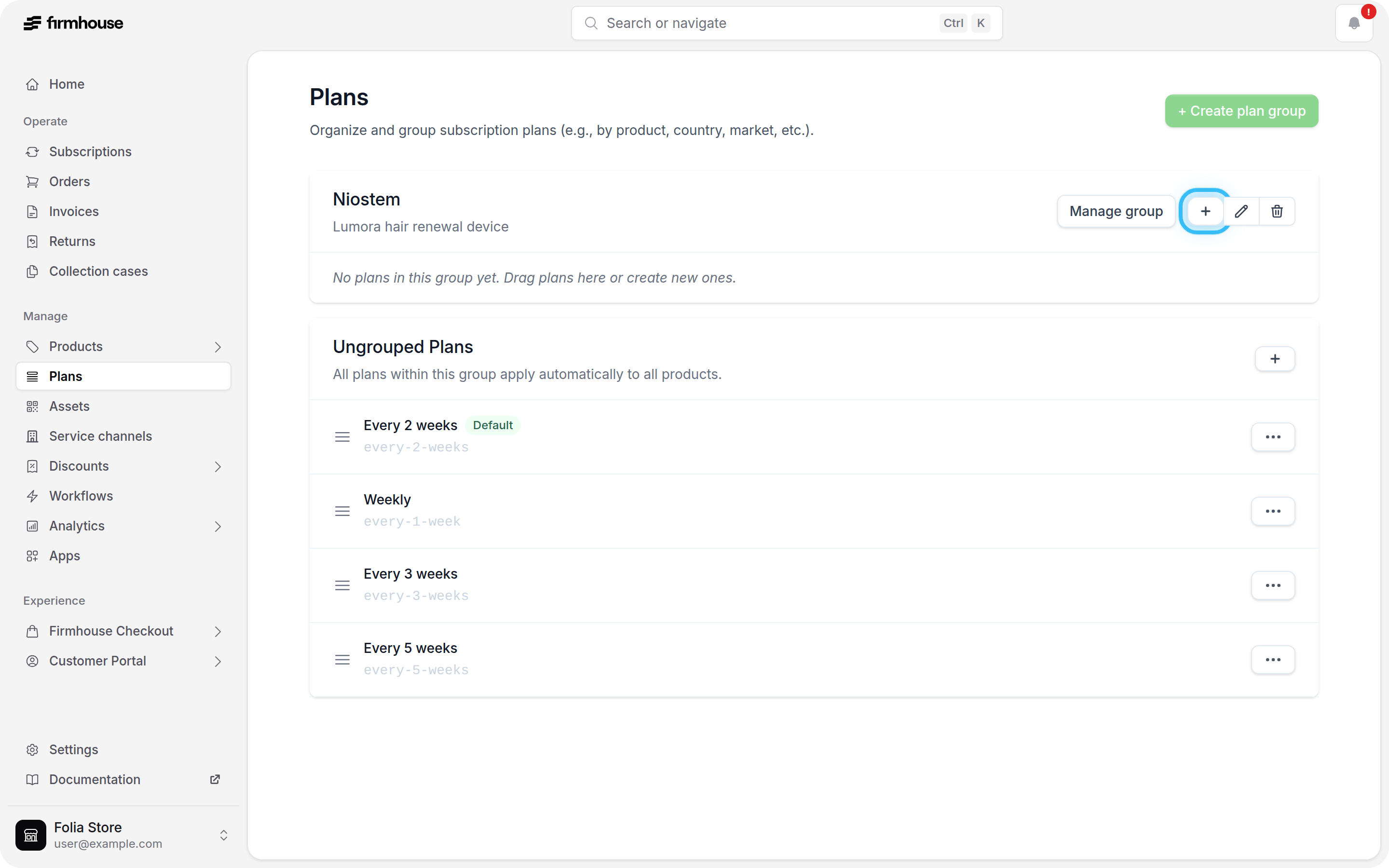
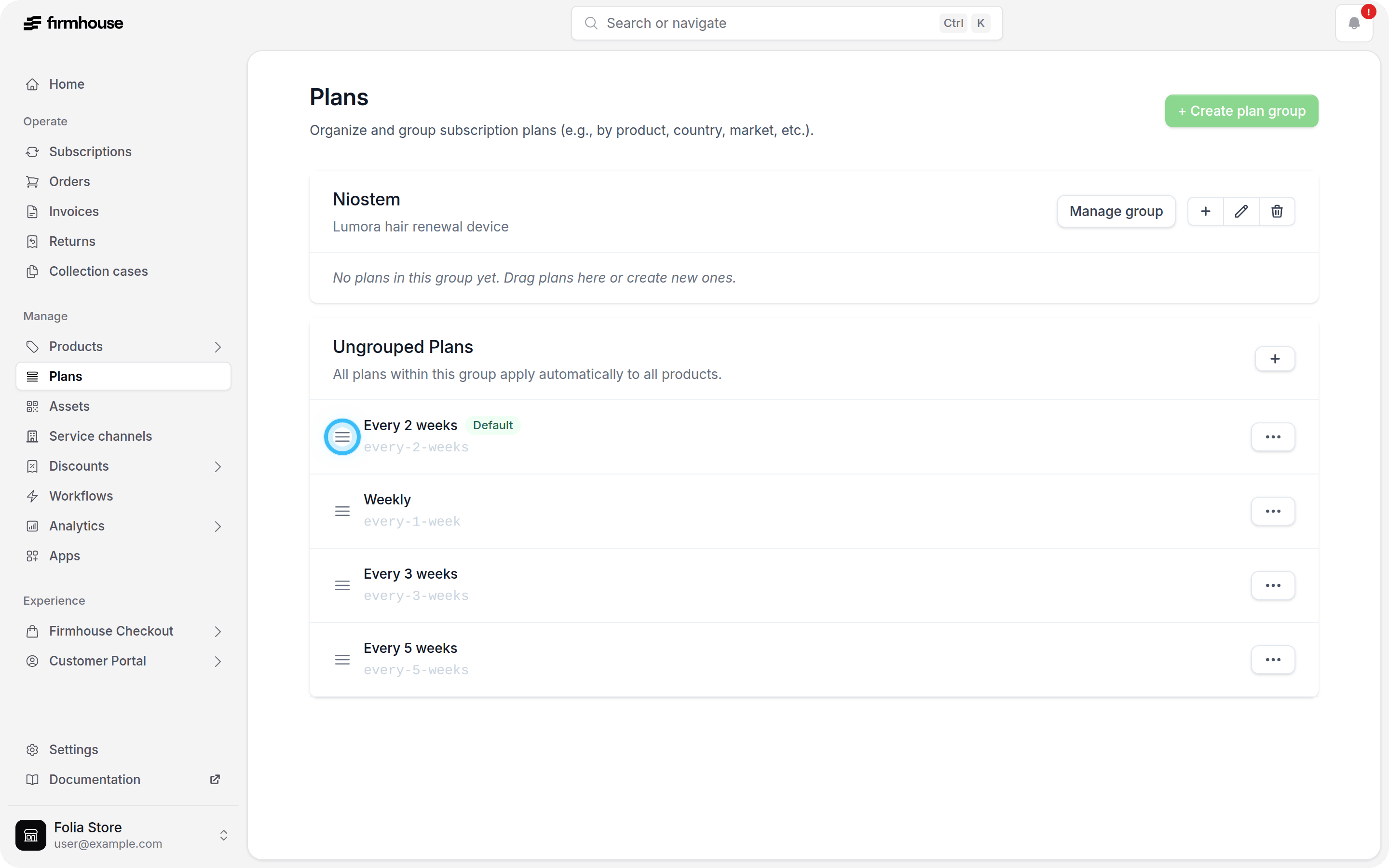
There are cases where you want a plan to stop appearing to customers but cannot delete it because it still has subscribers. In this situation, you can move the plan out of view instead of deleting it. Plans in the Ungrouped Plans section apply to all of your subscription products, so an ungrouped plan is shown on every product. A plan inside a selling plan group only applies to the products assigned to that group. To hide a plan from your storefront:- Create a new plan group and do not assign any products to it.
- Move the plan into that empty plan group.
Note: This change is applied to your Shopify storefront through a background sync and may take a short while to take effect.
Where Are Selling Plans and Selling Plan Groups Visible?
Selling plan groups are only visible to you in the configuration pages, within Firmhouse and Shopify. Selling plan information is also visible to customers. They will see the selling plan name in the widget on your PDP, cart, and checkout. You will want to give the plans suggestive names for this reason. When one or more plans in the same Shopify selling-plan setup use contract terms, Shopify can also show a Contract terms option alongside the selling plan details. The value lists the configured minimum and/or maximum term for that plan.