Cancel a stopped subscription
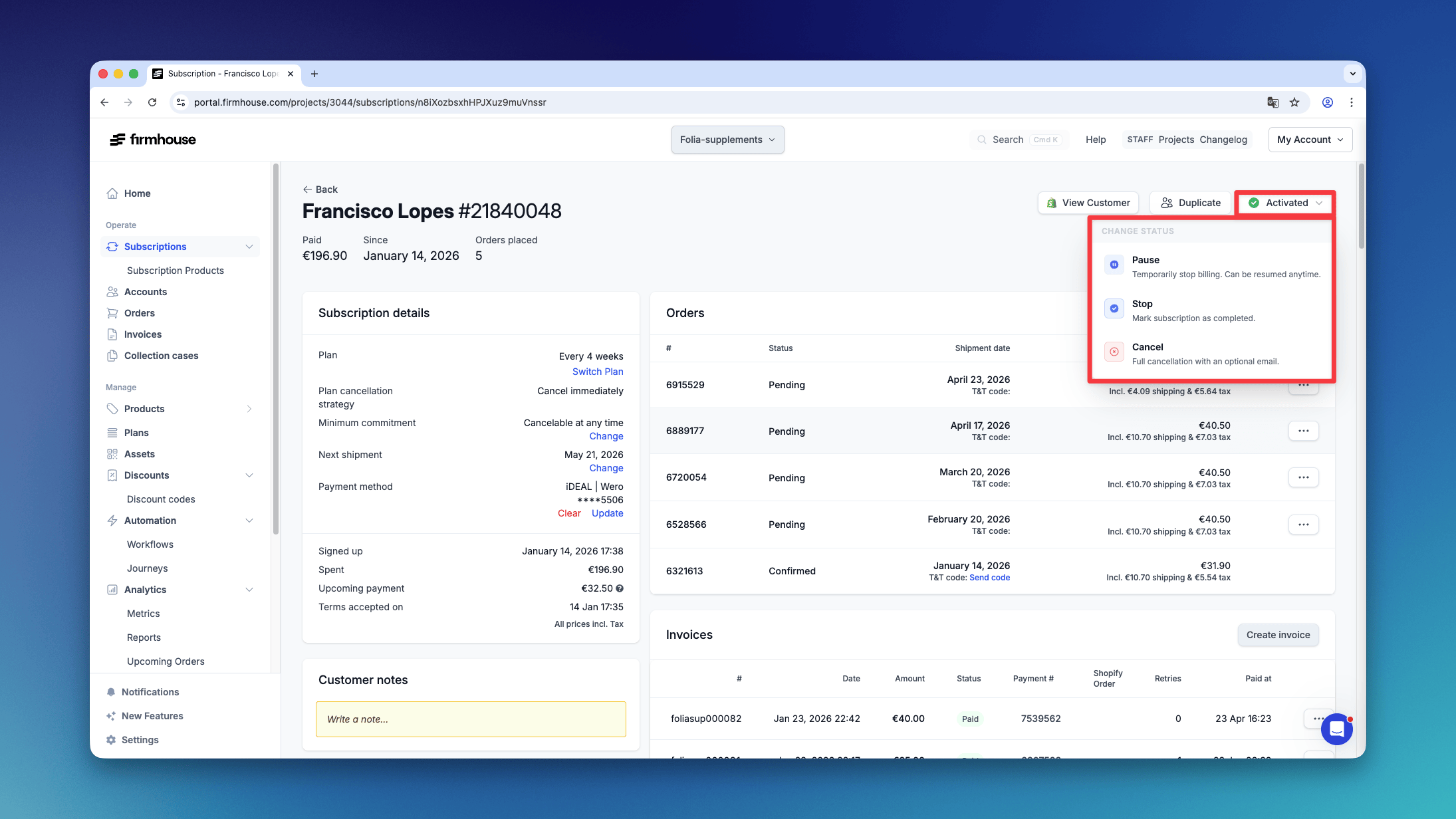
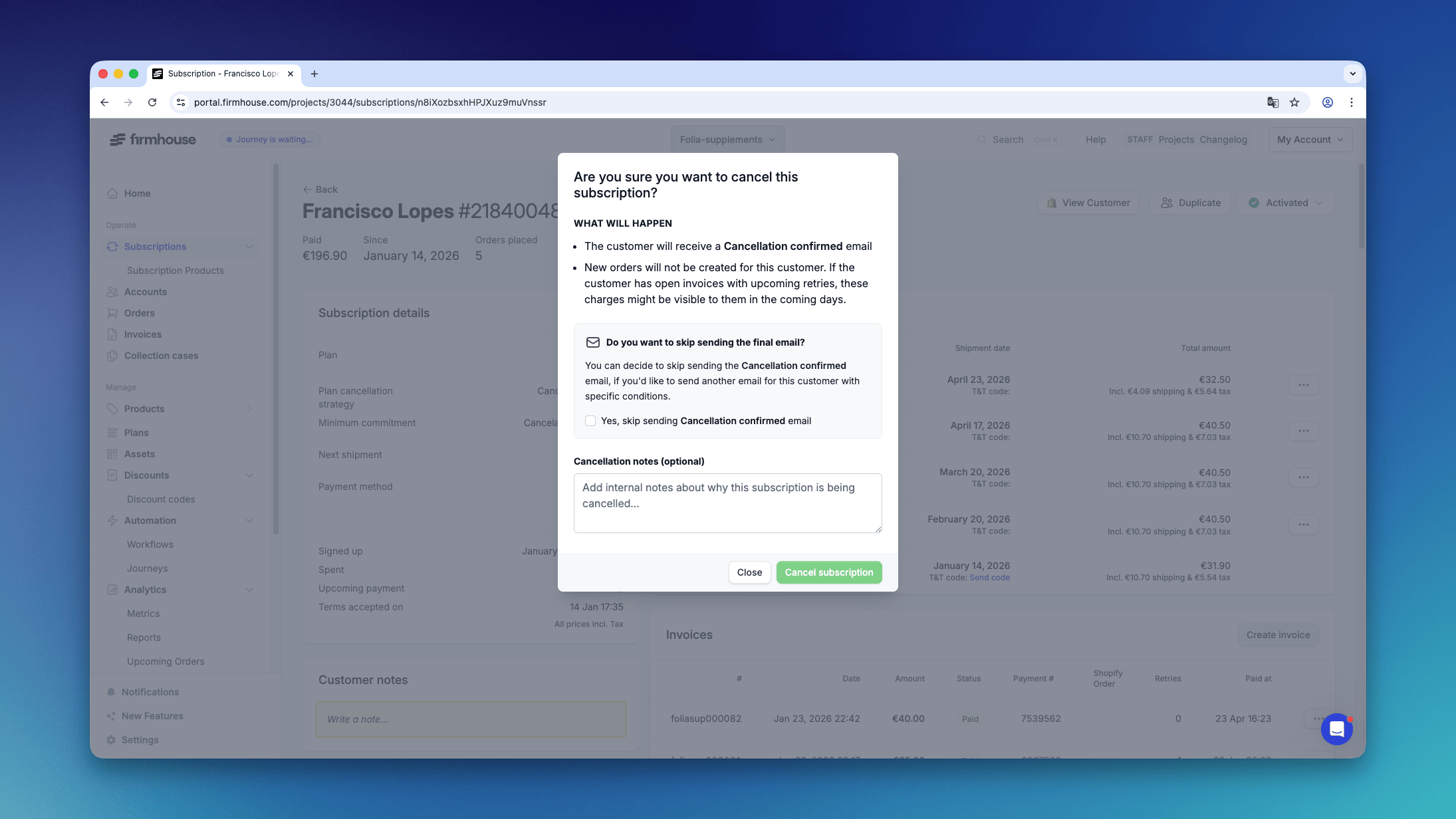
For a subscription with Stopped status, select Cancel from the same status menu. The subscription changes directly to Cancelled, preserving its activation and billing dates and creating no new charge. This also applies when two-step cancellation or cancellation at the end of the billing period is configured. Use this when a completed subscription, such as one stopped after an asset purchase, needs to be recorded as cancelled. You do not need to reactivate it first. The usual cancellation notes, reasons, and option to skip the confirmation email are available. Existing open invoices and payment retries can still be collected. Integrations can use thecancelSubscription GraphQL mutation for the same direct transition, without setting skipTwoStepCancellation.
When a Product Needs to Be Returned
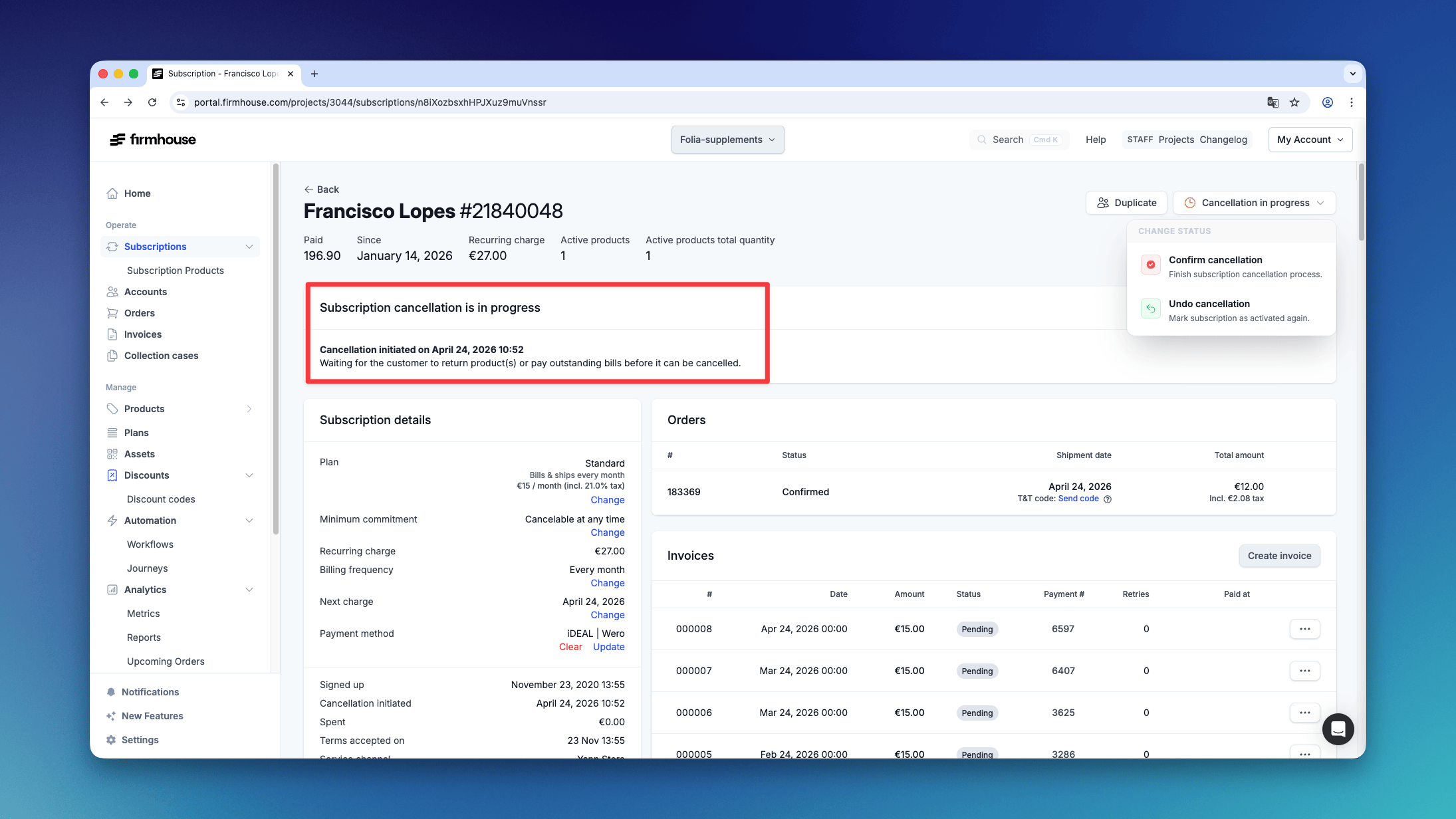
In the event a product needs to be returned:- The Firmhouse platform sends out an email to the customer with return instructions
- The customer is then marked as “cancellation pending”