

Add products to a plan group
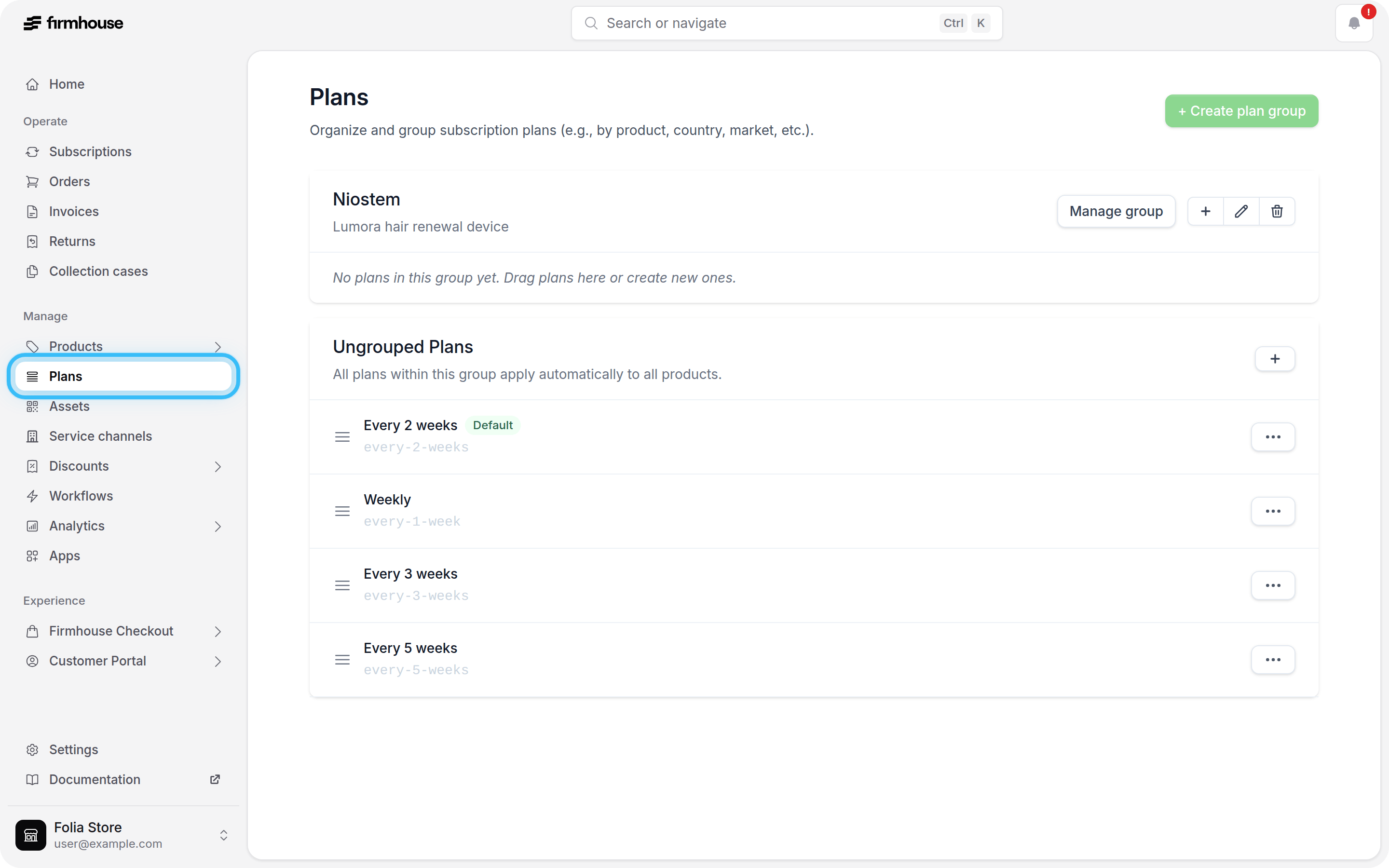
- Go to Manage > Plans.
-
Find the plan group you want to update and click Manage group.
- Under Products, search for the product by name, SKU, or Firmhouse product ID.
- Click Select next to the product.
-
Click Save changes.
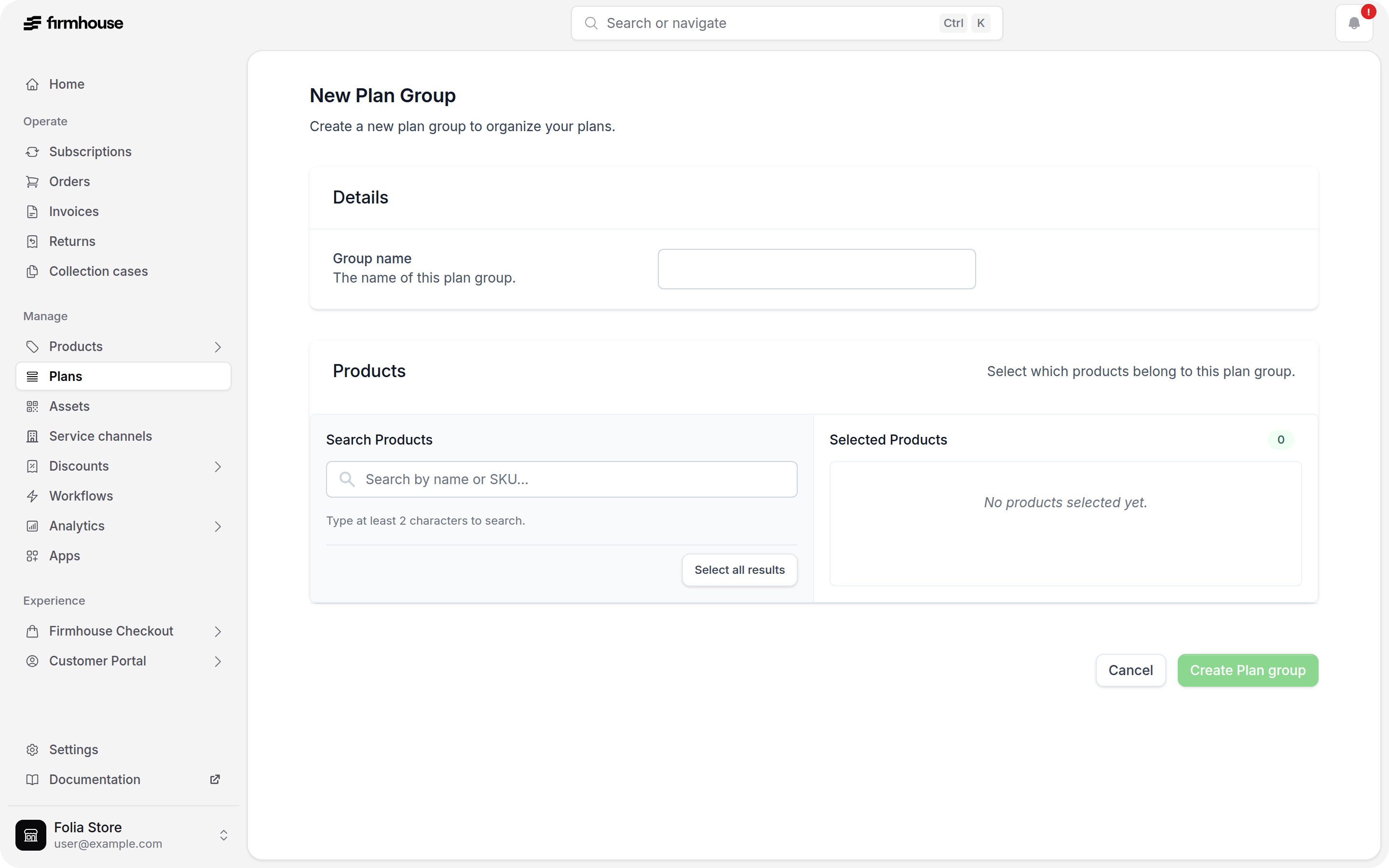
Add Shopify products to an existing plan group in the Firmhouse portal.