

- Magazine and content subscriptions — pay for an annual subscription, get an edition every 2 months.
- Habitual food & health supplements — buy a full year of daily doses for vitamins where usage is predictable.
Benefits for merchants
- Earn revenue up front and pull cash forward.
- Stock and production become predictable — you already know what you need to ship months ahead of time, leading to more efficient purchasing and supply chain planning.
- No risk of chargebacks or failed payments for future recurring shipments.
- Let customers gift a fixed-period prepaid subscription to friends and family.
Benefits for customers
- Get an additional discount by paying up front.
- Know exactly when products will ship, creating a sense of trust and predictability.
- Gift a subscription duration to someone, for example a year’s worth of products shipped every 2 months.
Create a prepaid subscription plan
First you need to create a plan group and one or multiple prepaid subscription plans for your products. In the following example, we’ll create a prepaid subscription plan that costs €100/year and includes 4 deliveries — one every quarter.Create a plan group
- In the Firmhouse Portal, click Plans from the sidebar.
- Click Create Plan Group.
- Give your new plan group a name such as Prepaid Subscriptions.
- Add all products to the plan group that you want to sell on the same annual price point. For example: €100/yr for 4 deliveries of that product.
Create a prepaid plan
- Back on the Plans overview, click the [+] button in the plan group you just created.
- Give your plan a name, which will show up on your Storefront.
- From the Pricing strategy, choose Fixed price and enter your annual subscription price as amount. For example 100 for €100 to be paid at Checkout and via direct debit on annual renewal.
- Choose Prepaid plan for the Plan mode.
- Choose 1 year for the Recurring charge moment and 2 months for the Delivery cycle. This means the payment is per year, and a delivery will happen every two months.
- Choose Renew for the next billing cycle from Prepaid commitment. This means the subscription will automatically renew after one year.
- Leave the contract terms empty.
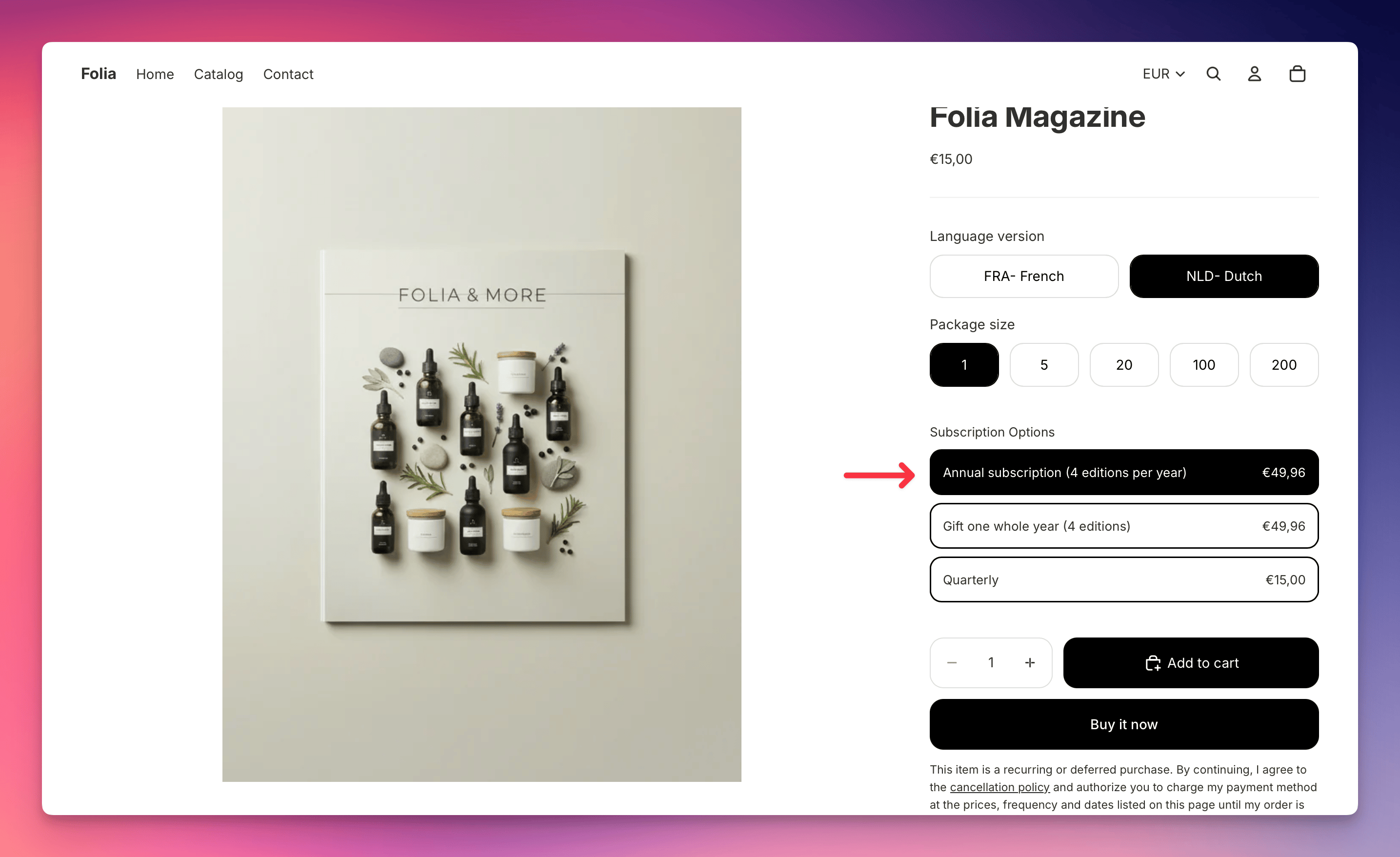
How prepaid plans show up on your store
A prepaid plan is not very different from a regular plan. If you’re using the standard Firmhouse Subscription Options theme block on your Shopify store, it will display the prepaid option alongside your other plans. In the cart: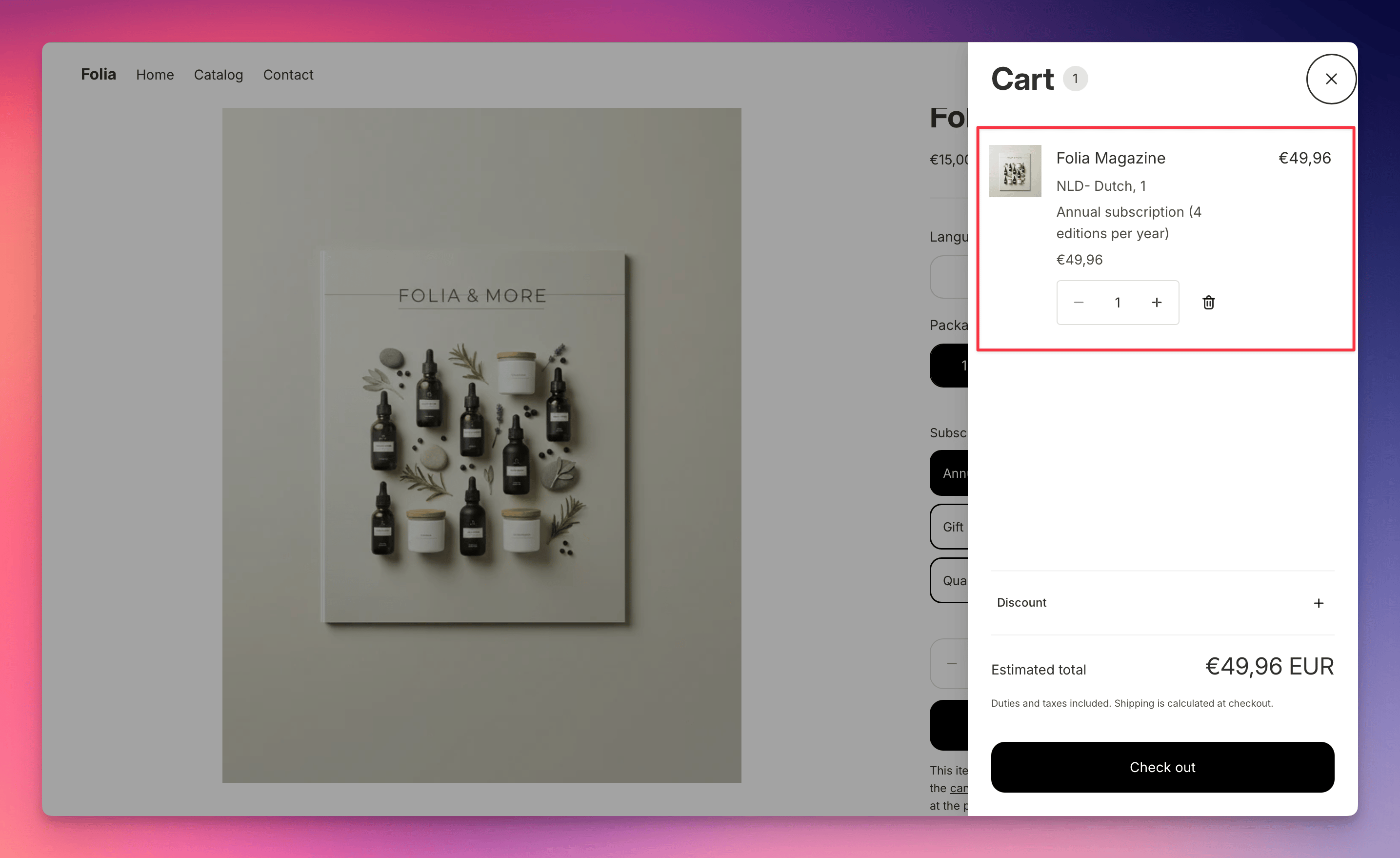
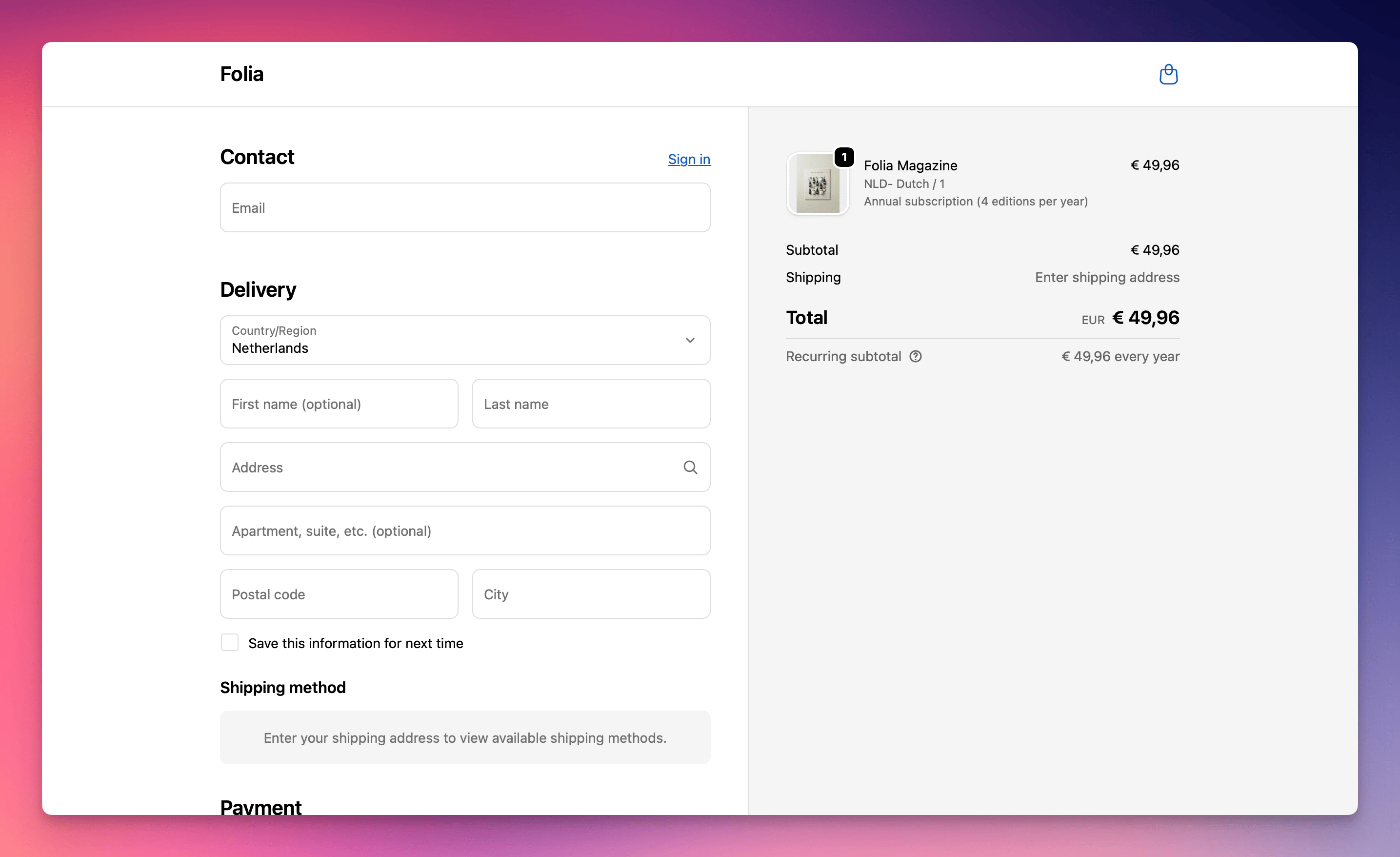
Order scheduling and fulfillment
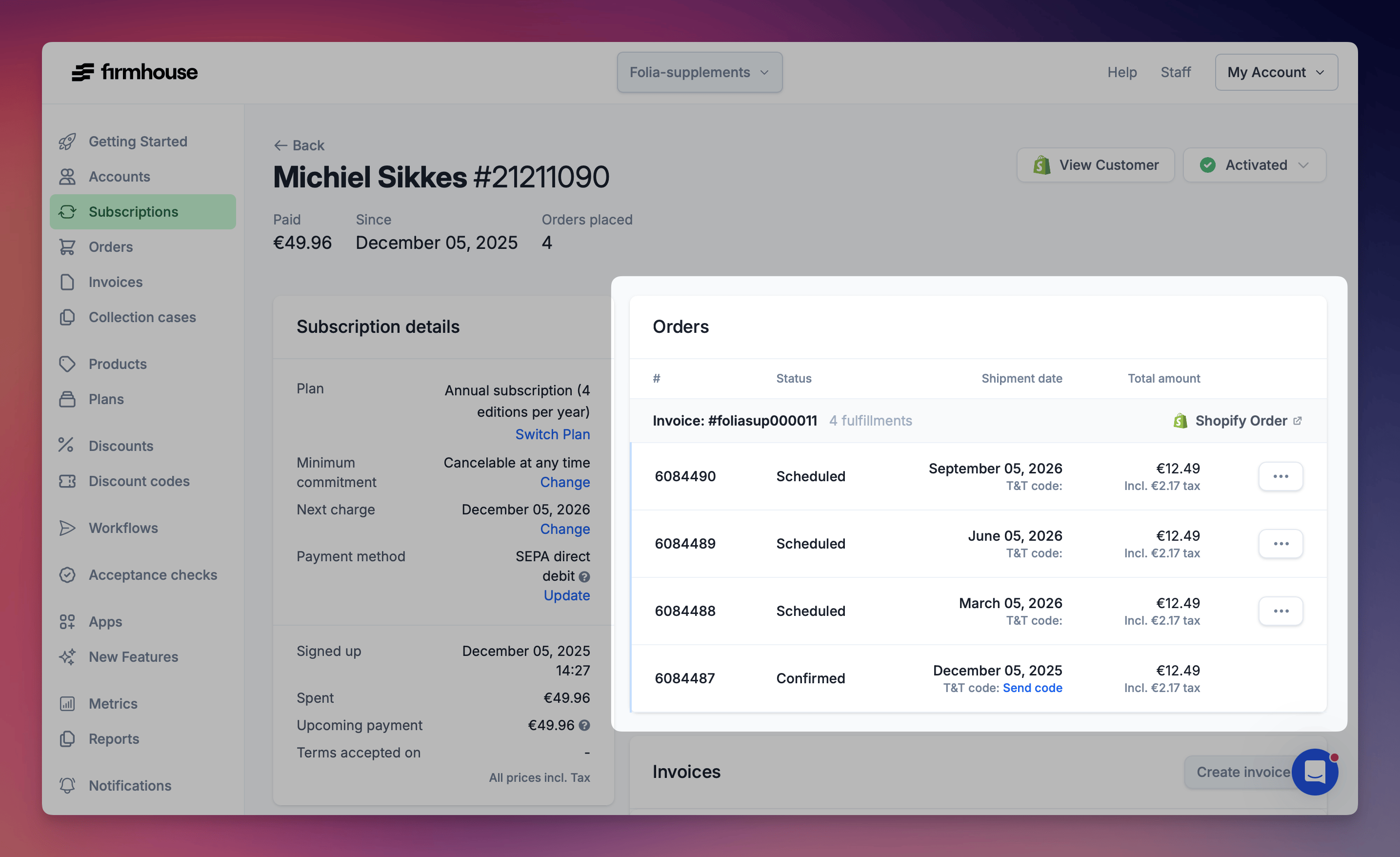
After someone completes a prepaid subscription checkout, the order for the first delivery can be found in your Shopify order overview. All subsequent orders are already scheduled by Firmhouse and will show up with the status Scheduled. These orders are not created in Shopify yet — Firmhouse will create them in Shopify when the scheduled date arrives. First order in Shopify: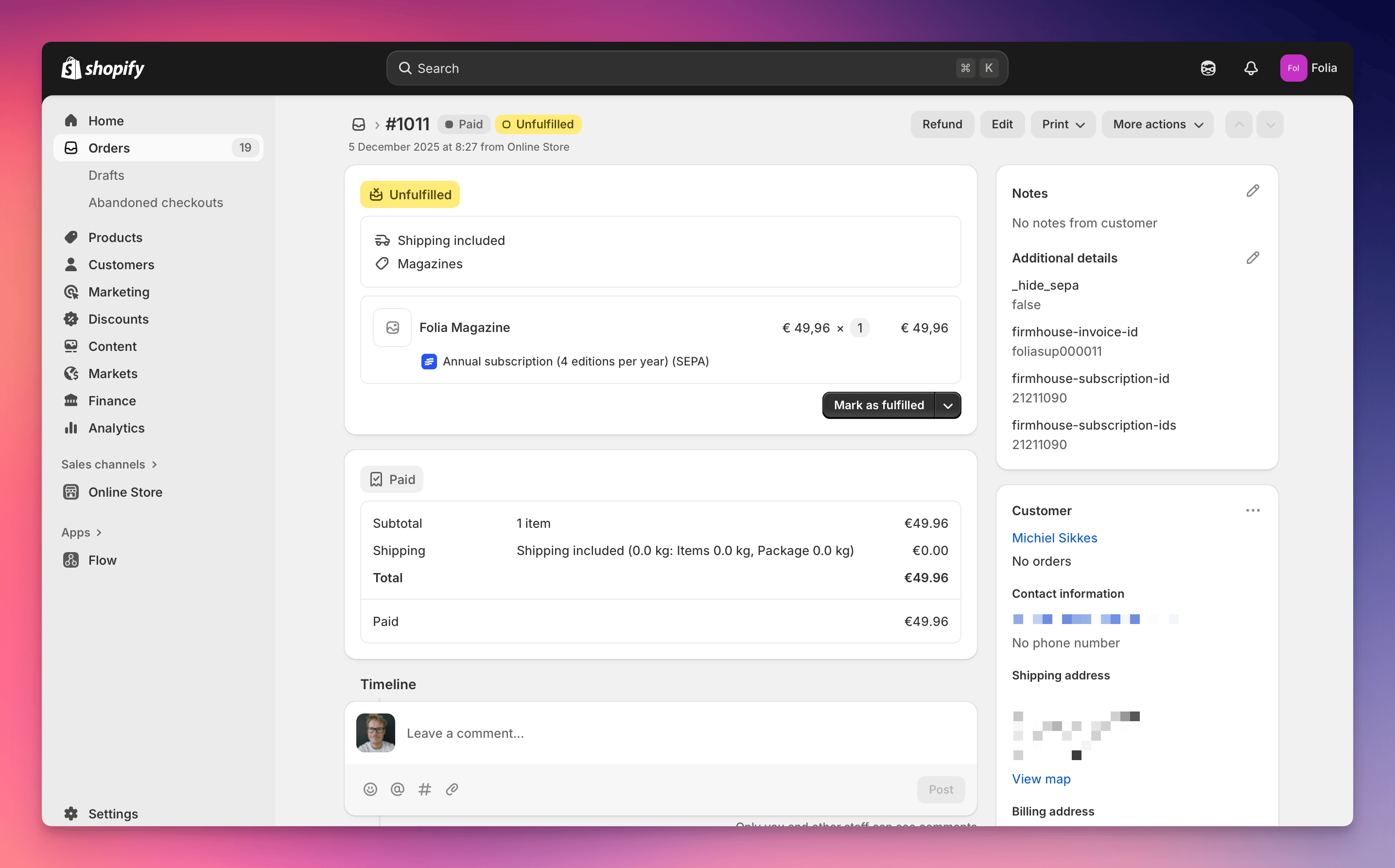
Prepaid subscription renewal and cancellation
Subscription orders are automatically renewed when the next charge date is reached. For an annual subscription plan, this would be exactly one year after checking out the subscription. On the renewal date, another annual payment is attempted. After the payment succeeds, an invoice is generated, the first order of the new cycle is created in Shopify for fulfillment, and subsequent orders are scheduled on their appropriate future dates. If customers cancel their subscription before the next renewal date, no new payment is attempted and no new orders will be scheduled.Moving to a regular plan after a prepaid term
By default, a prepaid subscription either renews on the same plan or stops at the end of its billing cycle, according to its commitment settings. You can instead choose an available non-prepaid plan that active prepaid subscriptions will move to after their paid period. This setting is being rolled out per project. Contact Firmhouse support if Plan after the prepaid period is not visible yet. To configure a rollover:- Open Plans and edit the prepaid plan.
- Under Prepaid commitment, choose Renew for the next billing cycle.
- Select the regular plan under Plan after the prepaid period.
- Save the plan.
updateSubscribedPlanV2 still take effect when called. They do not schedule a switch for the end of a prepaid term. The Customer Portal renewal options below are a separate way to return to an original regular subscription created through a prepaid upgrade.
Let customers choose a prepaid renewal option
When Customer Portal v2 is enabled, customers on prepaid subscriptions can see a prepaid renewal block on their dashboard when their renewal date is coming up. The block links to a renewal options page where customers can:- Keep renewing their prepaid subscription.
- Switch back to their original regular billing subscription when the prepaid period ends.
- Update the renewal payment date without changing their renewal option.
{% prepaid_renewal %} tag where you want the renewal block to appear.