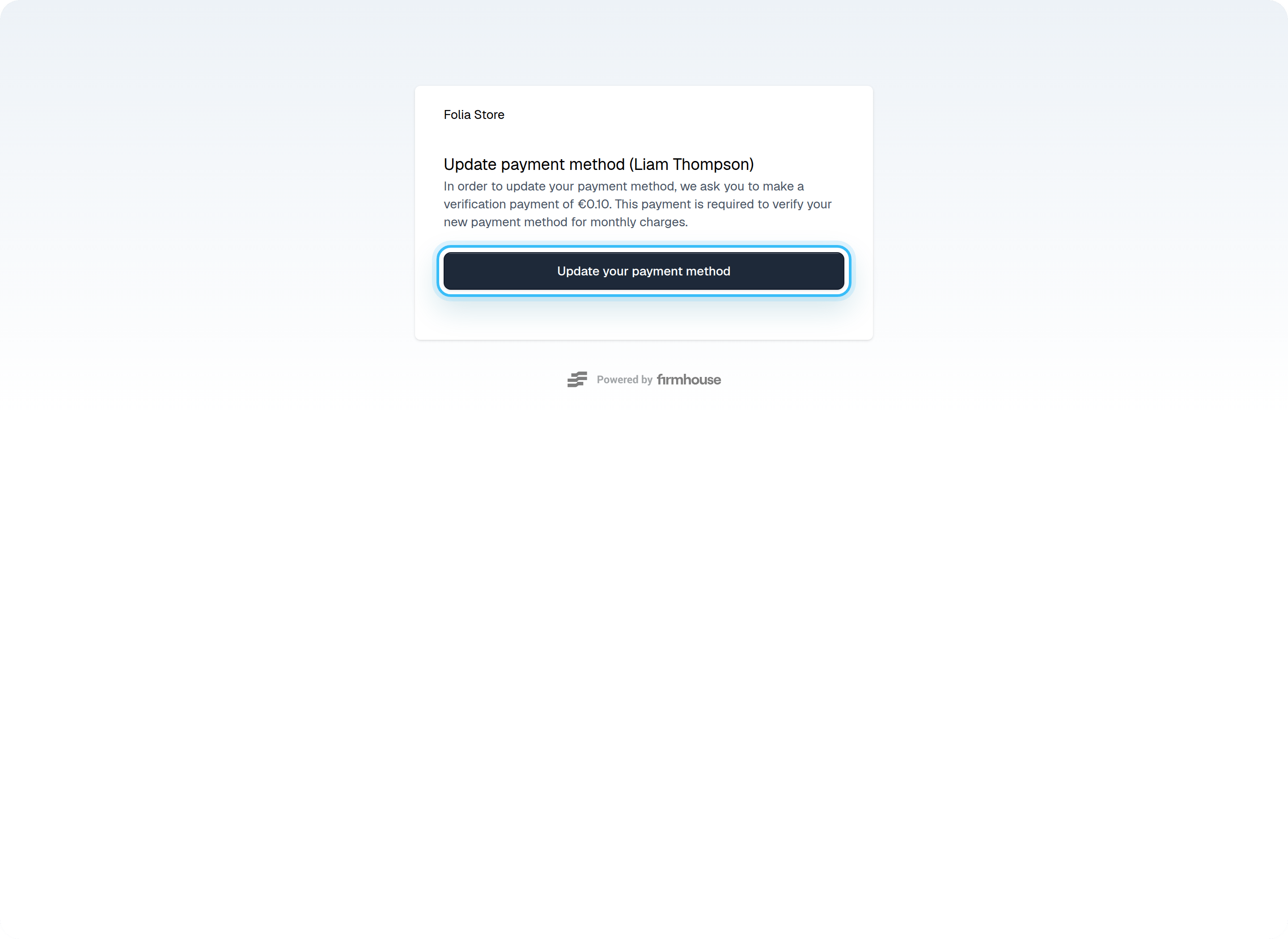
Update the payment method via the SSC
Customers can update their payment method by themselves in the SSC. The first step is to log into the Self-Service Center and navigate to Personal details.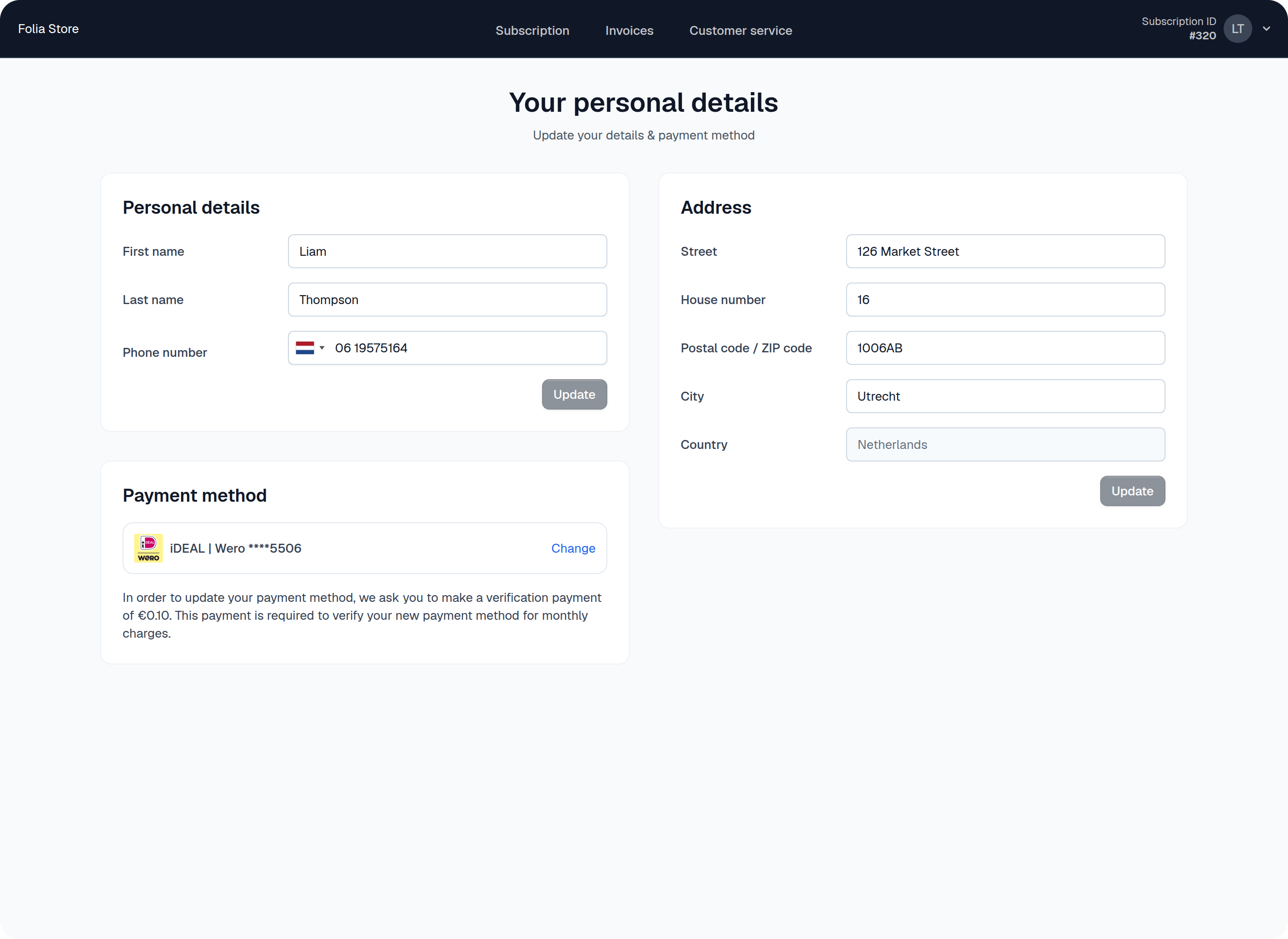
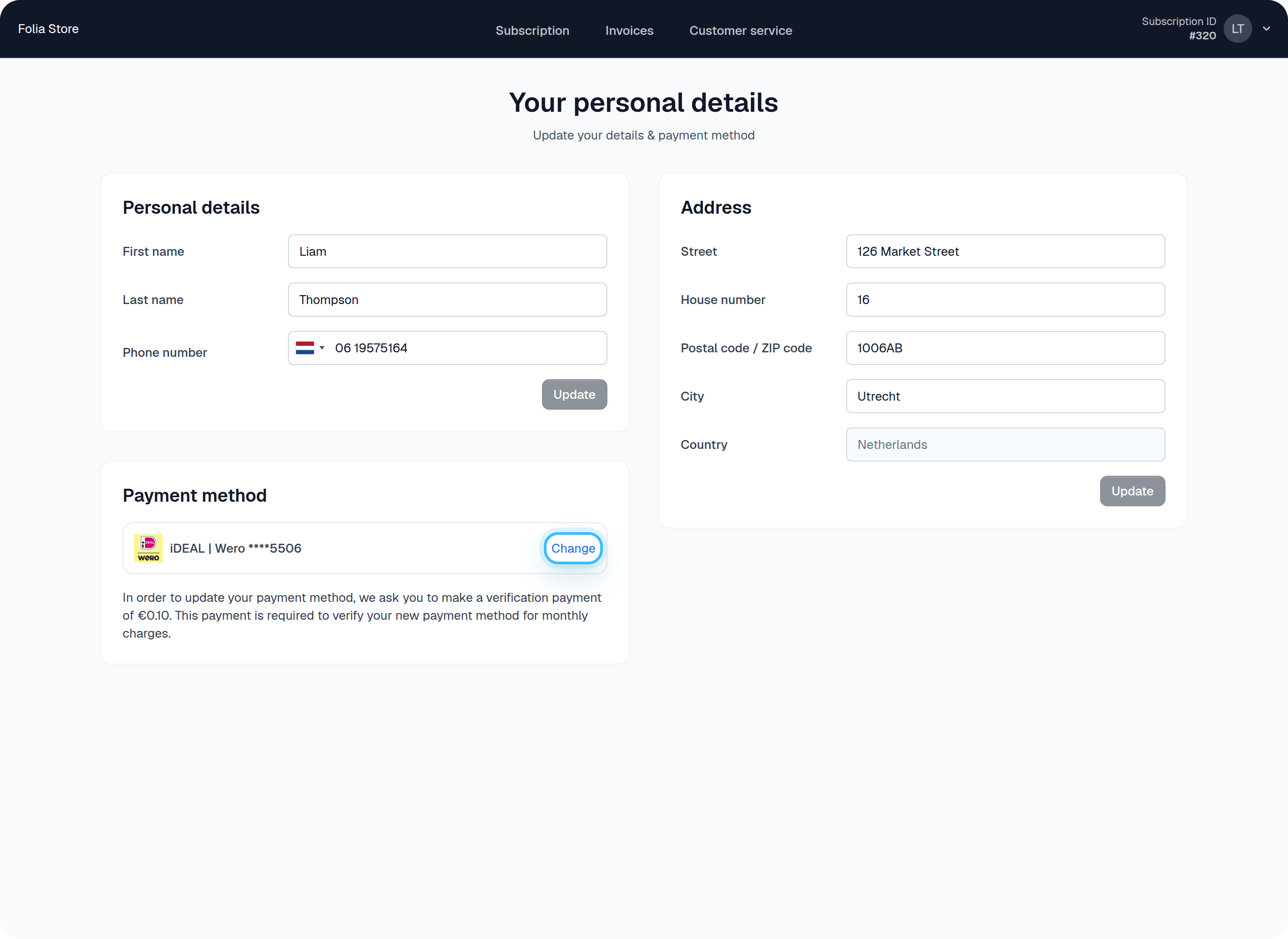
Provide a payment method link from the portal
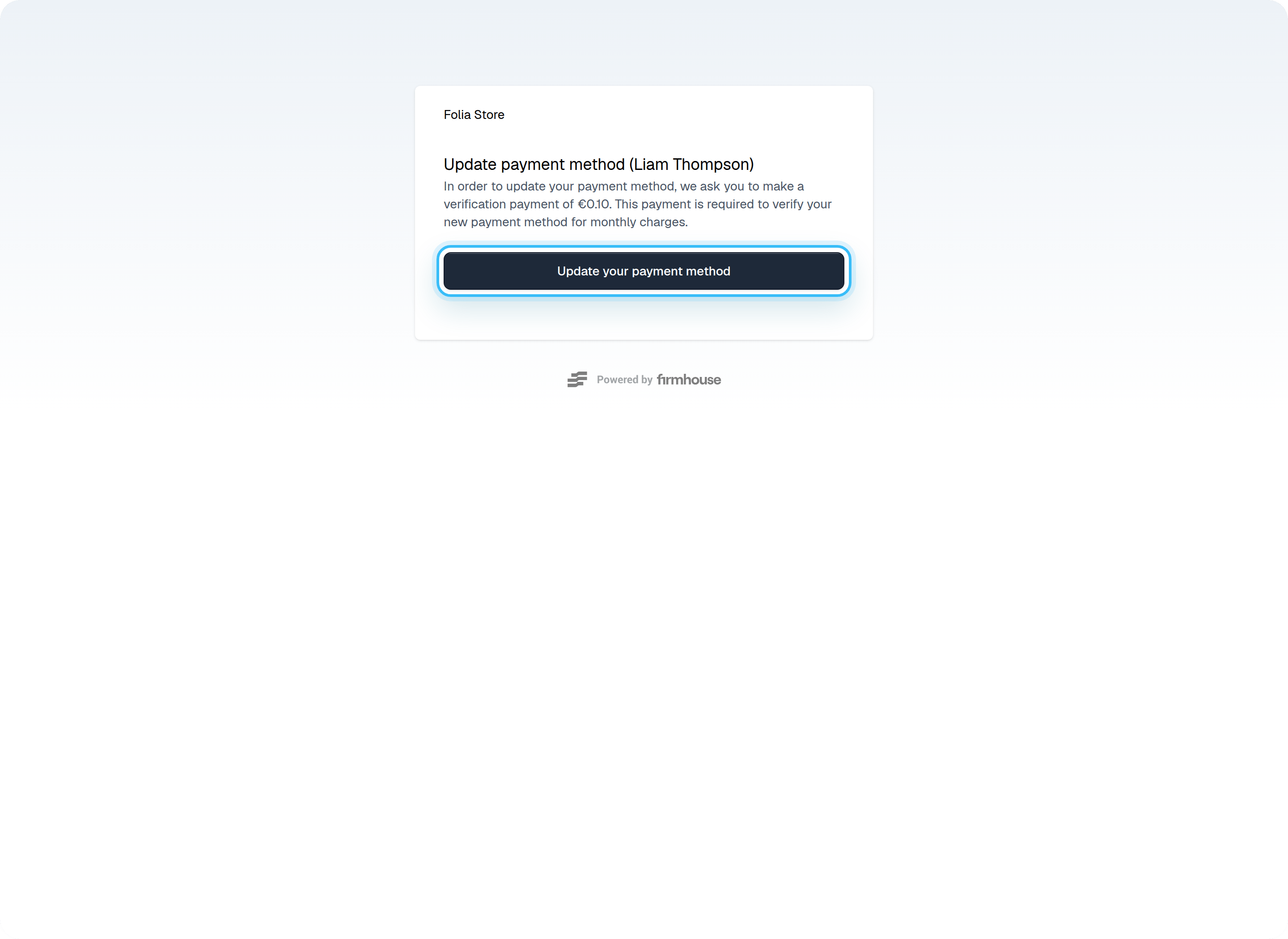
Sometimes, you might need to help customers update their payment method. You can provide them a link directly to the payment method update page so they don’t have to log in to SSC. Navigate to the Customer page and find the Update button under Subscription details > Payment method.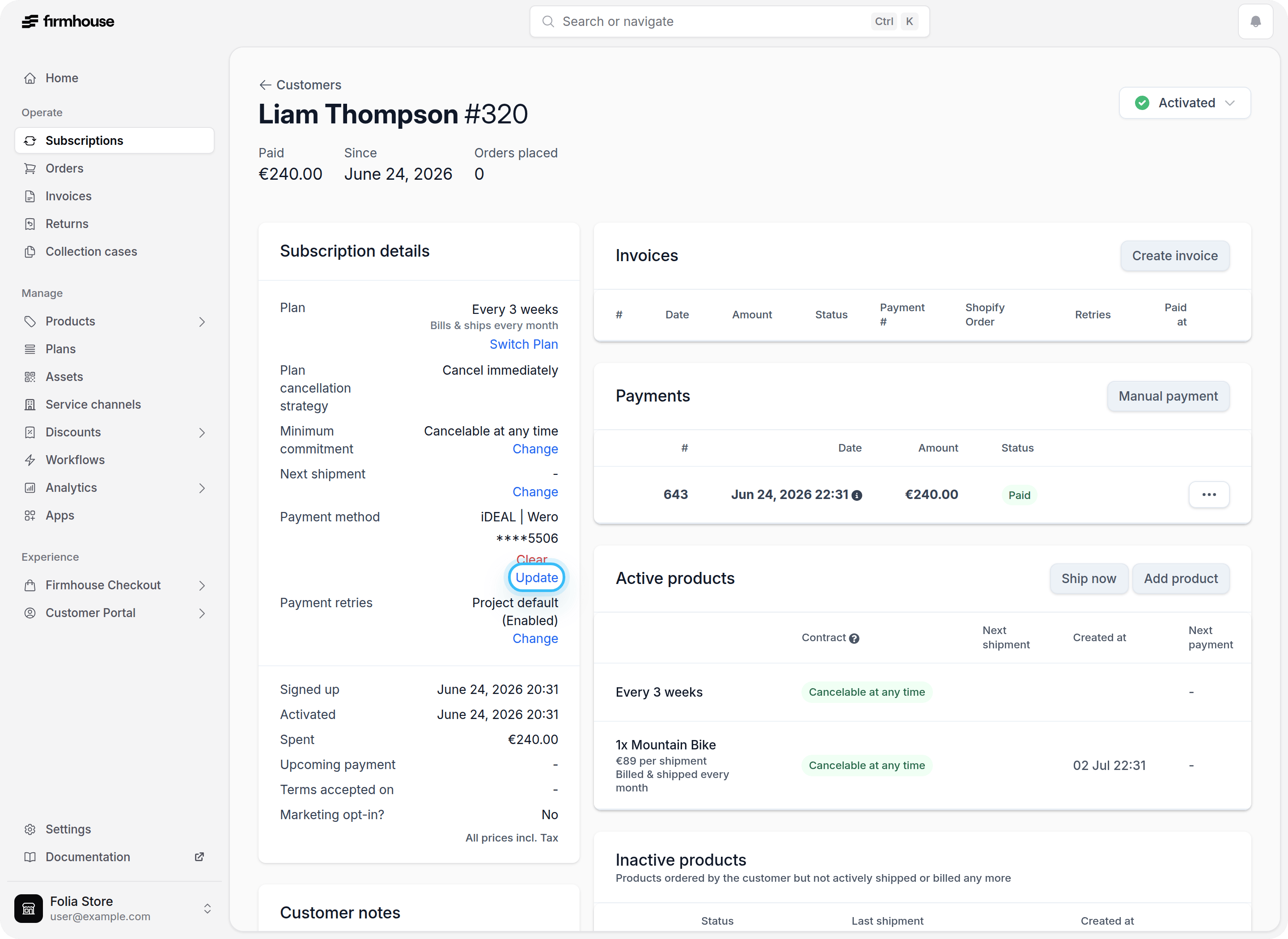
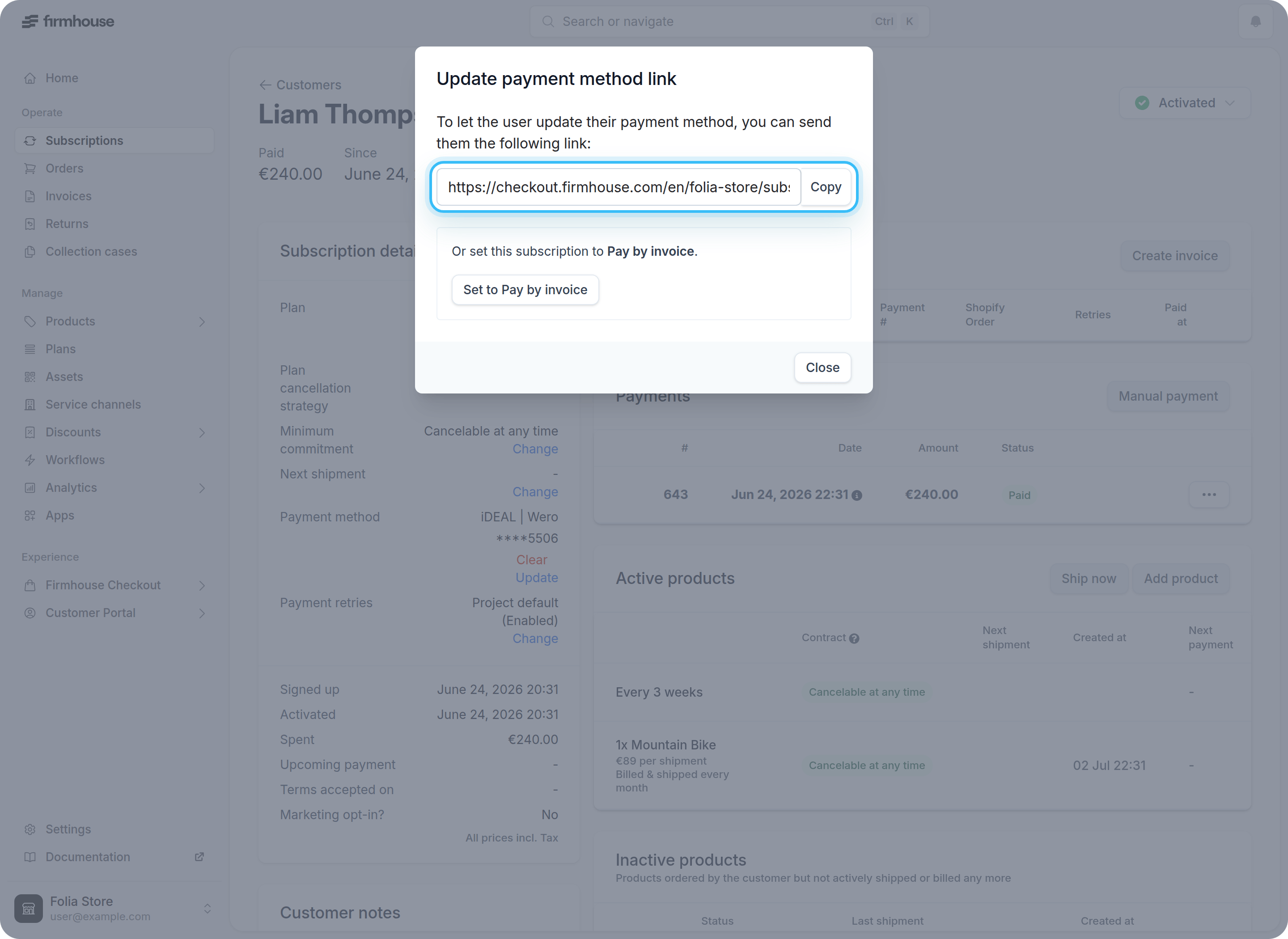
Warning: This URL is unique per customer! Ensure you don’t share this link with anyone other than the customer for whom the link is generated in Firmhouse. If you share the same link with multiple customers, customers will pay for a subscription that isn’t theirs.Customers can then open this link and update their payment method.