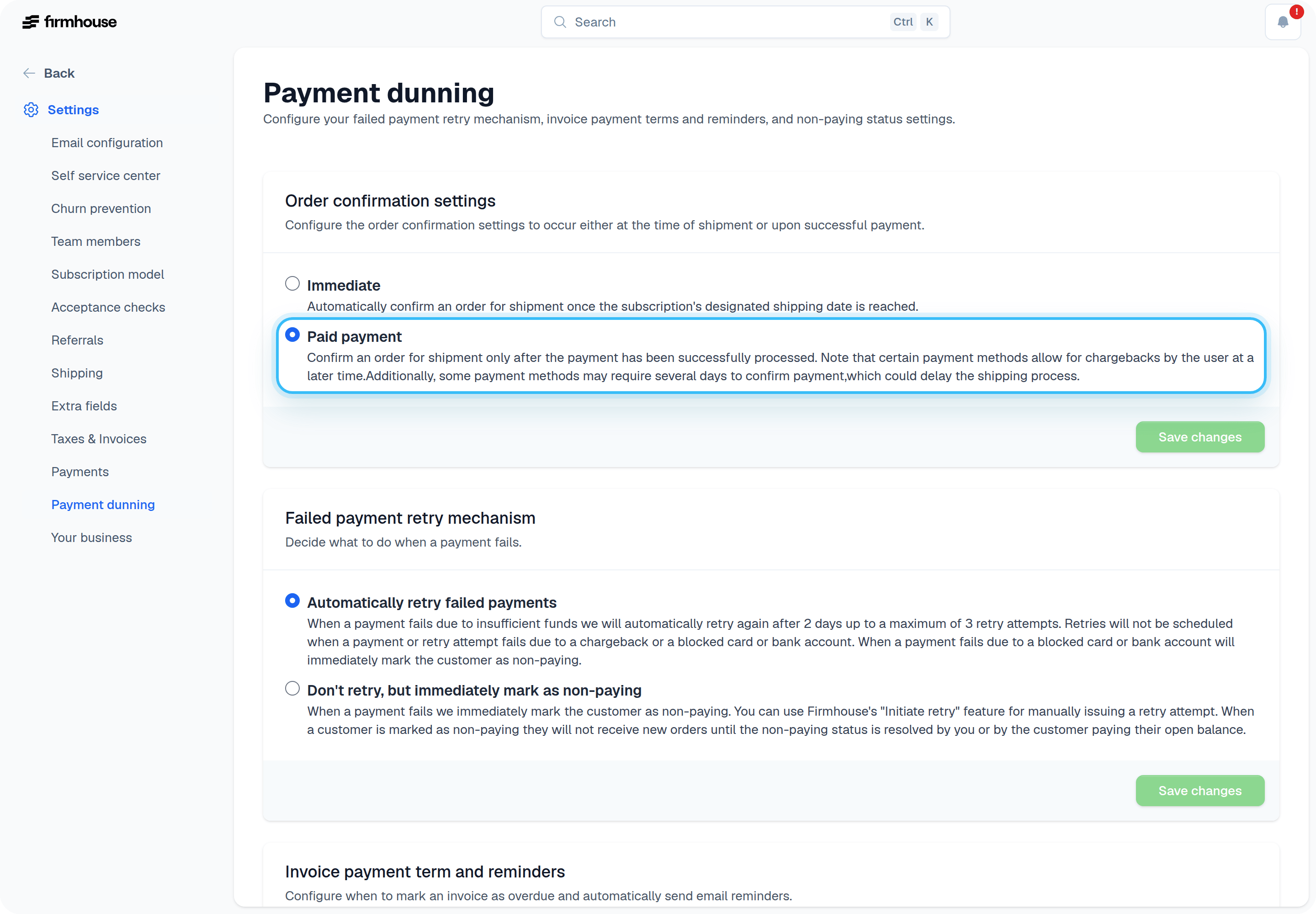
- Immediate — Confirm the order on its scheduled shipment date. Payment may still be pending when the order is confirmed.
- Paid payment — Wait for successful payment before confirming the order. Some payment methods can take several days to confirm and may delay shipping.
Change the order confirmation setting
- Go to Settings > Payment dunning.
- Under Order confirmation settings, choose Immediate or Paid payment.
- Click Save changes.
How paid payment confirmation works
On the product’s shipment date, Firmhouse creates a pending order. The order stays pending until the payment is successfully captured.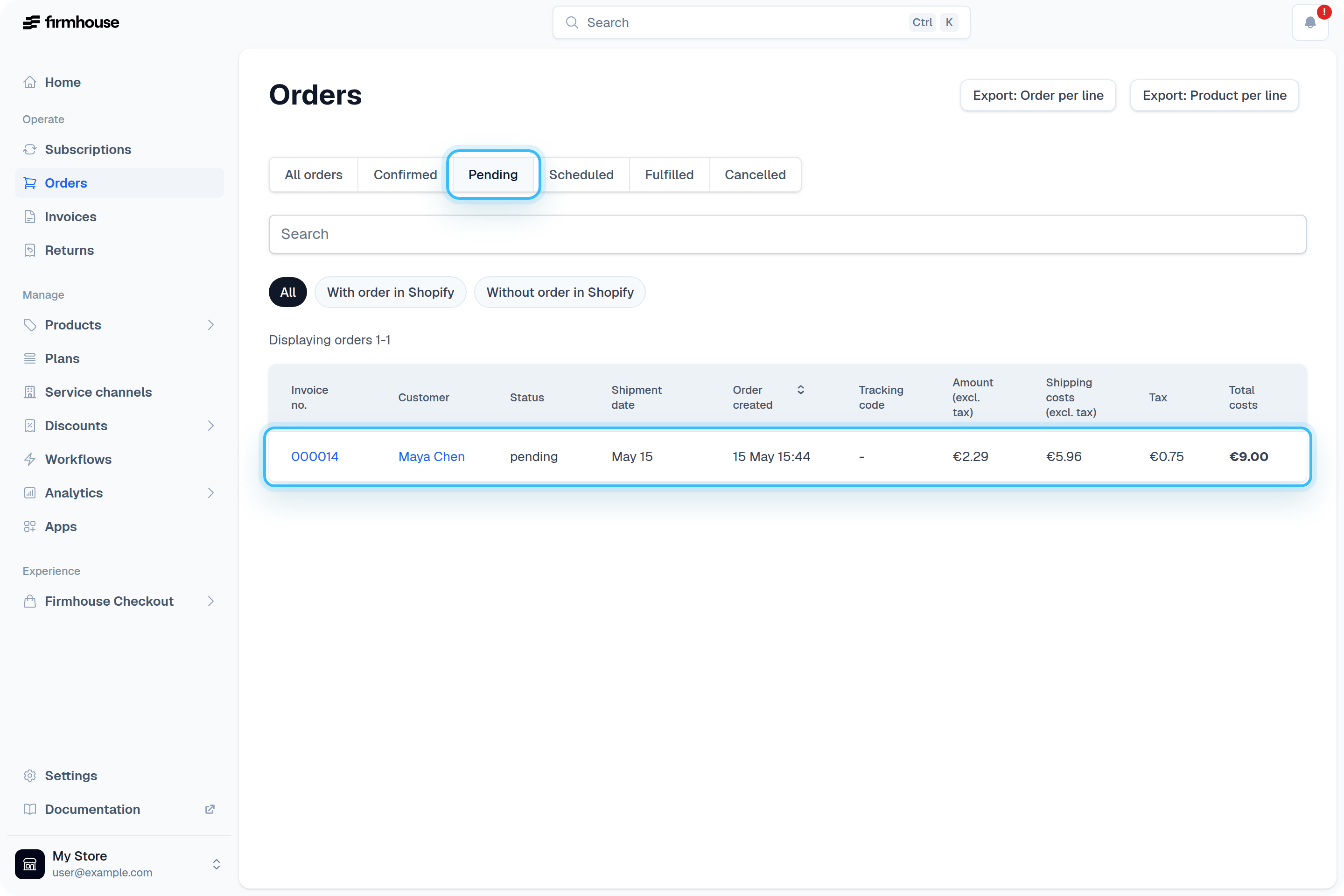
- Sends it to other platforms, such as Shopify
- Finalizes the invoice for the order
Let customers pay manually for an unpaid order
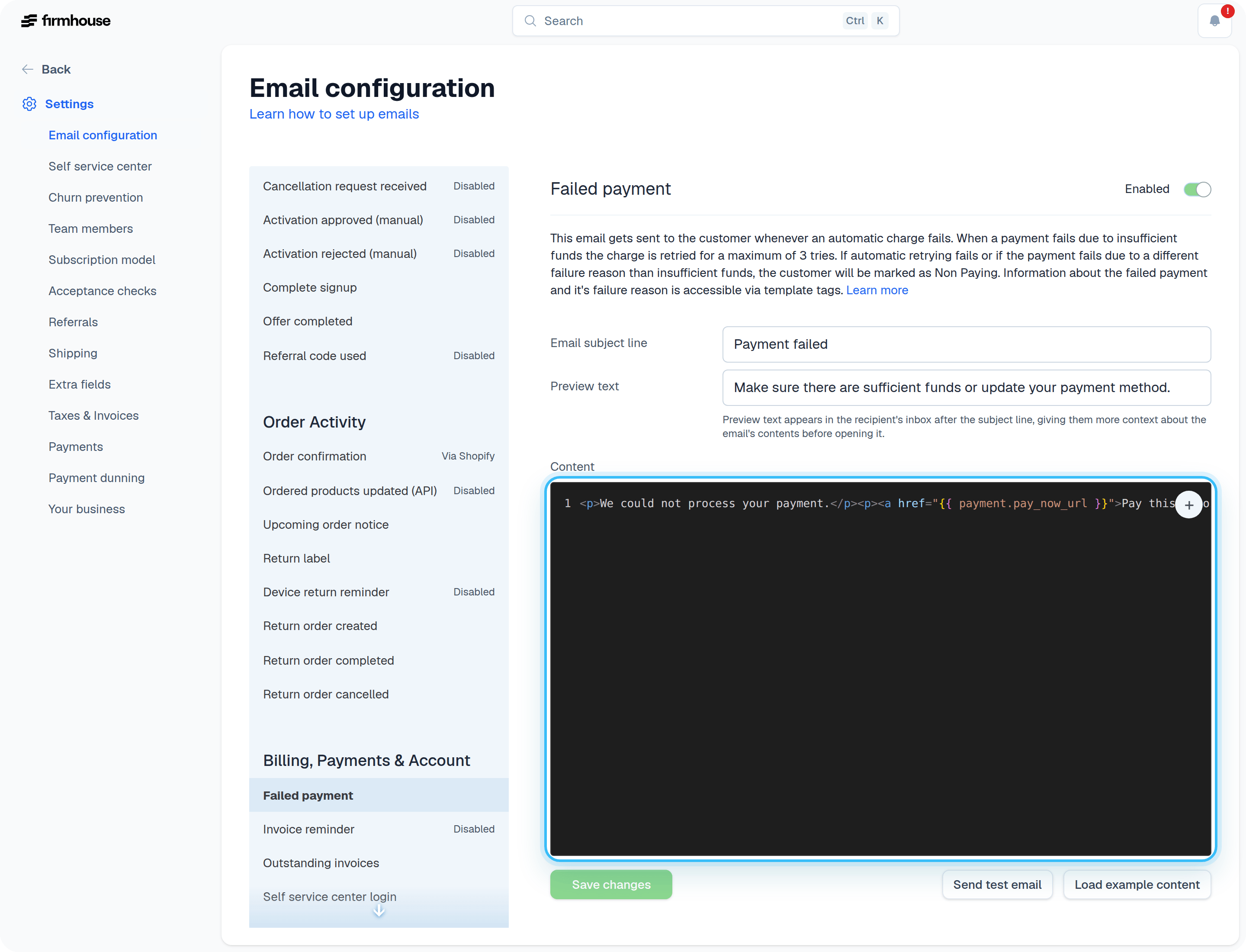
Depending on the configured retry logic within your project, Firmhouse will typically retry a failed payment three times in case of insufficient funds. You can review all payment dunning settings in the Overview of Payment Dunning Options article. If after retrying the payment still cannot be captured, the customer can pay for their order manually via a direct payment link. Firmhouse can automatically send a failed payment email with a direct payment link. Include thepayment.pay_now_url tag in your failed payment email template. See an example of such email below.