Steps
- The customer logs into Customer Portal v2 with the one-time login email.
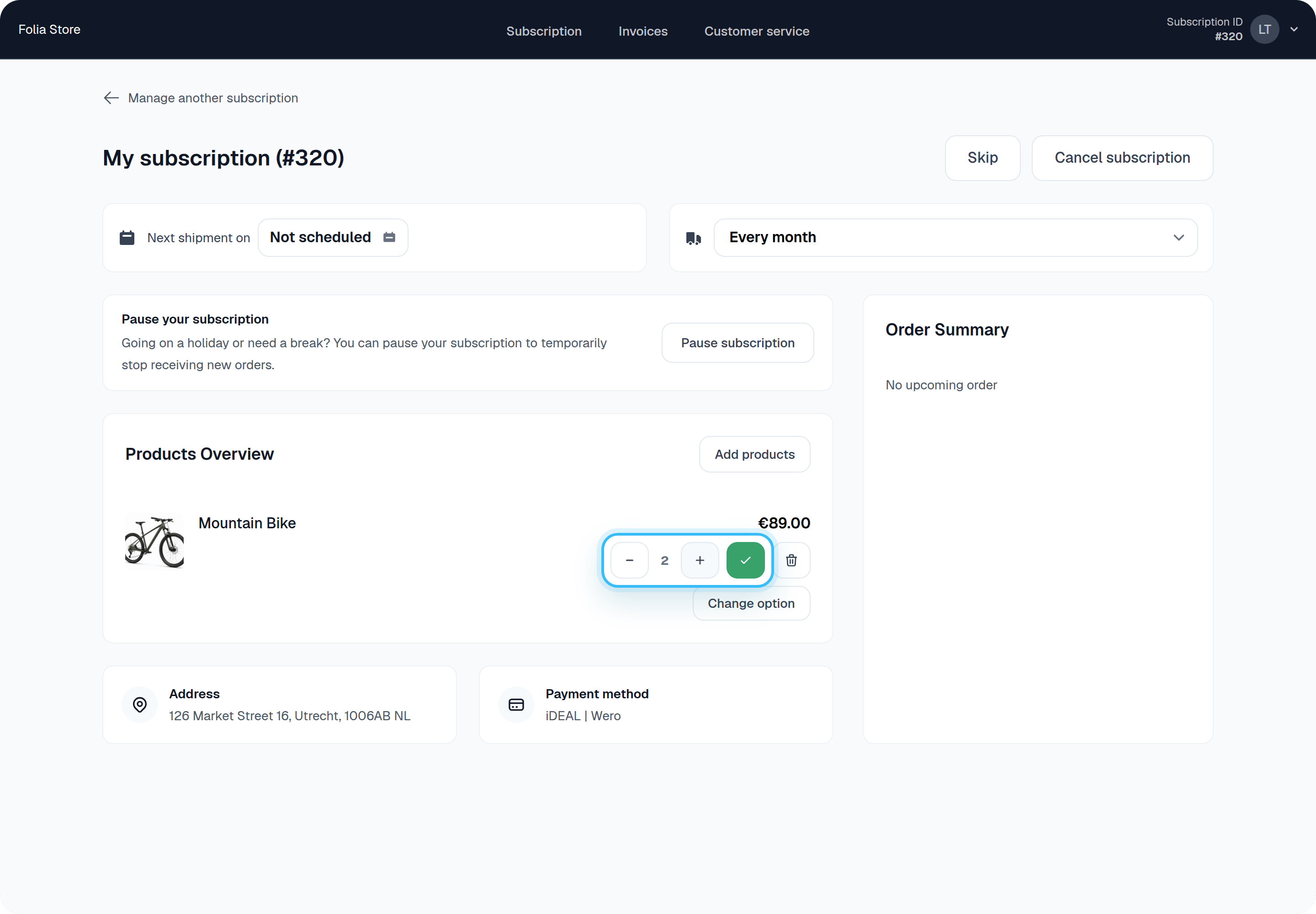
- Next to the product they want to change, they use the minus and plus buttons to select a new quantity.
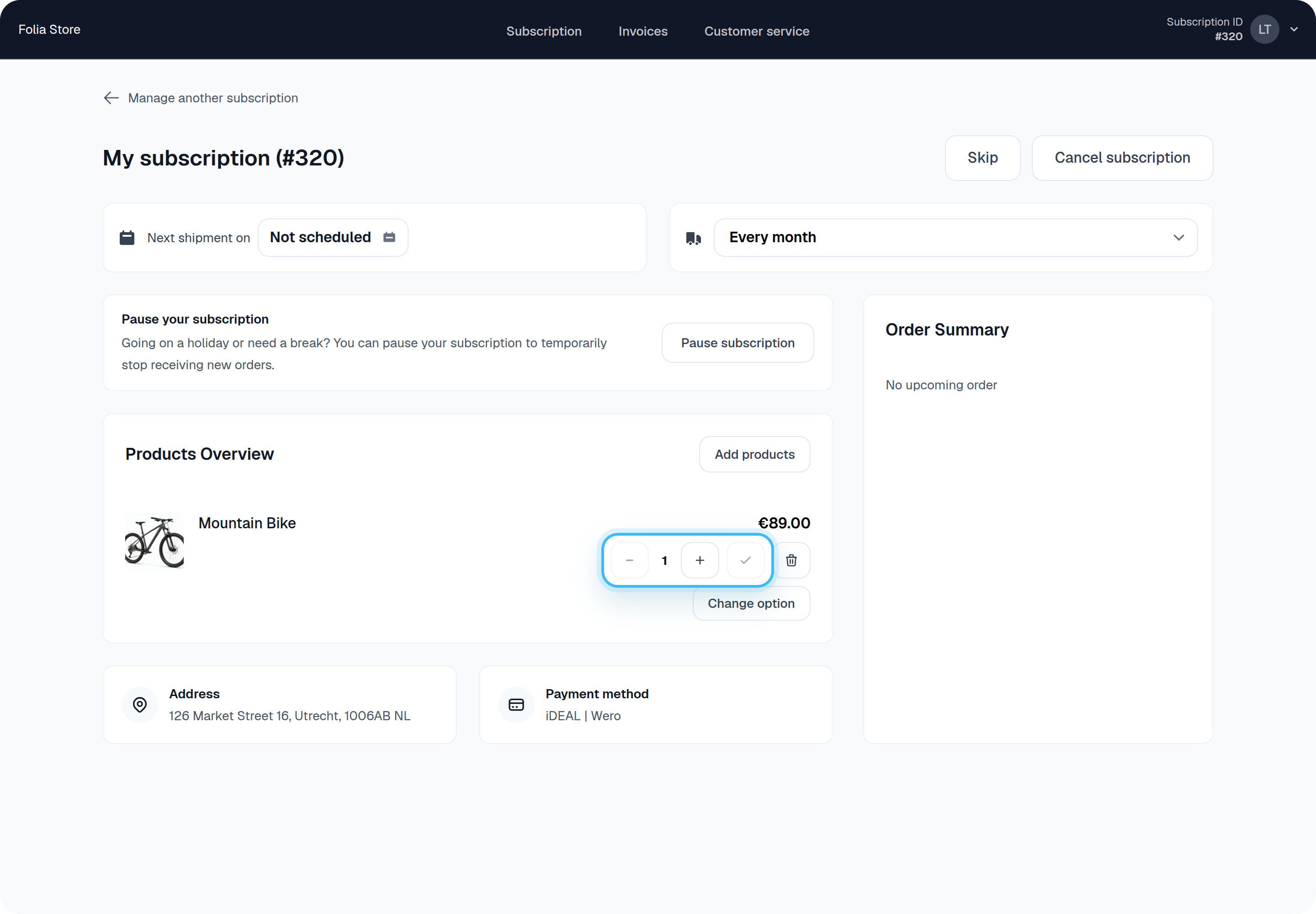
- After selecting the new quantity, they click the green check button to save it for their next order.