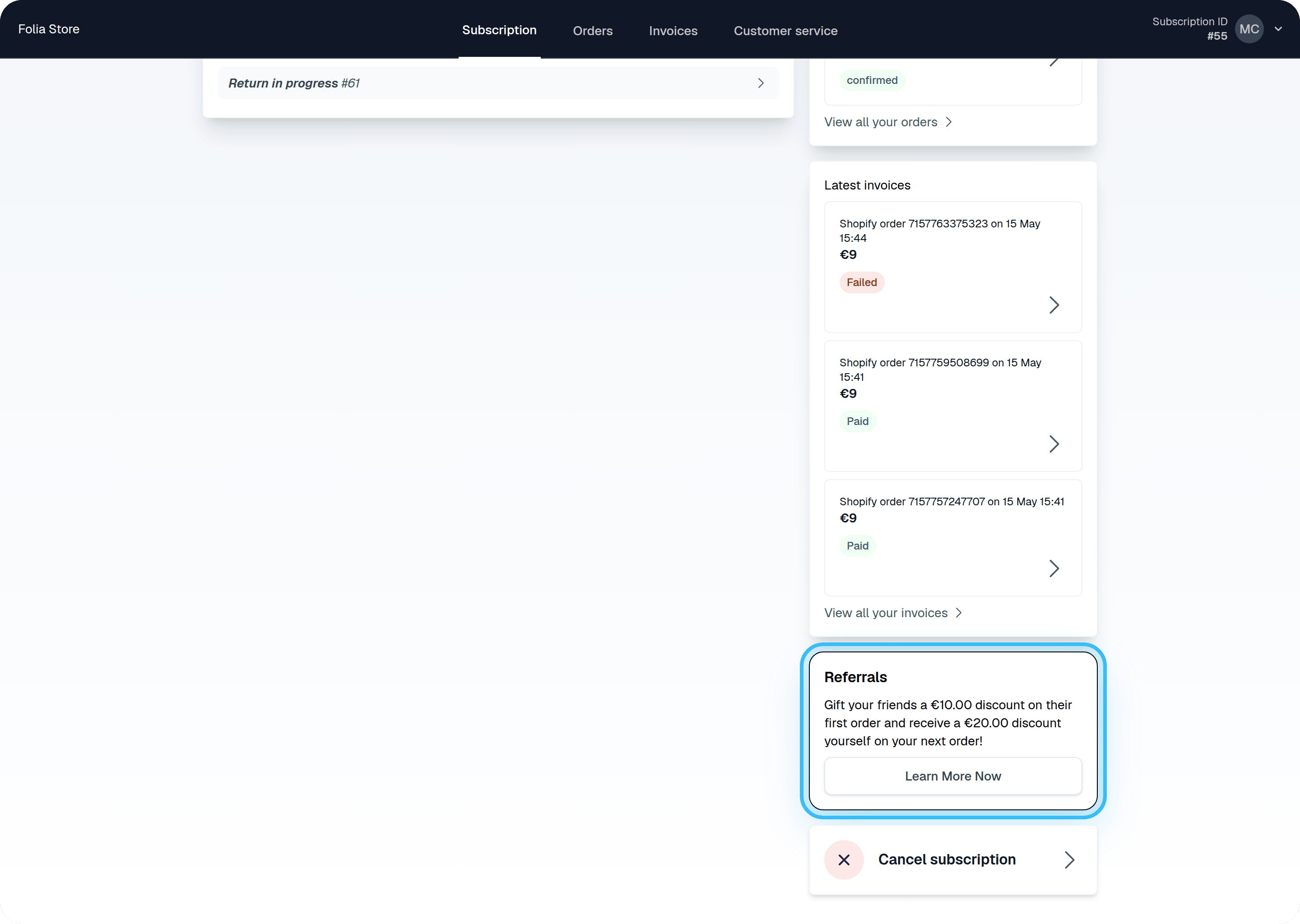
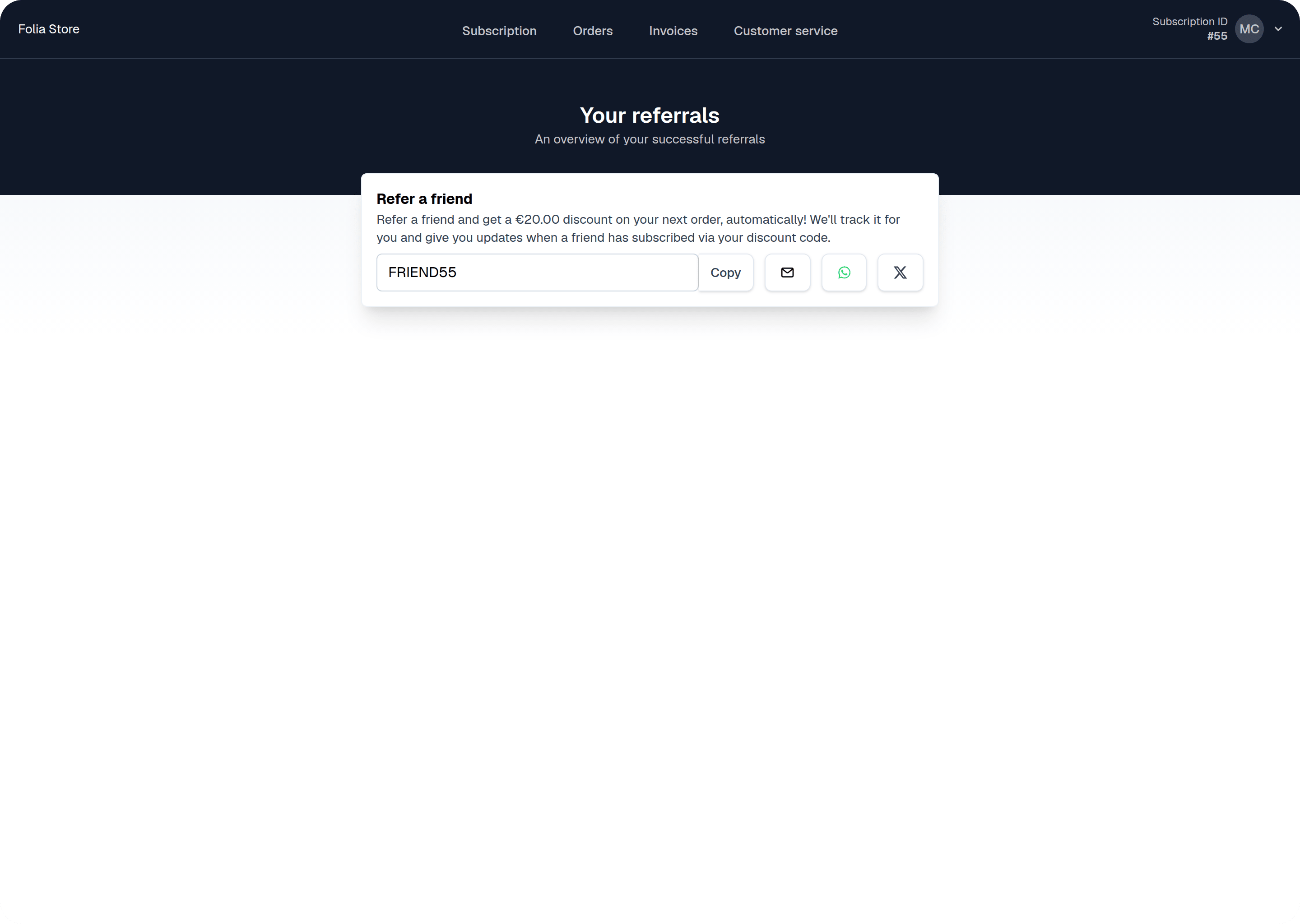
If you have enabled Referrals, as well as the referral banner for the Self-Service Center, your customers will see a default referral banner and referrals page. Read on to learn how to customize the banner and buttons. Default referral banner in SSC Default referrals page

Change the banner text

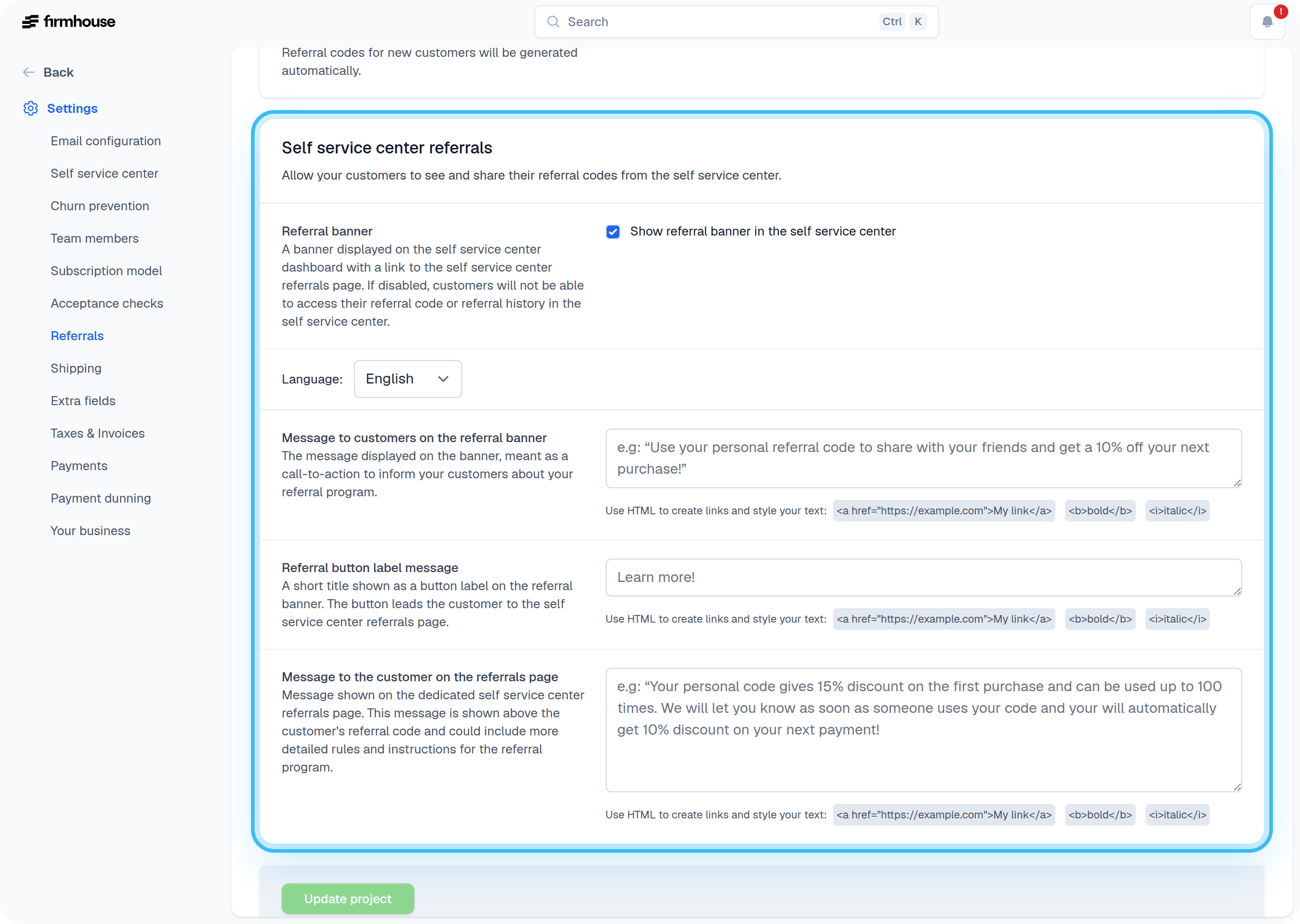
In the Referrals settings, you can adjust the text for the banner that appears in the SSC home page, as well as the text on the dedicated Referrals page. Note that you can use HTML to format the text to your liking. Referral banner text settings
Add a custom style to match your brand

If you want to add some extra color to go with your recognizable branding, you can use custom code to apply CSS and JavaScript. To do this, go to Settings > Self-Service Center and scroll down to Custom code.