Refunds for Shopify orders
A Shopify order does not always mean Shopify collected the payment. For example, Firmhouse can collect a recurring SEPA payment and then create the order in Shopify. Refunding that order in Shopify does not trigger a refund of the payment collected by Firmhouse.
When starting from Shopify, open the customer in Firmhouse and start from Payments to check the refund route for the individual payment.
If the Shopify refund dialog has no order link, find the original order in Shopify or contact support for help locating it. The payment cannot be refunded directly through Firmhouse.
Refunds completed in Shopify are not automatically reflected in Firmhouse payment and invoice statuses. Check the refund in Shopify before attempting another refund or making bookkeeping adjustments.
Note: Issuing a refund for a payment does not automatically generate a credit note. See additional information at the bottom of this article.
Issuing a refund for a Firmhouse-collected payment
The steps below apply to payments collected through Firmhouse. For Shopify-collected payments, choose Refund payment in Firmhouse and follow the dialog’s link to complete the refund in Shopify. The Shopify dialog has no amount or reason form.Steps
- In your Firmhouse project, find the customer you want to issue a refund for. You can do this from the customer search, the customer overview, or from an individual invoice.
- On the customer detail page, scroll down to the section called Payments.
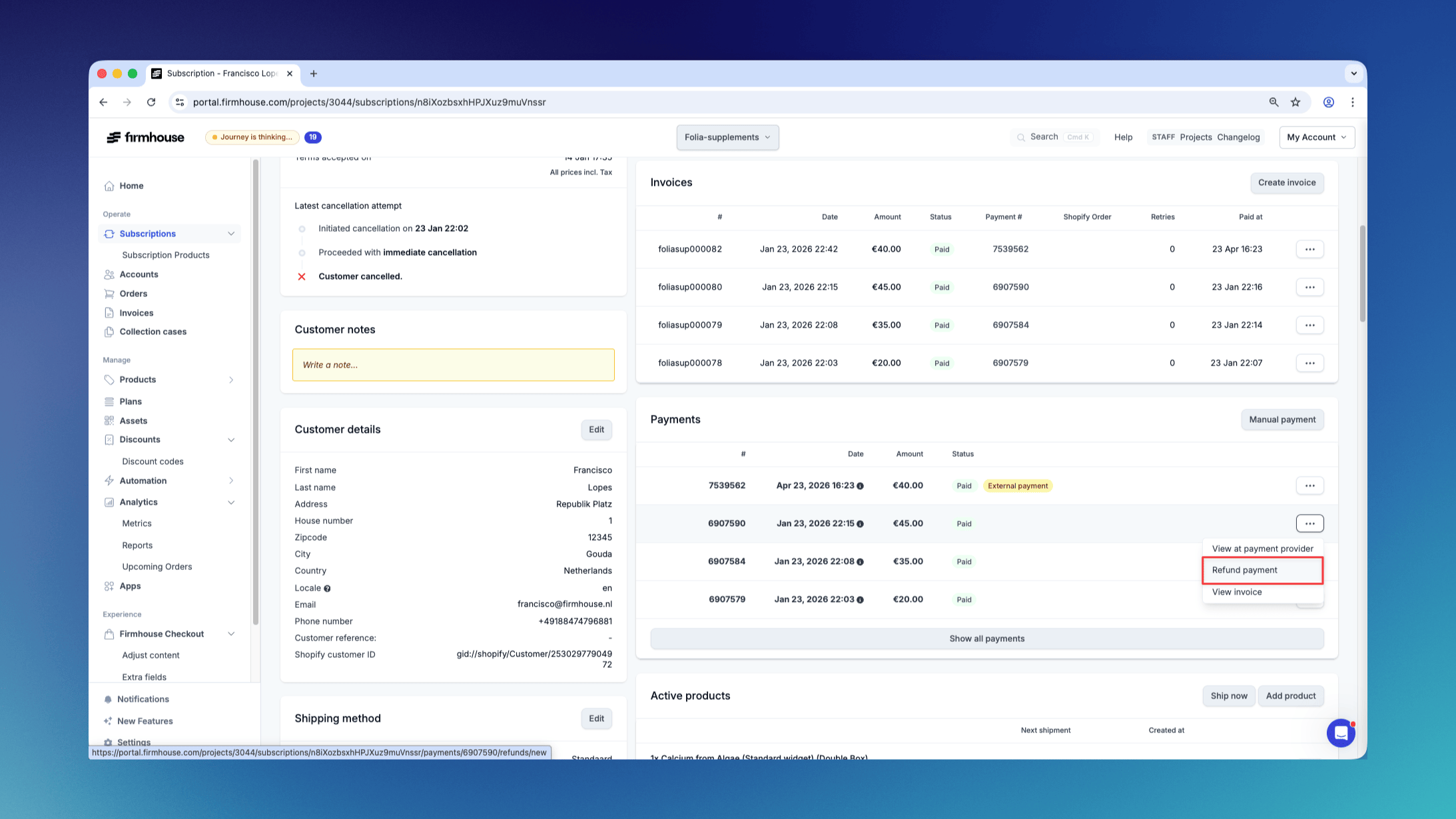
- Find the payment you want to issue a refund for and click the button with the three horizontal dots to open the action menu for the payment.
- Click Refund payment. This will open a dialog.
- In the dialog enter the amount and the reason for the refund.
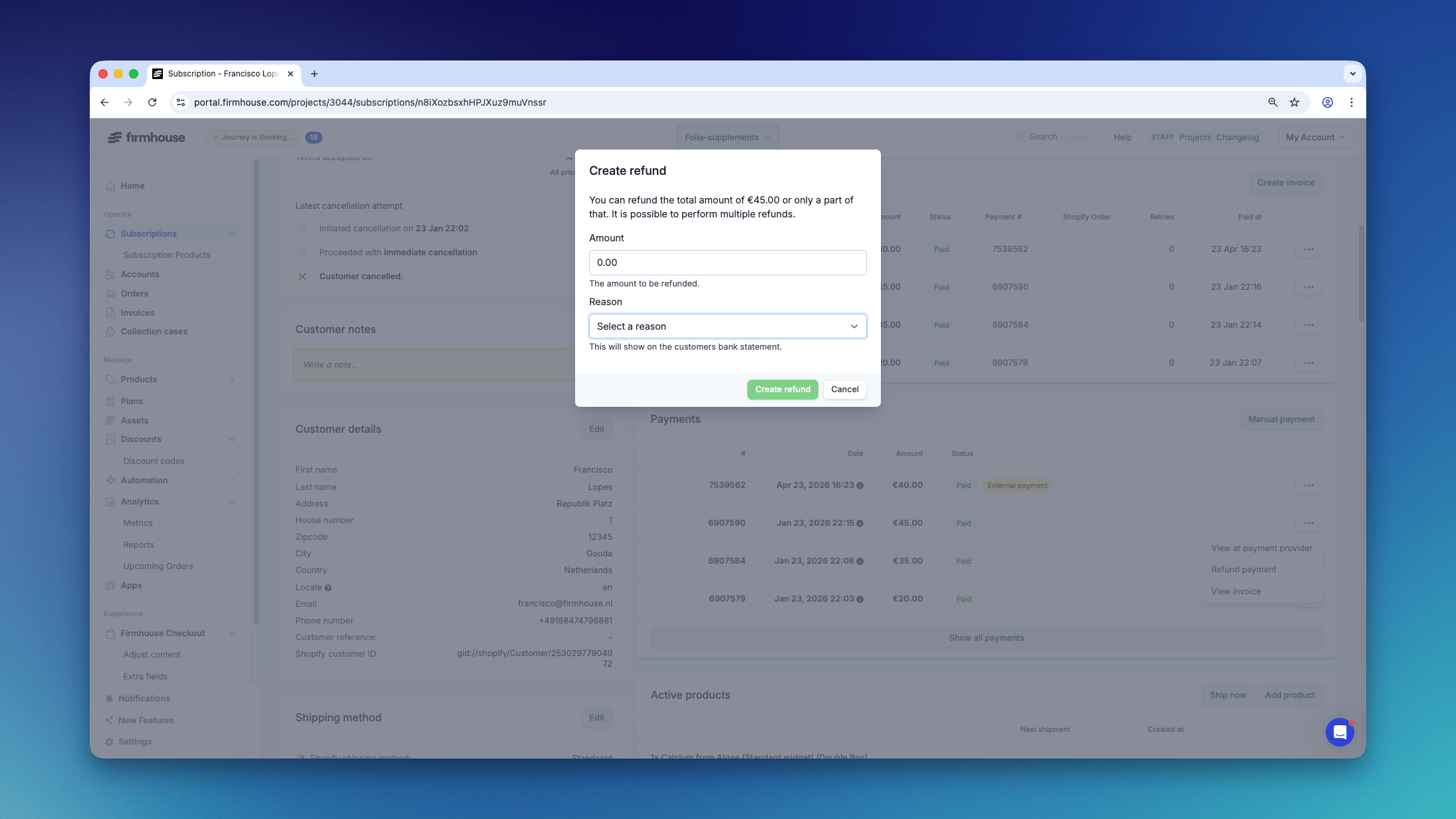
- Click Create refund.
Checking the status of a Firmhouse refund
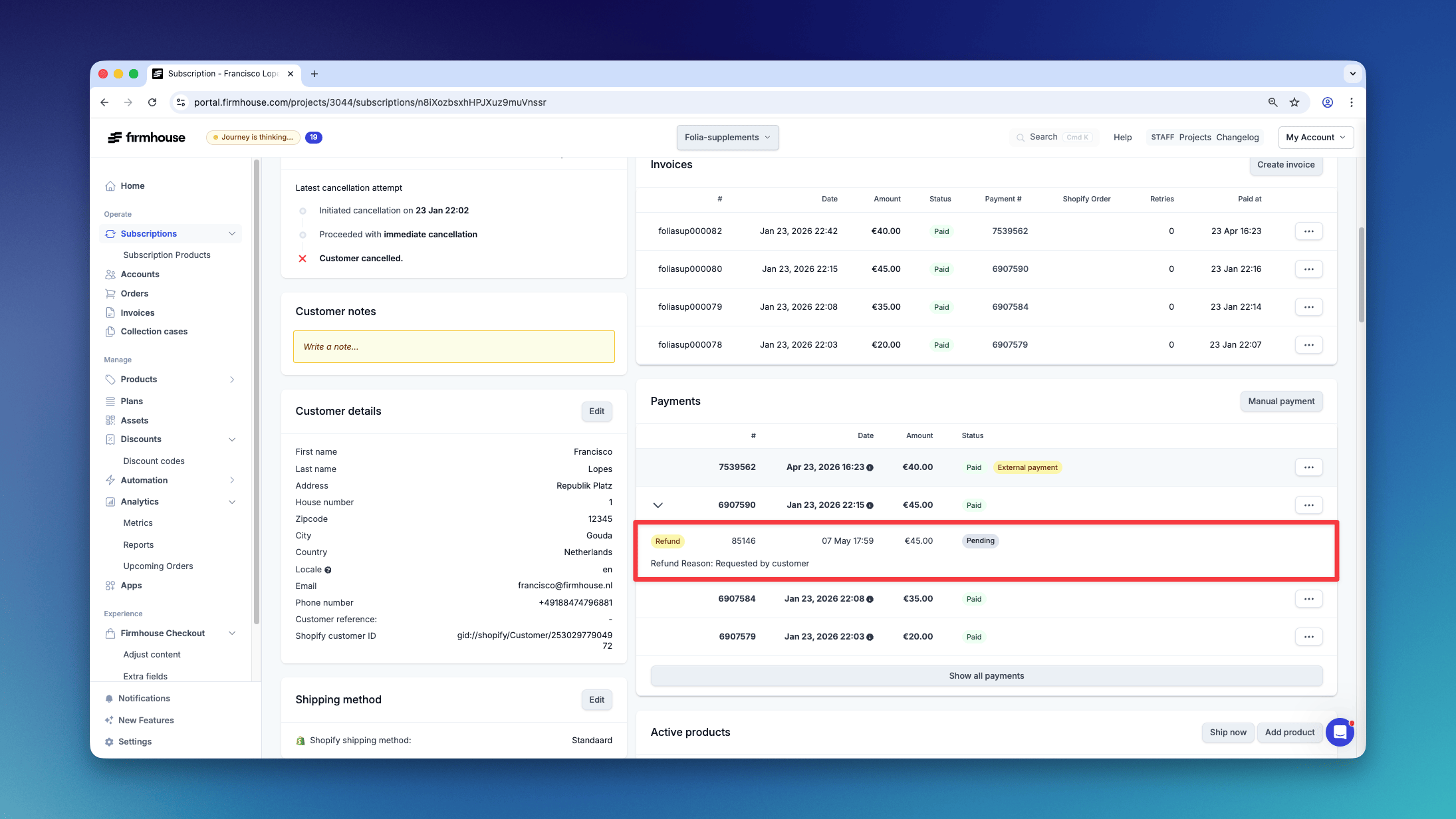
If a refund has been issued you can monitor its status from the Payments overview on a customer detail page. The refund and its status will be visible after clicking the icon with the plus-sign [+]. For a refund completed in Shopify, check its status on the original order in Shopify.