Uploading an image for an asset
Steps
- In your Firmhouse project, go to Assets in the sidebar.
- Click the row of the asset you want to upload an image for.
- Click Edit.
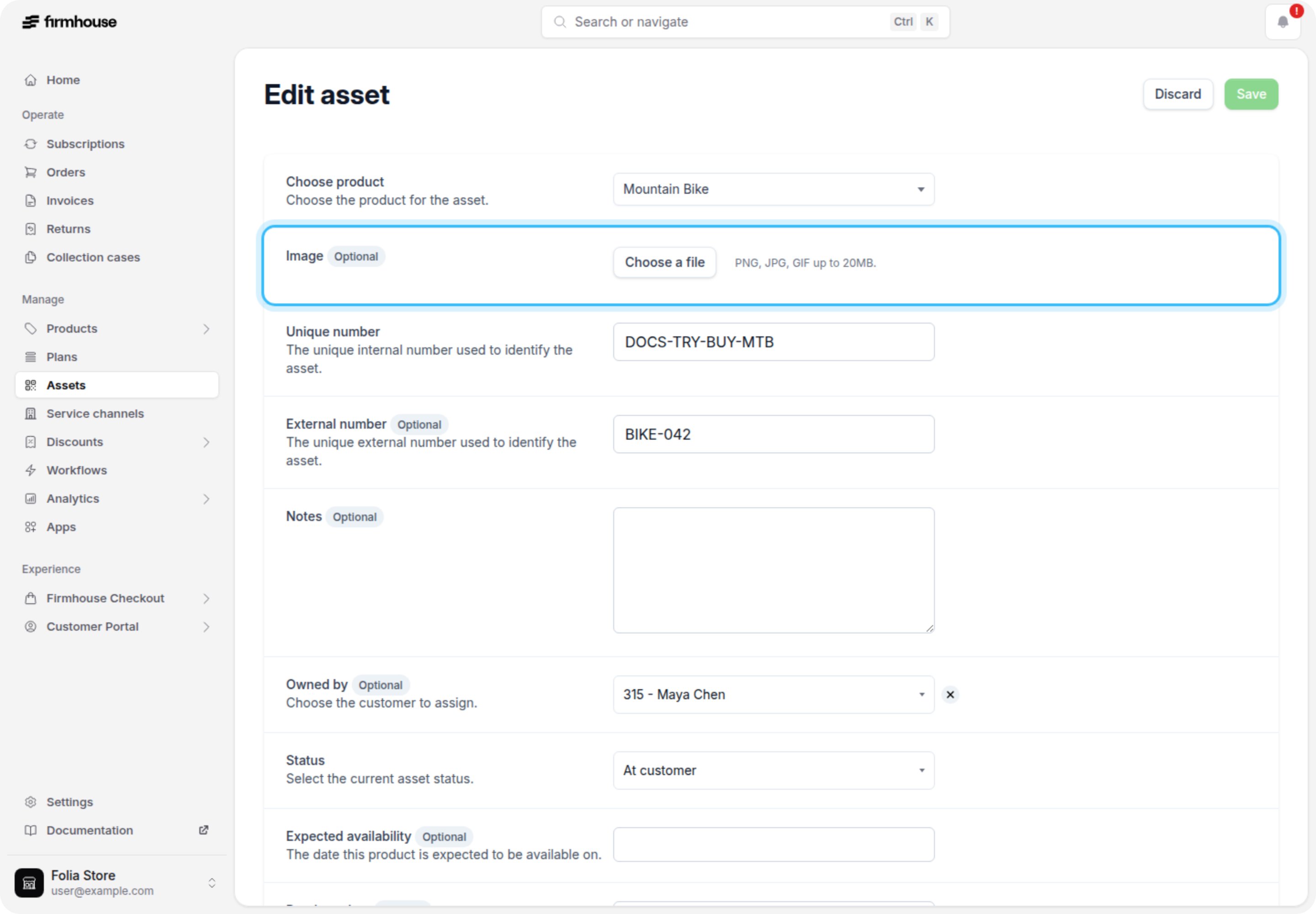
- Click Choose a file and select an image to upload. Allowed image formats are PNG, JPG, and GIF and up to 20MB in file size.
- Click Update.
Replacing an image for an asset
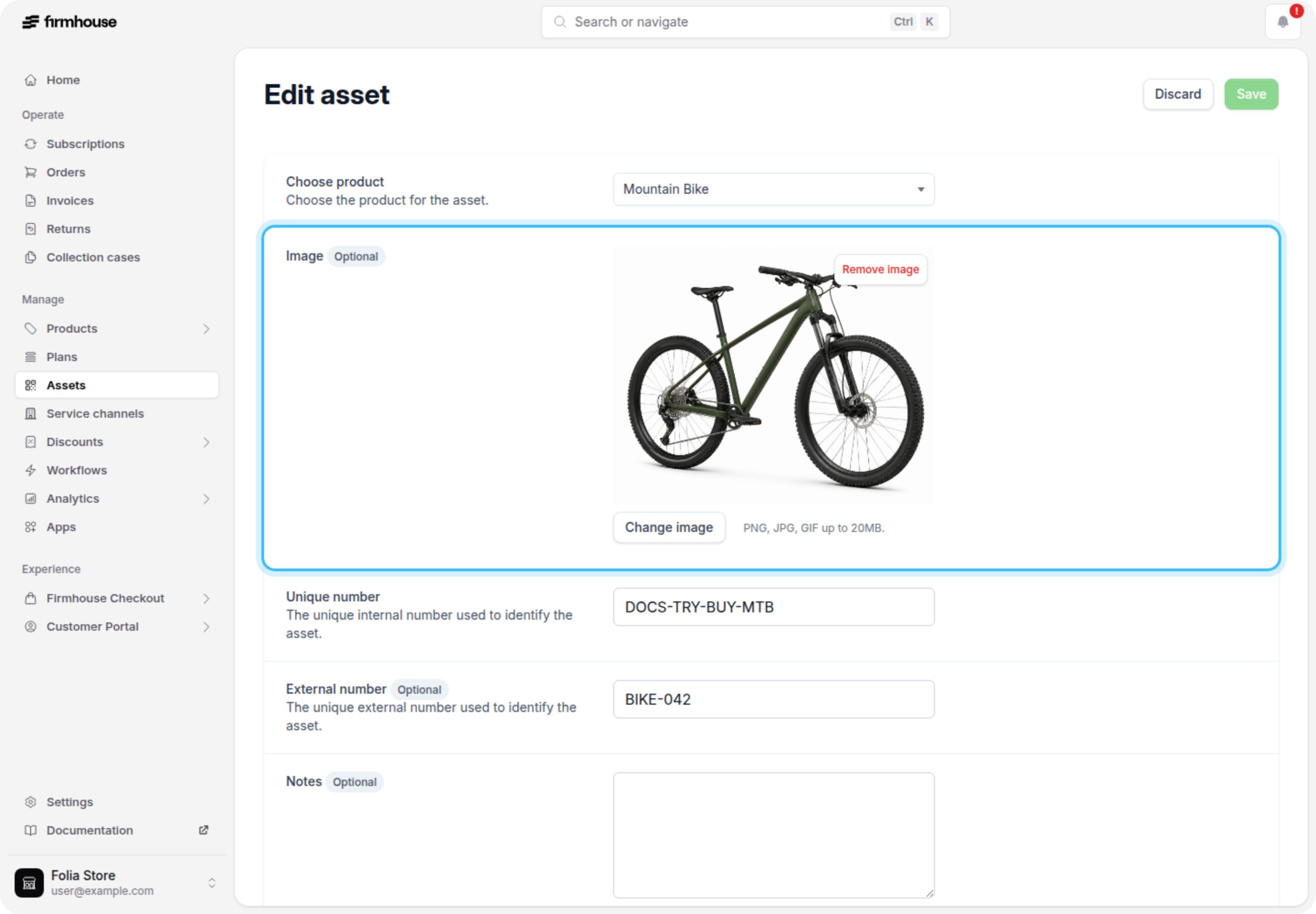
You can replace the image on an asset if the asset already has an image uploaded.Steps
- In your Firmhouse project, go to Assets in the sidebar.
- Click the row of the asset you want to upload an image for.
- Click Edit.
- Click Change image and select an image to upload. Allowed image formats are PNG, JPG, and GIF and up to 20MB in file size.
- Click Update.