Note: Return reminders are available for projects that use two-step cancellation and product returns. Returns are not enabled by default, so first enable Return Orders in Settings > New Features.When one of your customers cancels their subscription to your Product as a Service or Try & Buy subscription, they need to return their device to successfully cancel the subscription with you. When the “two step cancellation” option is enabled for your project, your customer will continue to be invoiced and charged until the product return is confirmed by you. Customers that have cancelled but haven’t returned their device yet will be visible in the “Pending Cancellation” filter on the Customers overview of your project.
Enabling Periodic Product Return Reminders
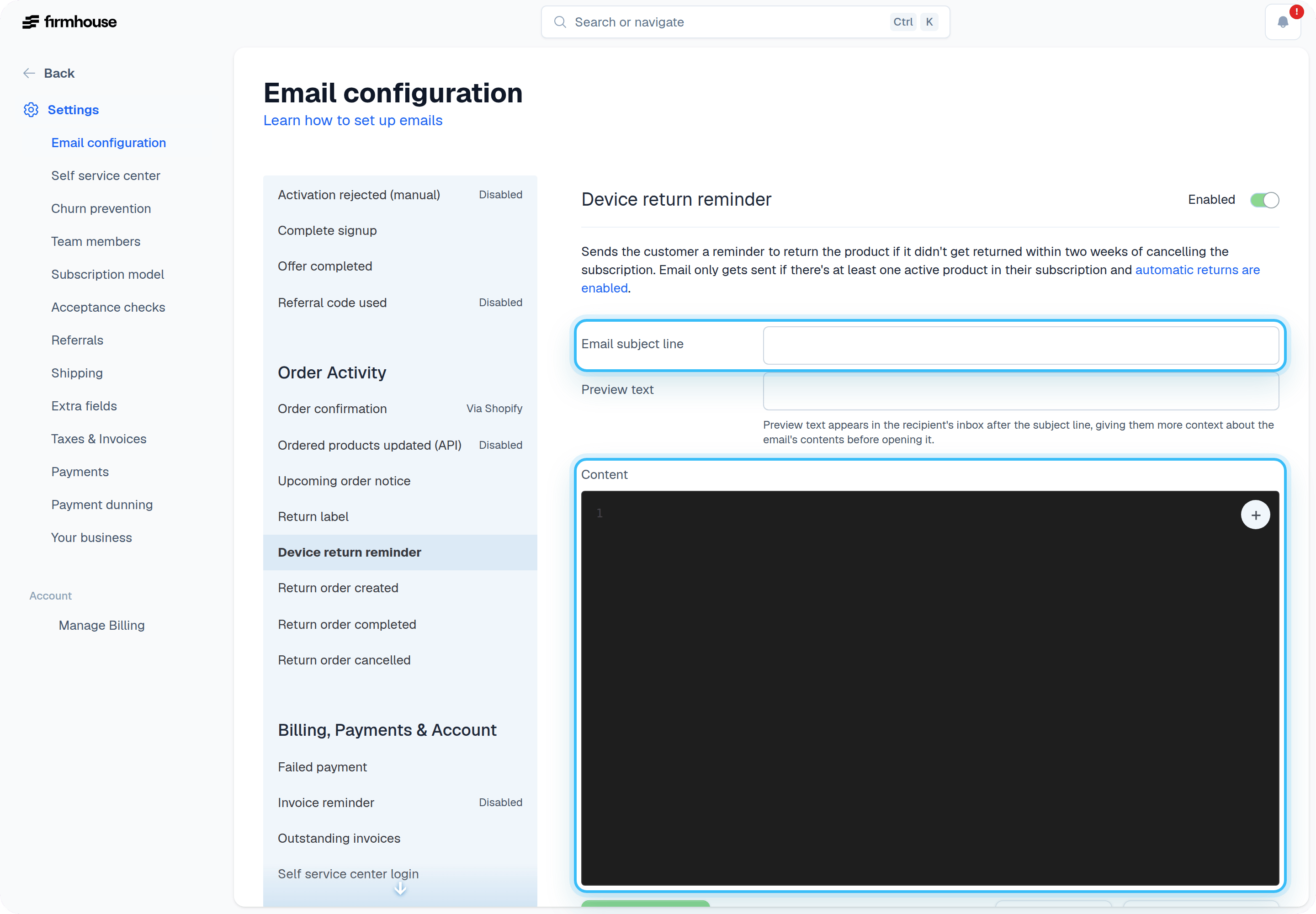
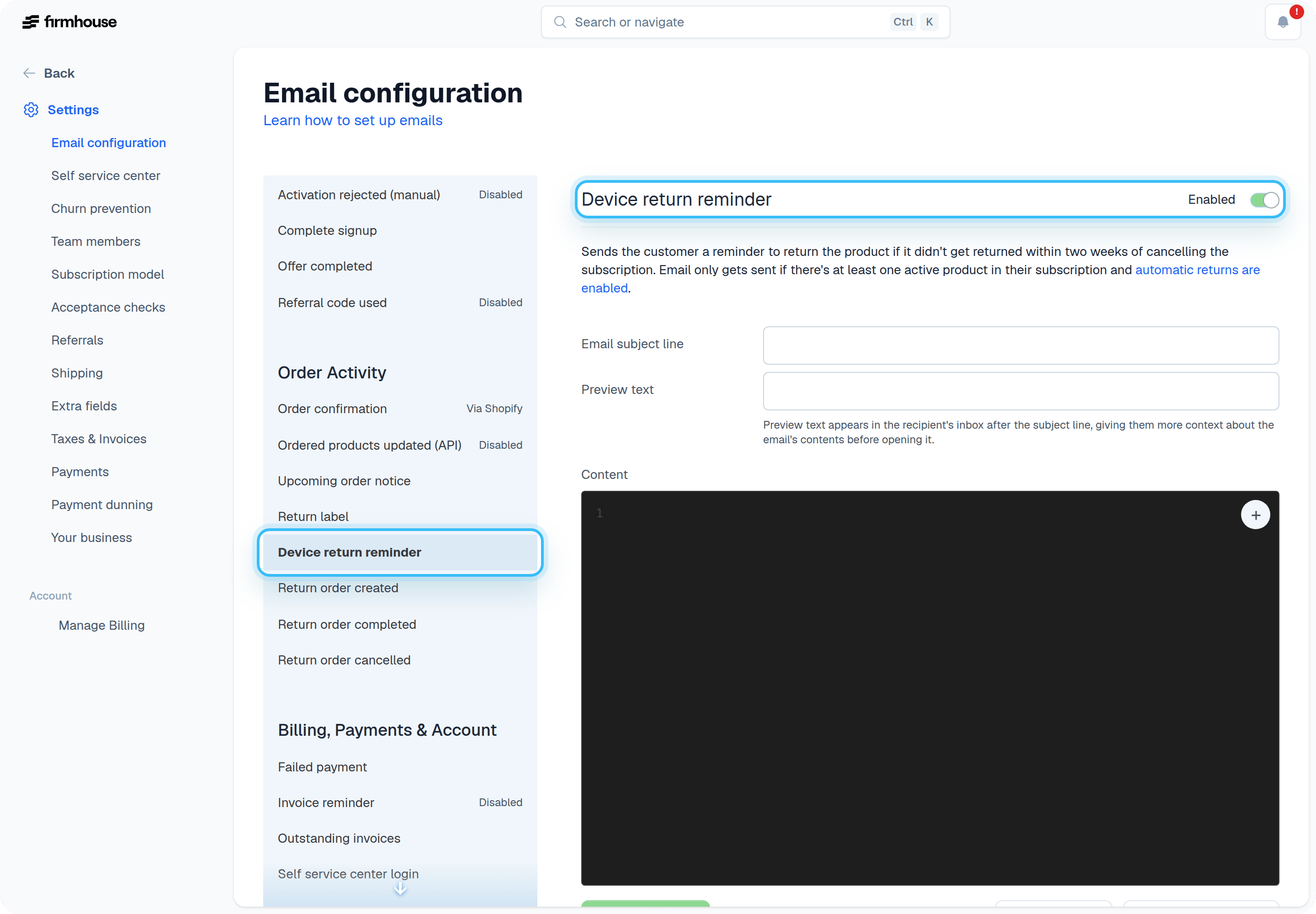
Important! Before you enable this feature, make sure you configure the email reminder that gets sent out to your customer first! Otherwise you’ll risk sending empty emails to existing customers. See the section below on configuring the email content.To make sure people don’t forget to return their device, you can turn on periodic email reminders on the Settings > Email Configuration page under the Device return reminder email heading.
Reminder Schedule
The reminder schedule works as follows:- The initial reminder is sent to the customer two weeks after the cancellation is initiated.
- After the initial reminder, we will continue to remind your customer every week until you have confirmed their device return.
Configuring the Periodic Reminder Email Content
You can edit the content of the email that gets sent out as the periodic reminder for returning a customer’s device.Steps
- Go to Settings > Email Configuration.
- Find the Email Content heading.
- Select Device return reminder email from the dropdown to edit the subject and content of the email.