

Note: Returns are not enabled by default. First enable Return Orders in Settings > New Features.This article is about how to enable self-service returns. For information about processing return orders, see Introduction to Returns.
Steps to activate the functionality in your Portal
First go to Settings > New Features and enable Return Orders. Then enable self-service returns in your Self Service Center settings. For order-based projects, the Return Orders feature in New Features must be enabled before customers can start returns from the Self Service Center and before return order created or cancelled emails become available.Steps
- In your Firmhouse project, go to Self service center in the sidebar (under Settings)
- Within the Self service center overview, find the section Self service center returns. At the top you’ll find a toggle - activate it by pressing it.
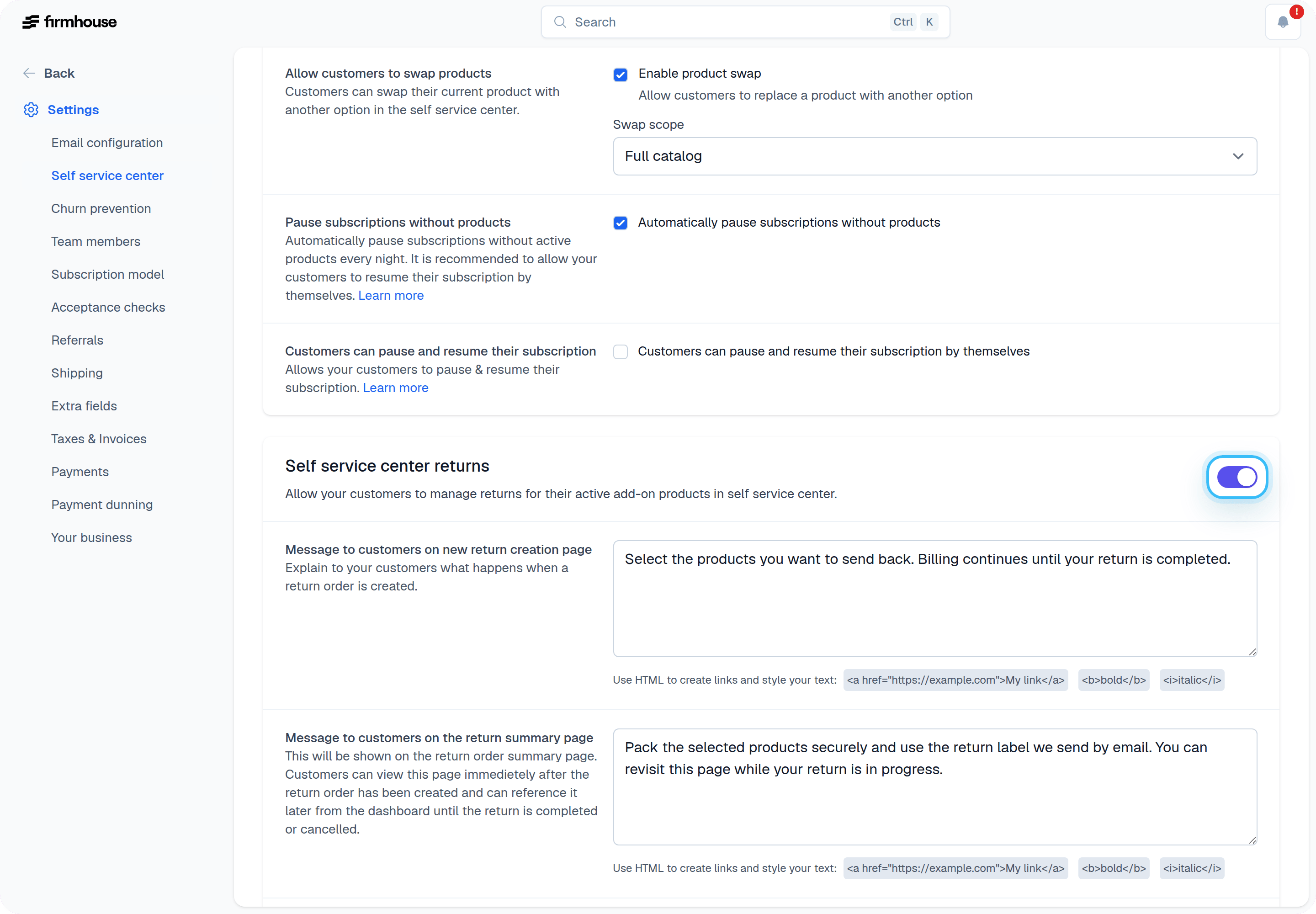
- While still in the Self Service Center Returns section, you can configure the Message to customers on the new return creation page. This allows you to give your customer all the information they need for the return order to be successful (such as tips on how to return their product to you).
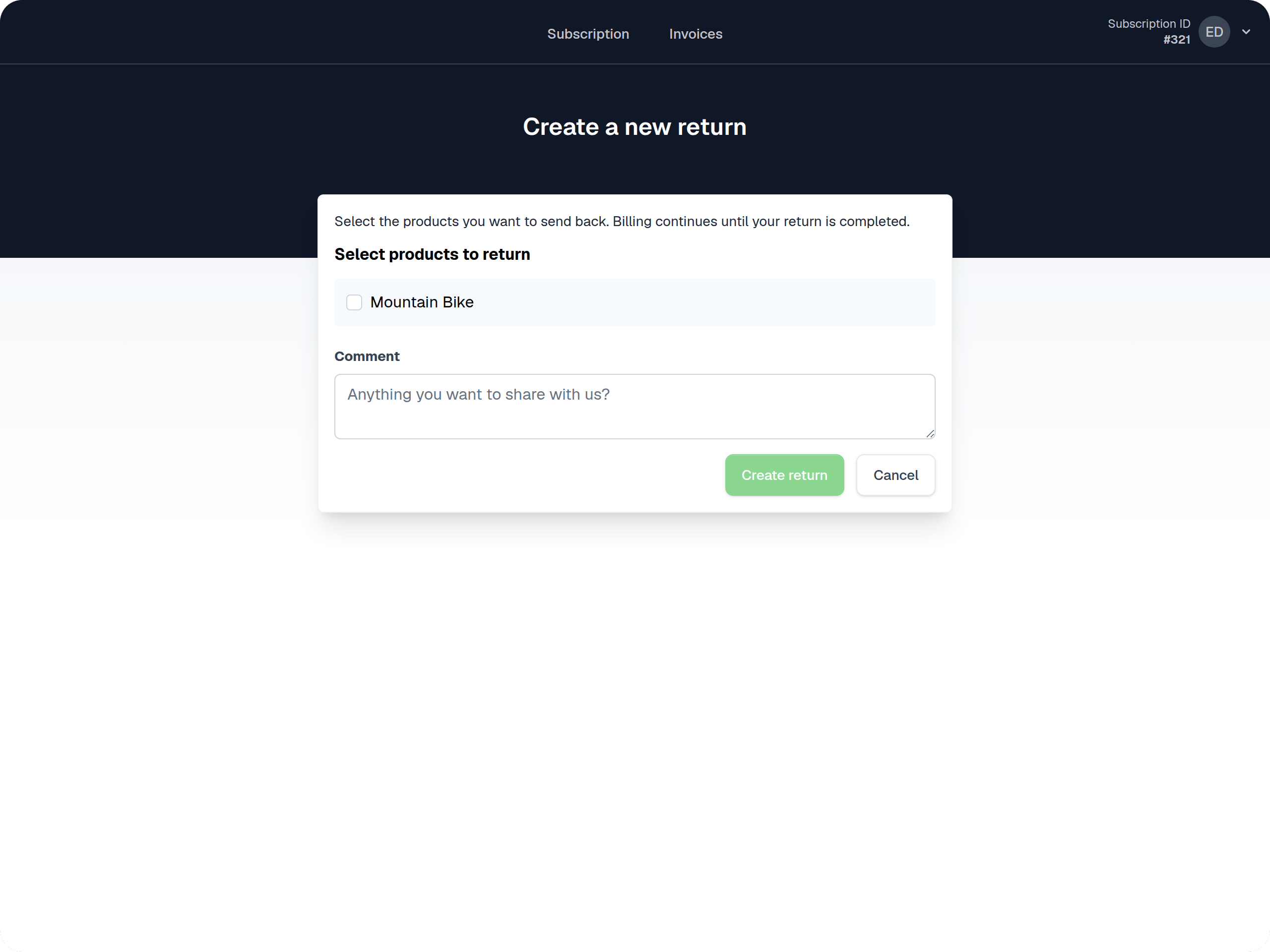
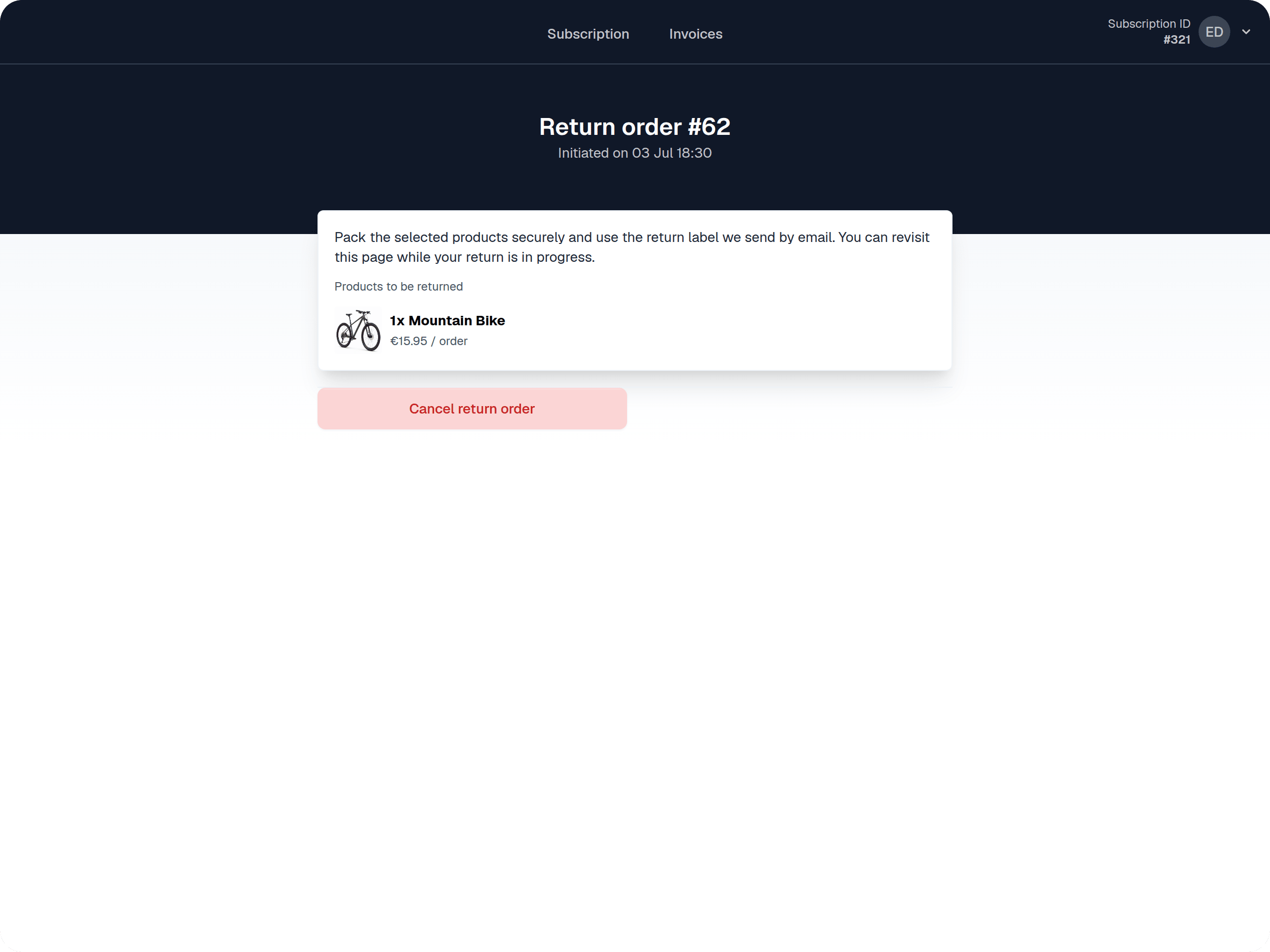
- You can also configure the Message to customers on the return summary page. This allows you to remind your customer about all the steps involved, in case they return to this page at a later point.
Steps for a customer to initiate Product Returns
Once logged into their Self Service Center, customers will see a “Return products” button that allows them to initiate a return.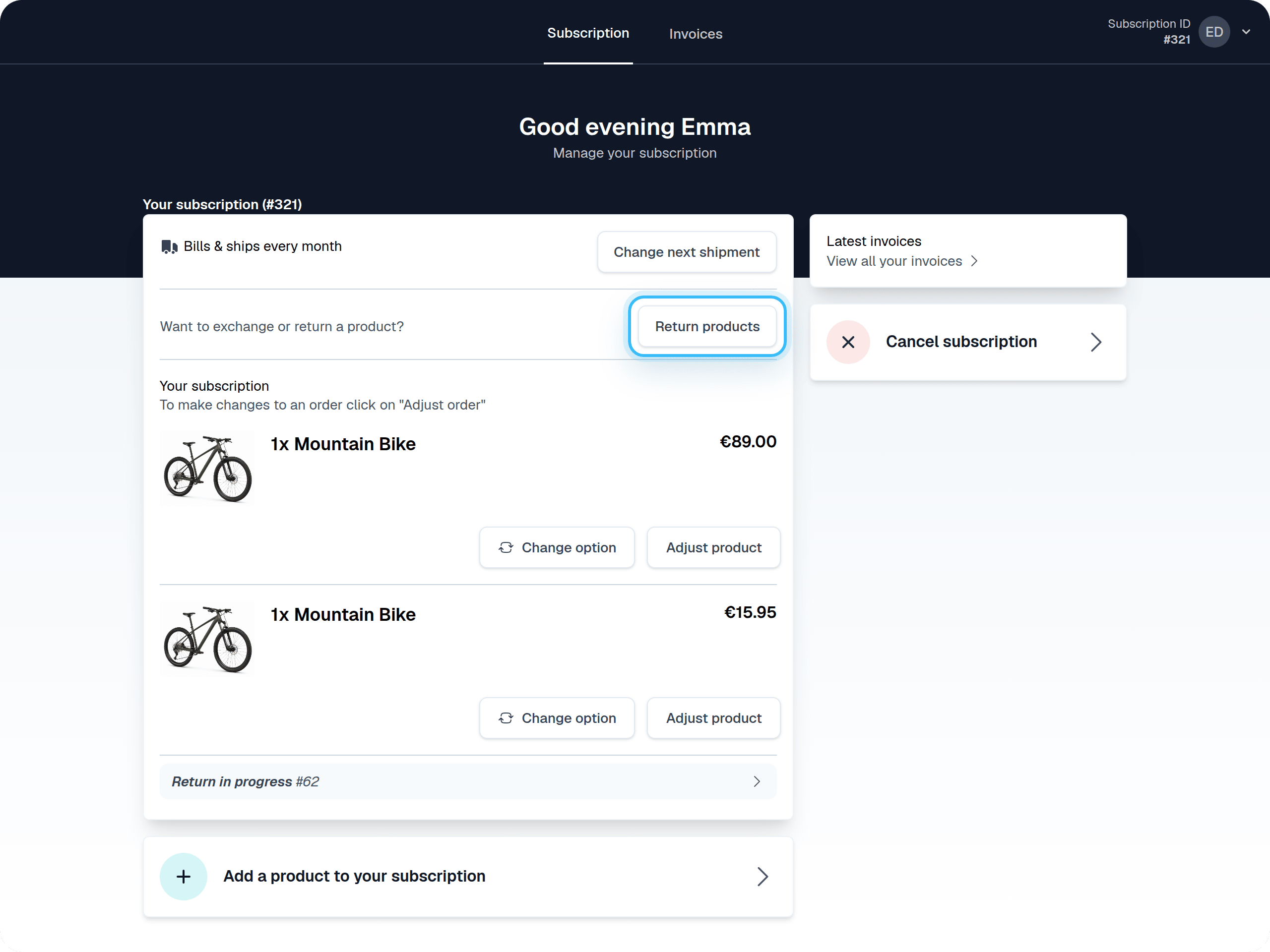
Selecting products to return
The functionality is flexible, allowing customers to decide whether to return one, multiple, or all products that they have. They can also leave a comment related to the return order to help you understand any further details.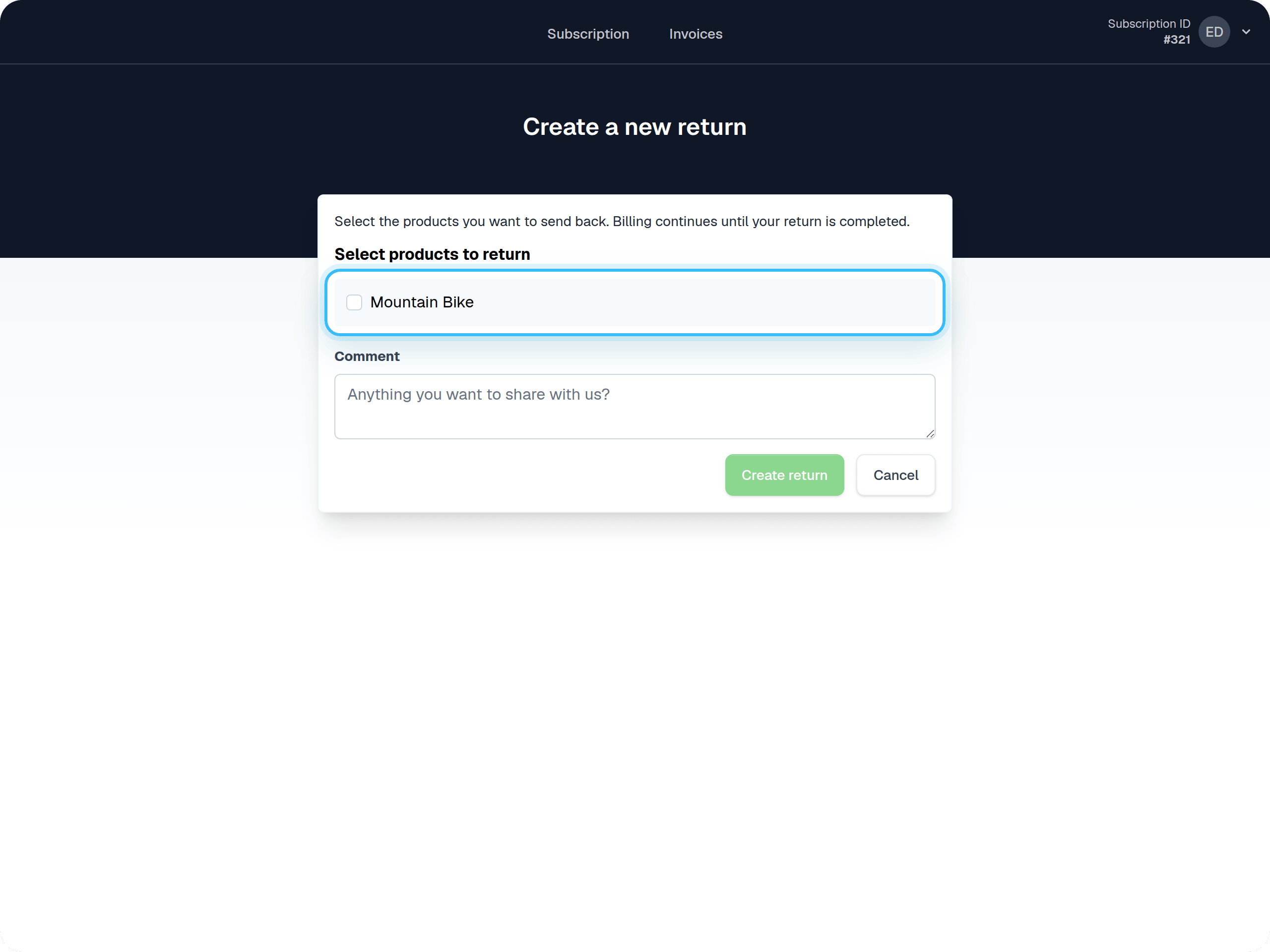
Keeping track of returns (as a customer)
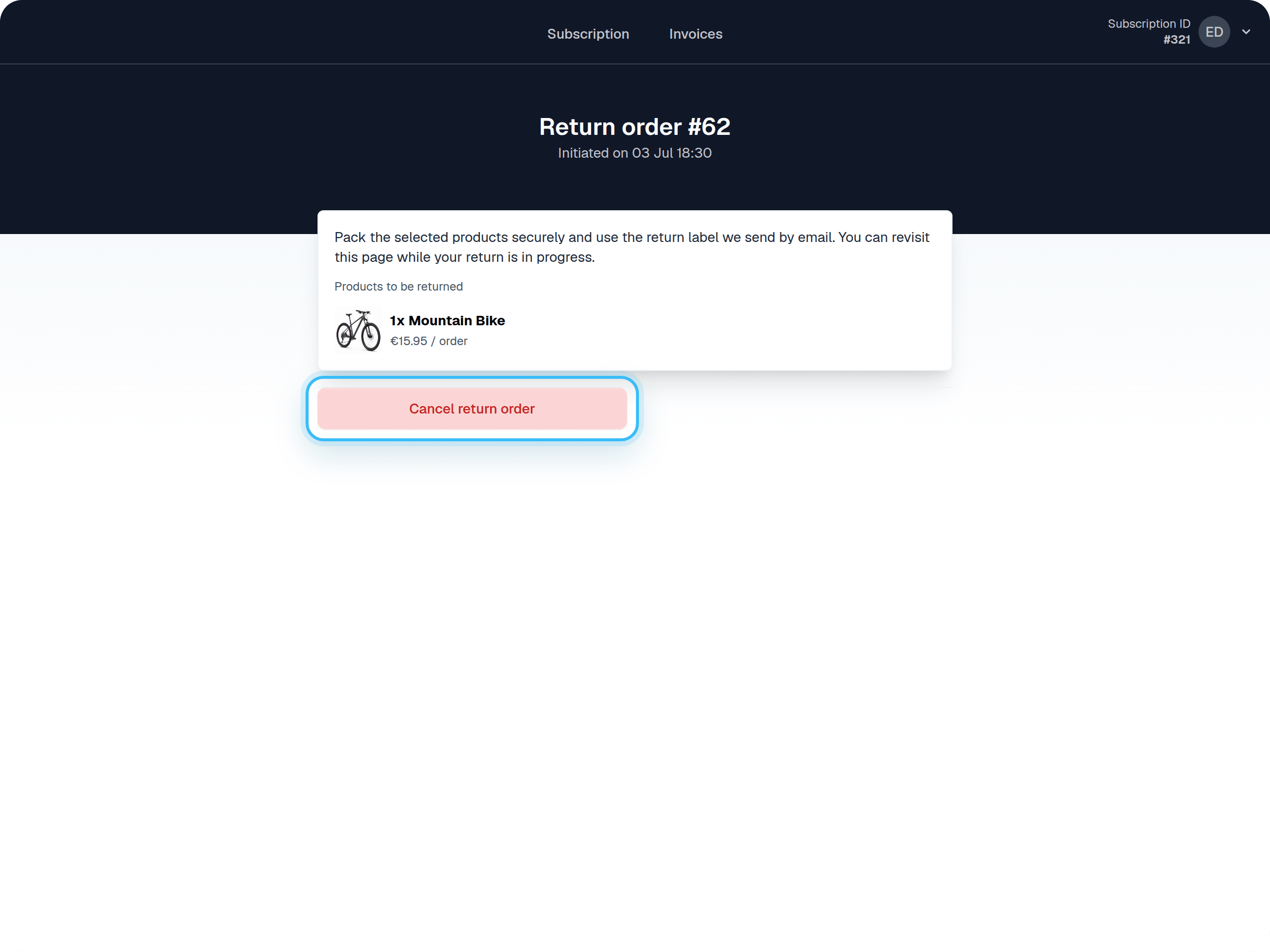
Customers can check their Return Status from their Self Service Center. They can click “Return in progress” to see the current status, find their return label, and potentially cancel the return if they have a change of heart and wish to keep the product.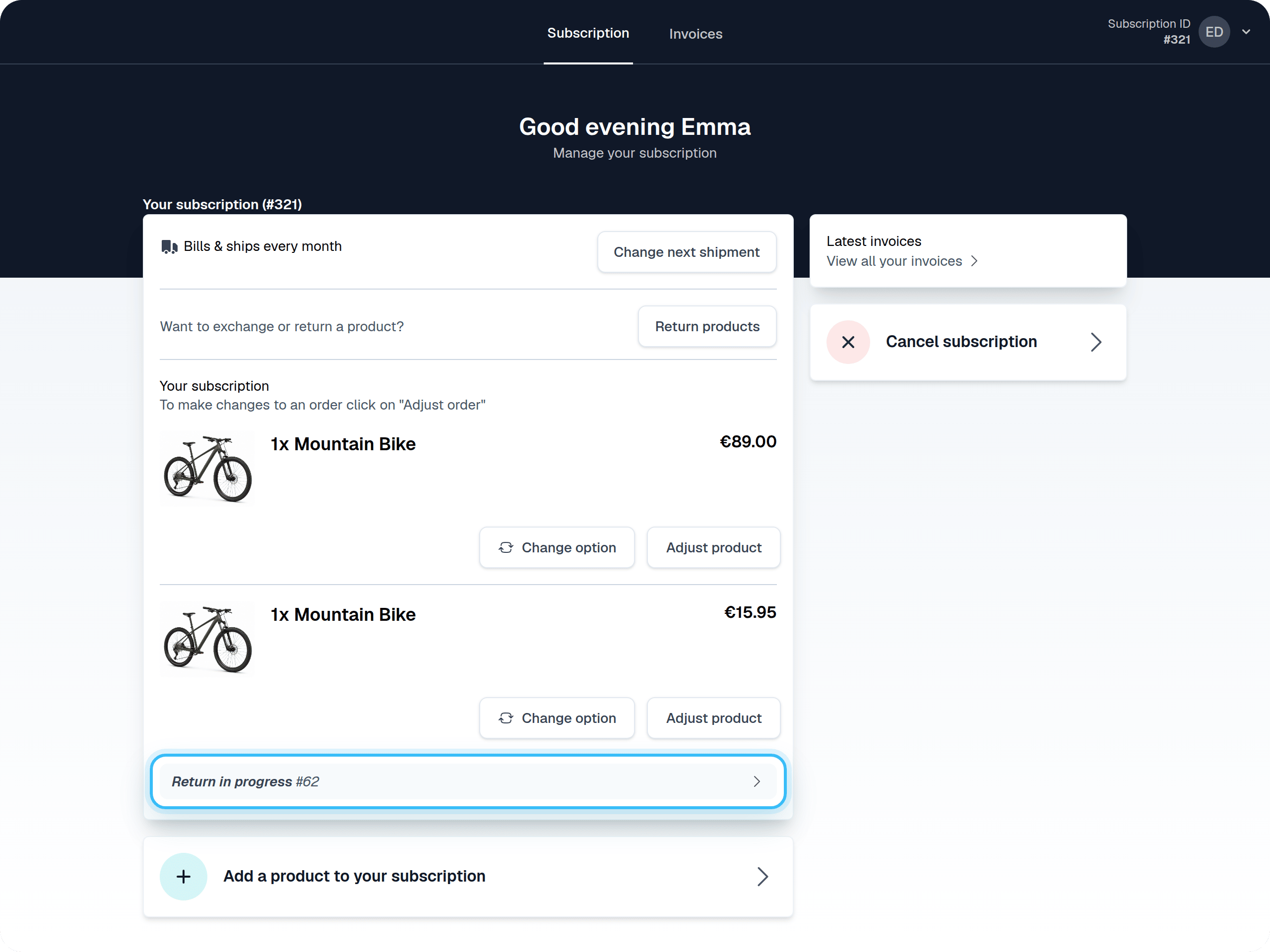
Available emails related to product returns
You can find all of the customer-facing emails related to product returns under Email configuration > Returns. You can customize the message the customer receives for various return-related events.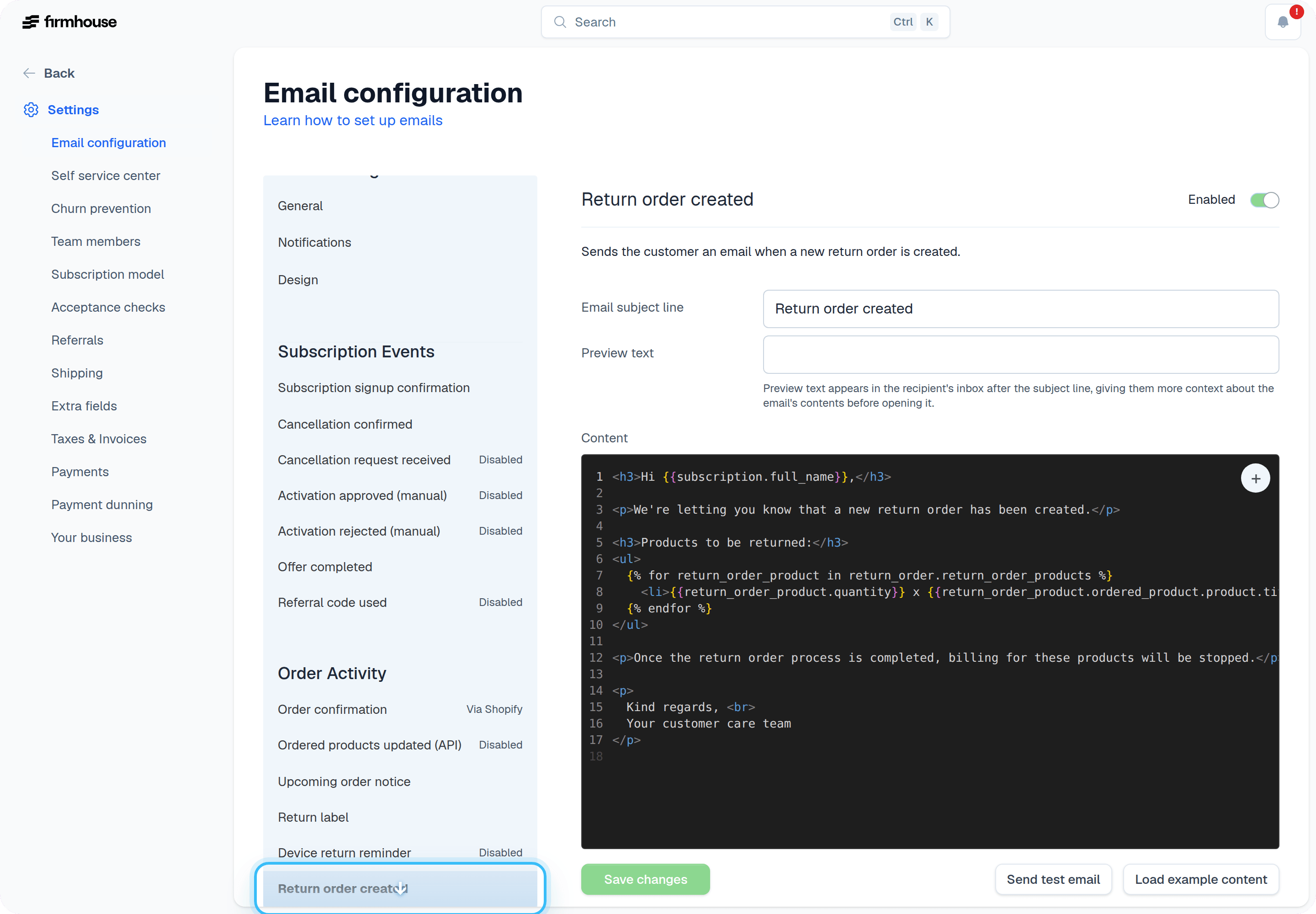
- Notification for each new return order that was created
- Notification for each return order that was cancelled