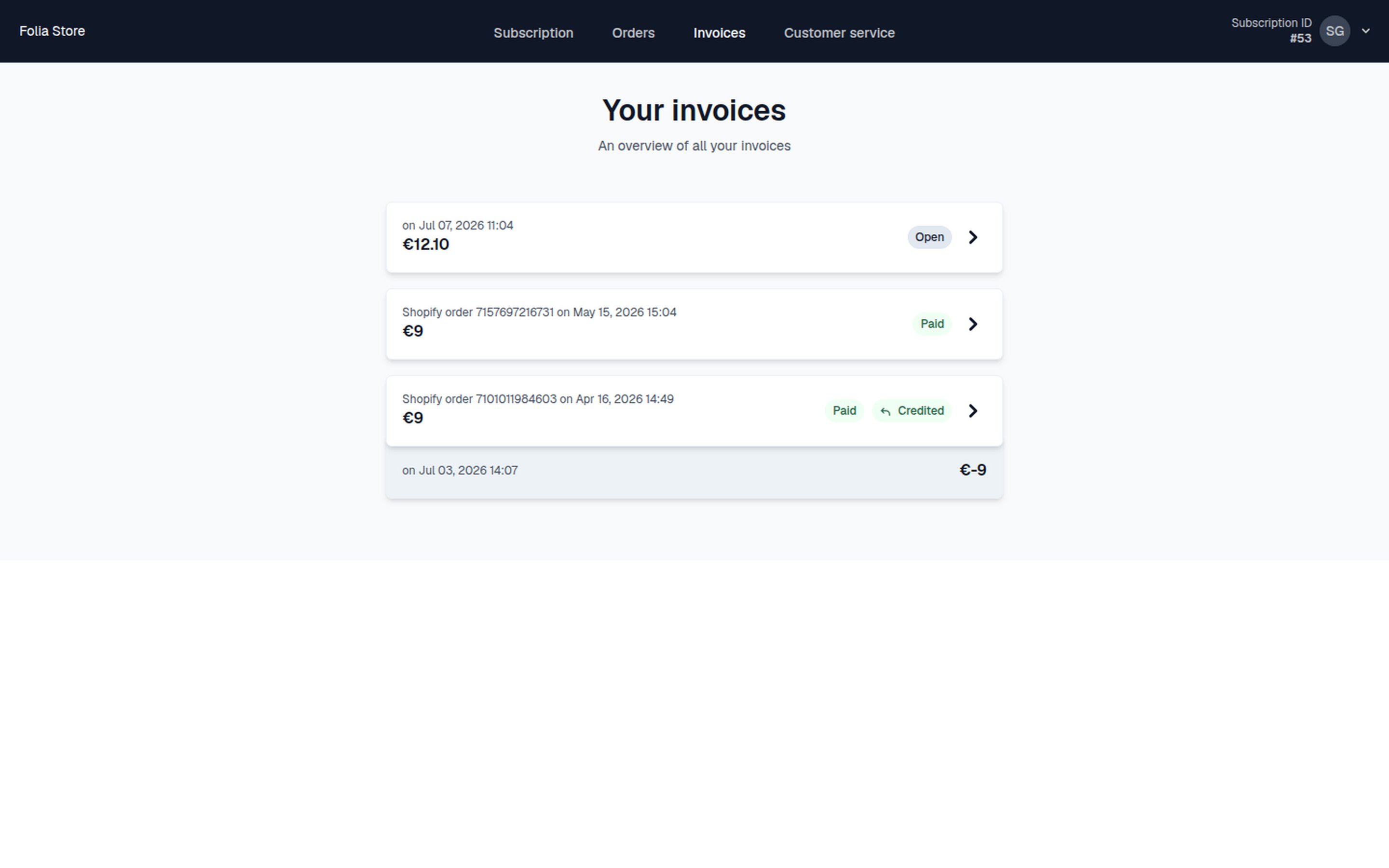
When in the Self Service Center (SSC), customers can navigate to the Invoices menu. This shows a list of invoices for that subscription and their statuses. Invoices list in Self Service Center

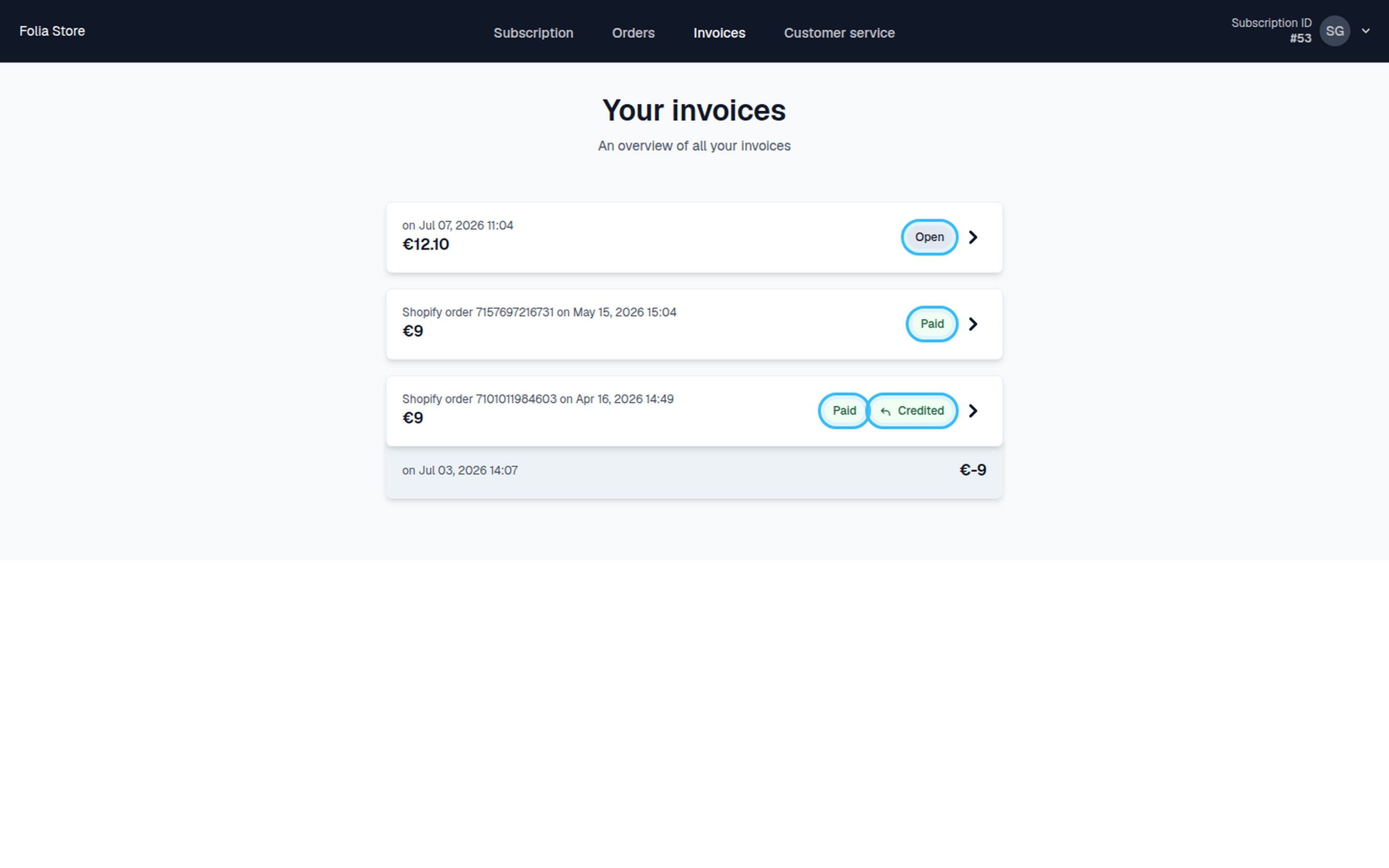
Invoice status examples

Below are some examples of different invoice statuses as they appear to customers: Invoice status examples
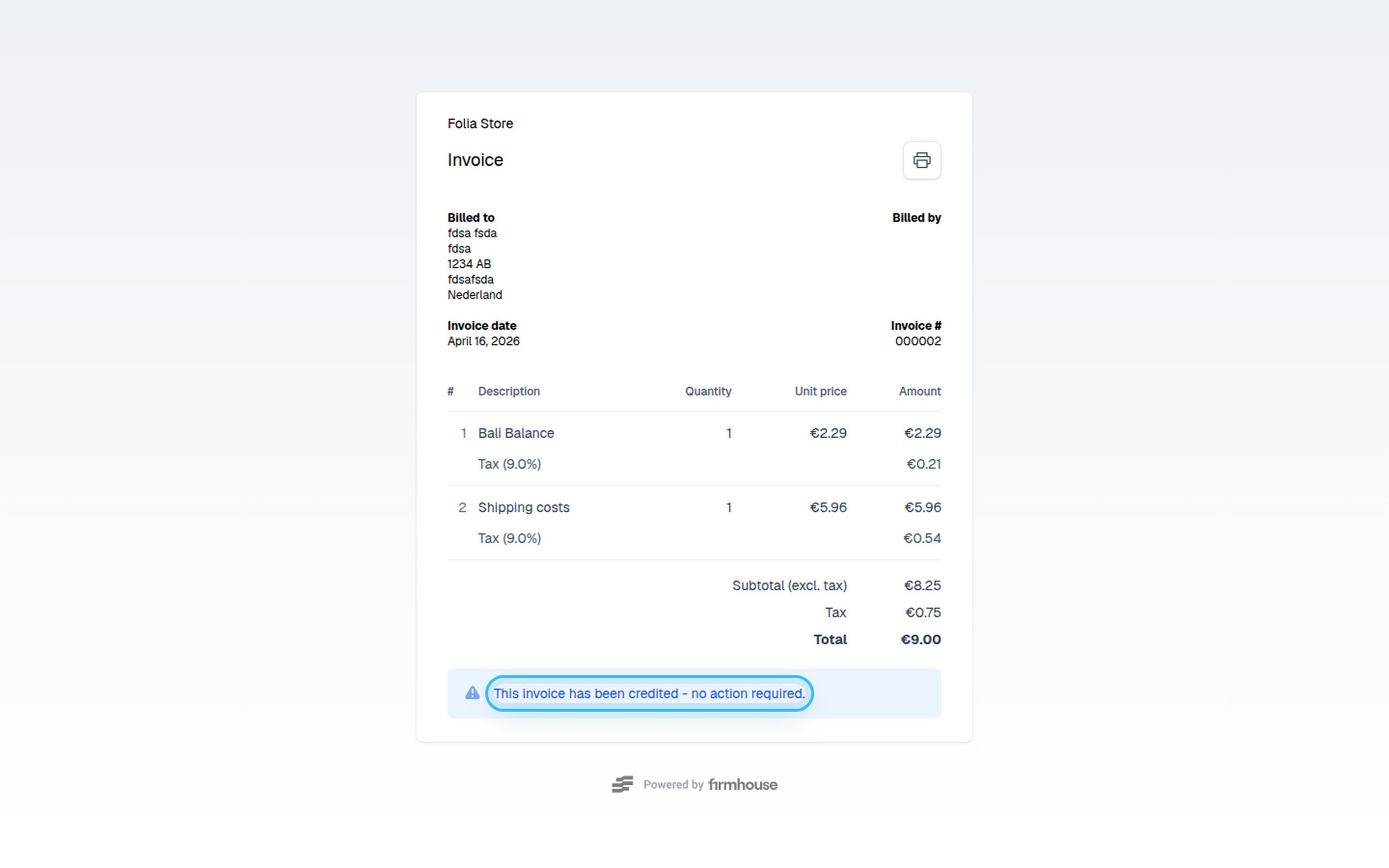
Credited invoice

A credited invoice appears as follows: Credited invoice in SSC
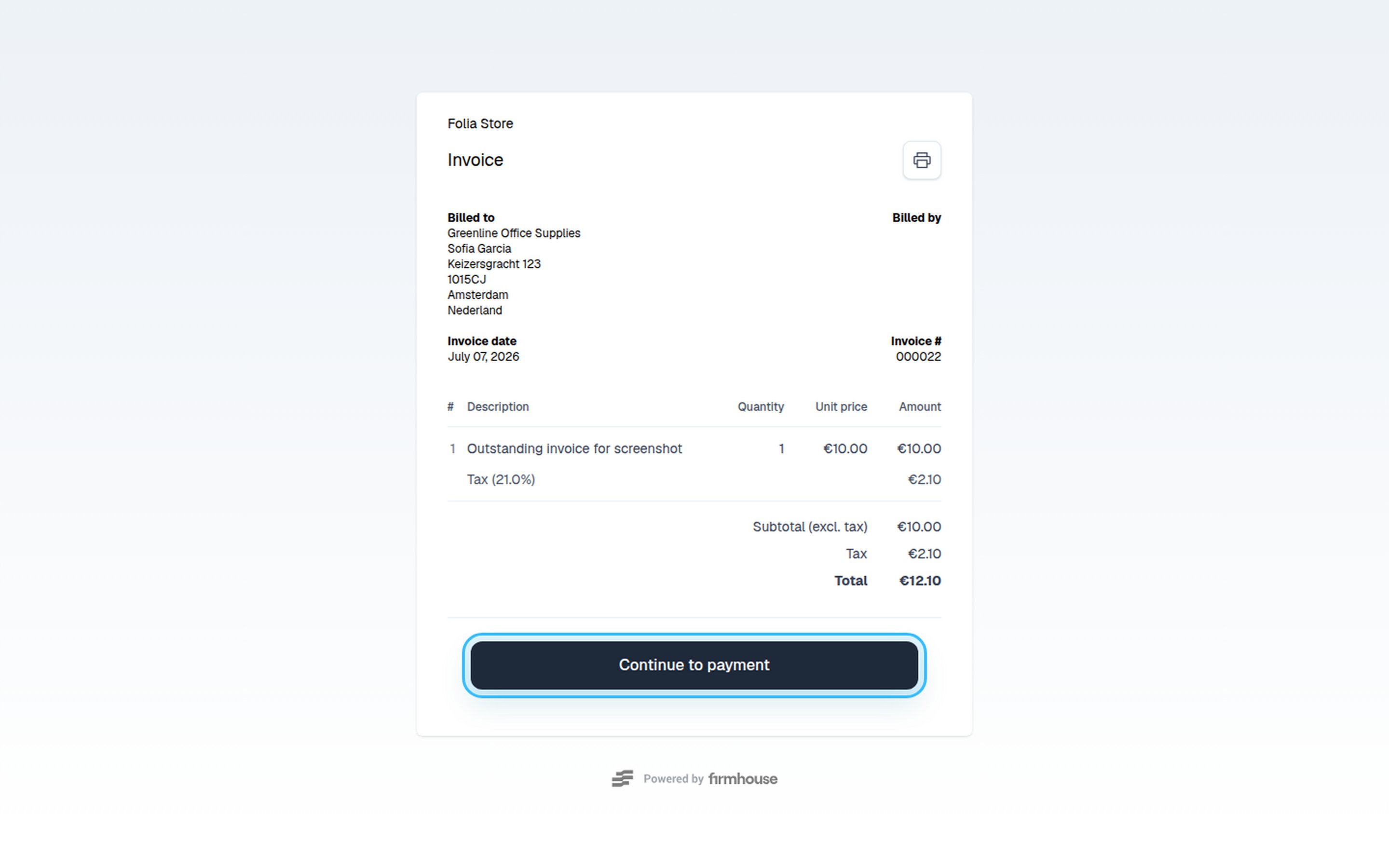
Open invoice

An open invoice appears as follows: Open invoice in SSC
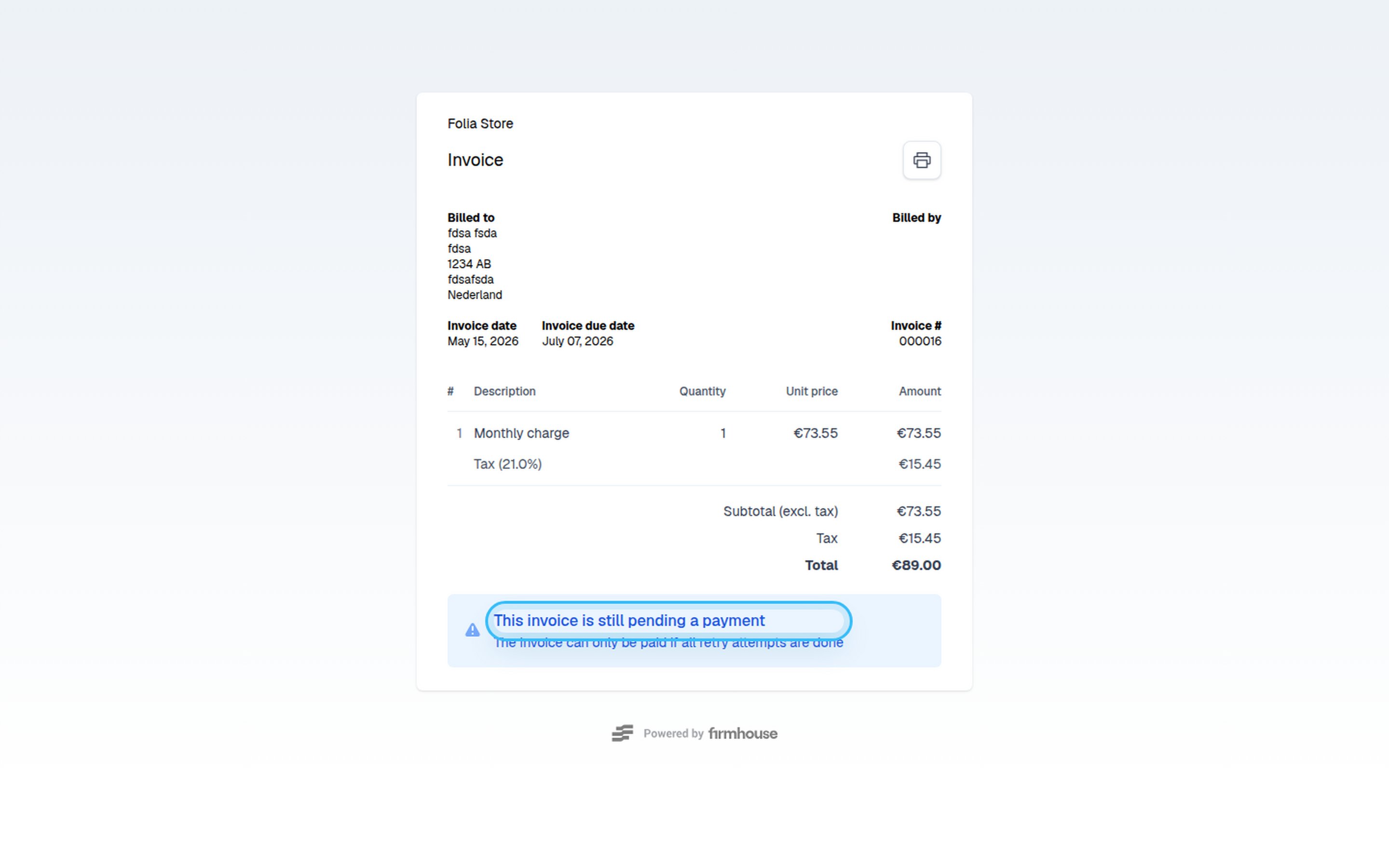
Pending invoice

A pending invoice appears as follows: Pending invoice in SSC For more ways to handle your invoices, see Invoice Payment Links which explains how to use unique payment links directly from the invoice page.