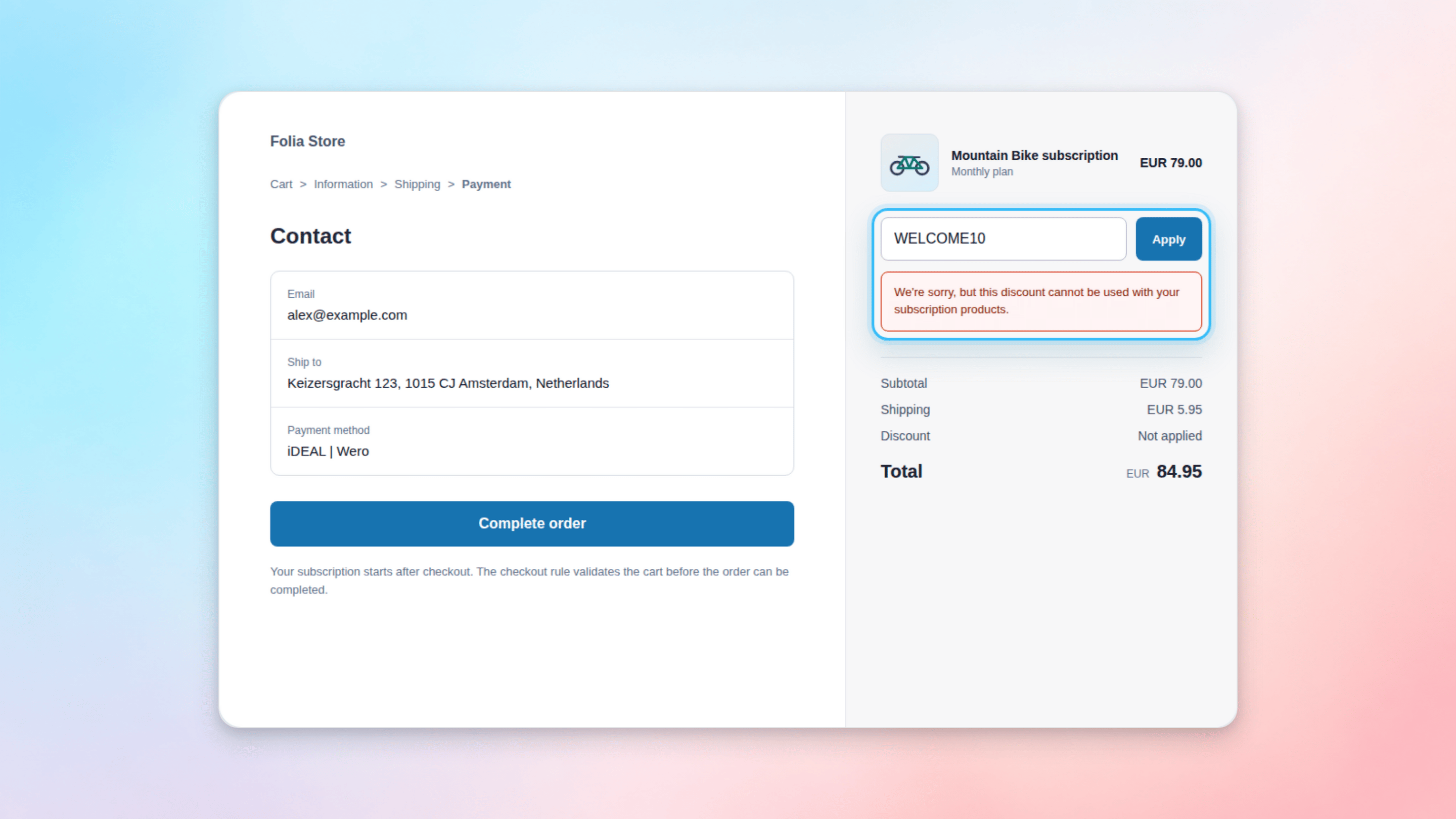
Warning: Do not enable this rule if you want to allow discounts on local-payment subscription products. A cart-level discount can also block a mixed cart containing one-time products and a local-payment subscription. Test your active promotions with mixed carts before enabling the rule.
How to set it up
Steps
- Open your Shopify admin and go to Settings > Checkout
- Scroll to the Checkout rules section
- Click Add rule and select “Disallow all discounts for subscription products” under Firmhouse
- Uncheck “Allow all customers to complete checkout” to ensure discounts won’t slip through even if there’s an error
- Click Save, then click Turn on in the top right corner