How to give discounts
Discounts in Firmhouse work like this:- Create a discount
- Apply it to a plan, to a customer, or create a discount code
1. Creating a discount
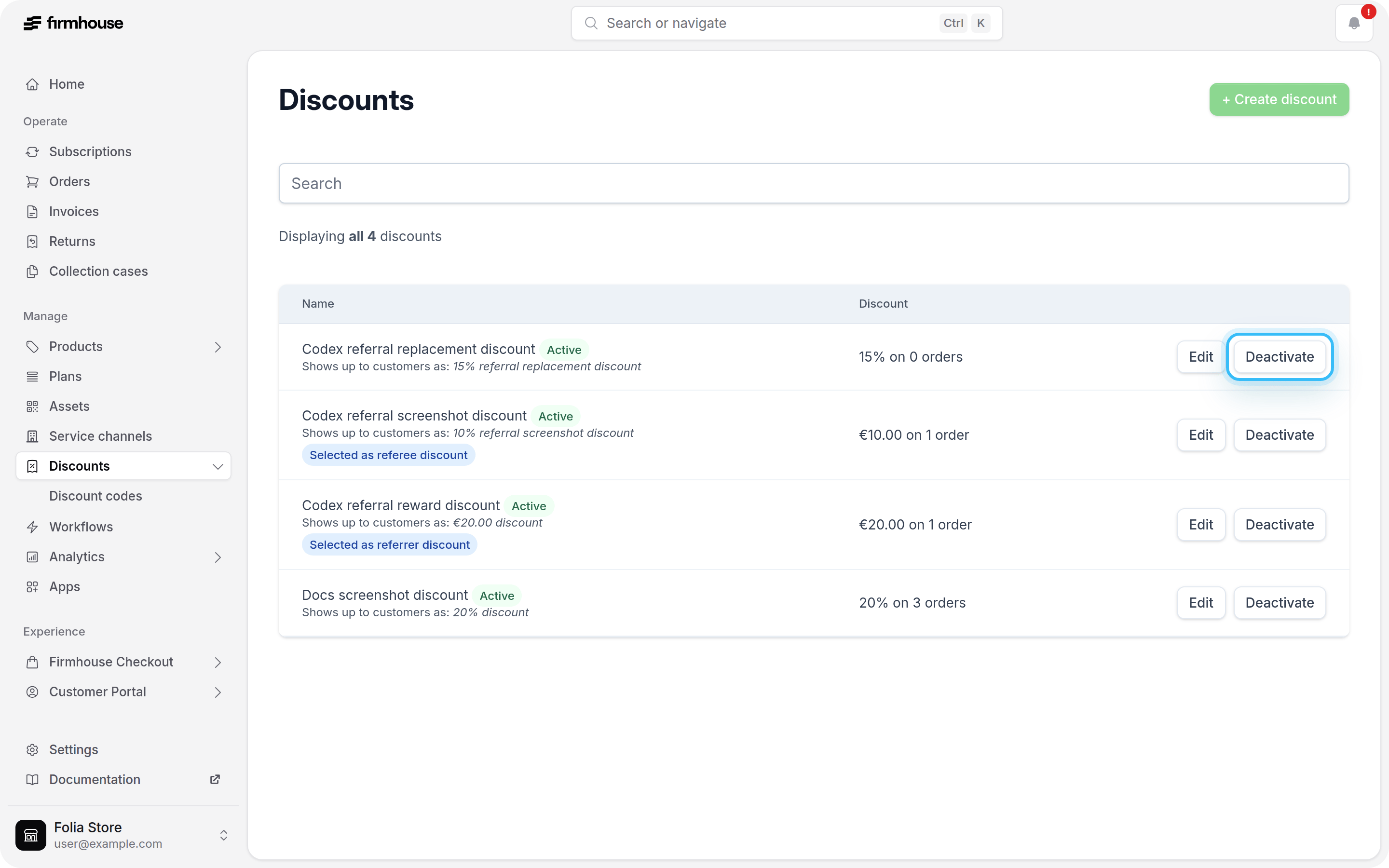
Click on “Discounts” in the sidebar. Here you can create, edit, activate and deactivate your discounts.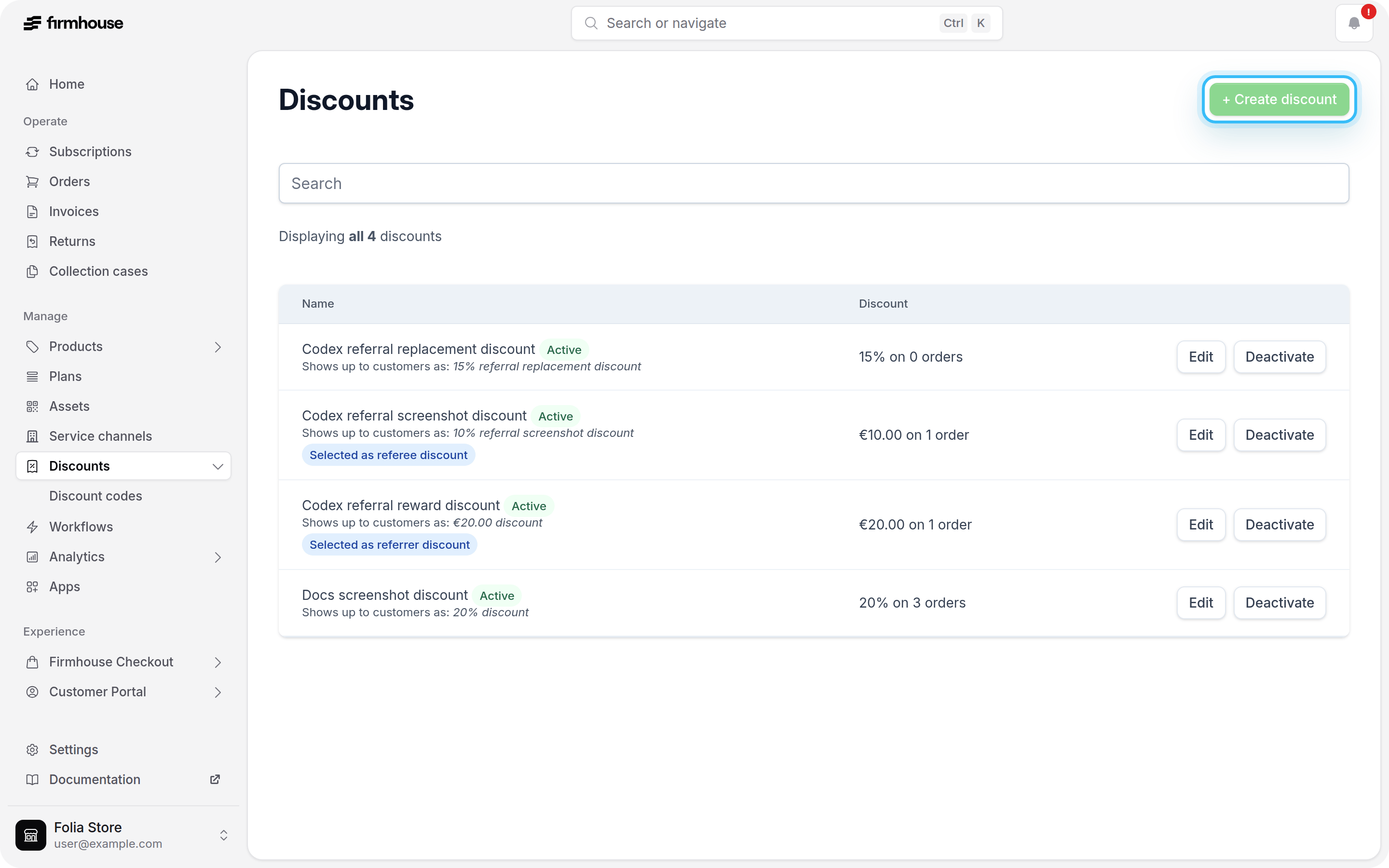
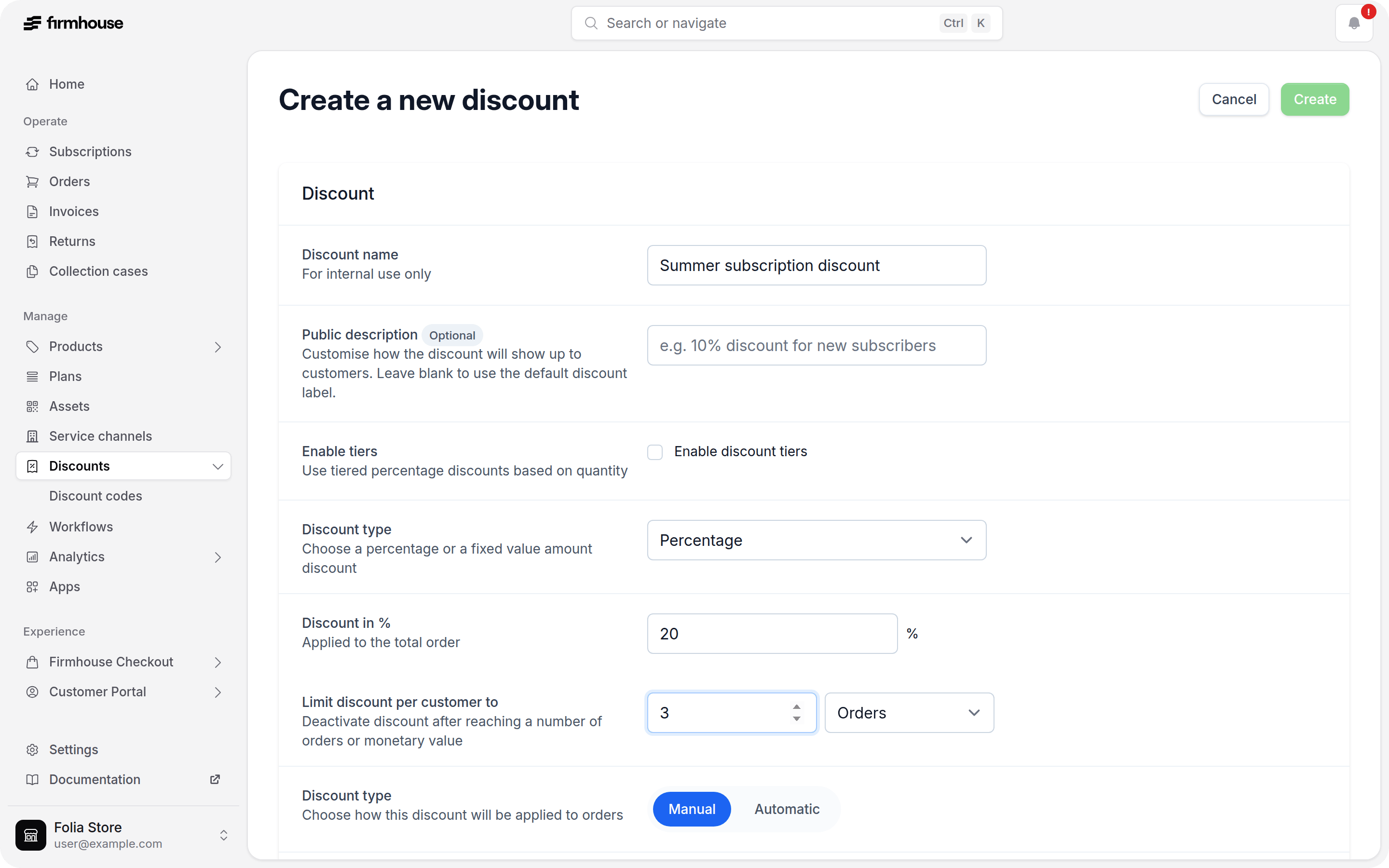
Good to know: If you enable the option to Automatically apply to all customers, the discount will be applied to all new subscriptions. During this time, subscribers will not be able to apply an additional discount code. You can deactivate the automatic discount at any time.
Optional minimum invoice amount floor
When you create or edit a discount, you can optionally enable Minimum invoice amount floor. This lets you set a minimum invoice total that should remain after the discount is applied. For example, if you set the floor to99.00, Firmhouse will reduce the discount when needed so the final invoice total does not drop below 99.00.
Use this when you want to run a promotion but still keep a minimum charged amount on the invoice.
The floor also applies to Shopify-billed subscriptions. Firmhouse synchronizes the discount when subscription products change and retries synchronization if a billing attempt starts before it finishes. If Shopify reports a synchronization failure, review the notification for the affected subscription.
Fixed-amount discount currencies
When creating a fixed-amount discount, choose from your project’s currencies and the currencies supported by your connected Shopify store. Shopify currencies are added to the form automatically. Percentage discounts do not require a currency. Fixed-amount discounts apply only when the cart uses the same currency as the configured discount. For example, a discount configured inEUR applies to a cart in EUR; it does not apply to a cart in USD. Recurring orders must also use the discount’s configured currency.
For quantity-based offers, tiered discounts also support fixed amounts. Choose Amount off to subtract an amount once from the eligible items’ total, or Amount off each to subtract it from each eligible unit. Set an amount for each tier and one currency for the discount.
2. Applying the discount
There are three ways to apply your newly created discount: Applying manually to a customer (Firmhouse Checkout and Shopify Checkout): This is the most common way to apply discounts. Click on “Customers” in the sidebar and find your customer. Click on it to open the subscriber’s detail page. Scroll down to “Applied discounts” and click on “Apply discount”. Automatic on a Plan (Firmhouse Checkout only): Go to “Plans” in the sidebar and edit the plan on which you would like to give a discount. Scroll down to “Discounts” and choose which discount should apply. If a customer signs up for that plan, the discount will be applied automatically. Via Discount Codes at Checkout (Firmhouse Checkout only): If you want customers to get a discount on checkout you can create discount codes that your customers can enter. See Creating discount codes for more information. If you don’t see the discount to apply, make sure the desired discount is activated and it’s not set to automatically apply at checkout.Using Shopify Checkout? If you’re using Shopify Checkout instead of Firmhouse Checkout, you can configure checkout promotions directly in Shopify. See Discounts on Shopify Checkout for more information.
Editing a discount
To edit a discount, go to the Discounts view and click on Edit next to the discount you wish to edit. You can edit the discount type, percentage or fixed amount, currency, and Limit discount per customer to only if all of these conditions are met:- The discount is deactivated.
- The discount has not been applied to any subscriptions yet.
- The discount has no discount codes.
- The discount is not assigned to any plans.
Deactivating a discount
If you don’t need a discount anymore you can simply deactivate it. You can do that on the Discounts view by clicking on Deactivate next to the desired discount.