

Disabling Discounts via the Firmhouse Portal
You can disable discounts for specific products directly in the Firmhouse portal.Steps
- Navigate to Products in your Firmhouse portal.
- Click on the product you want to edit.
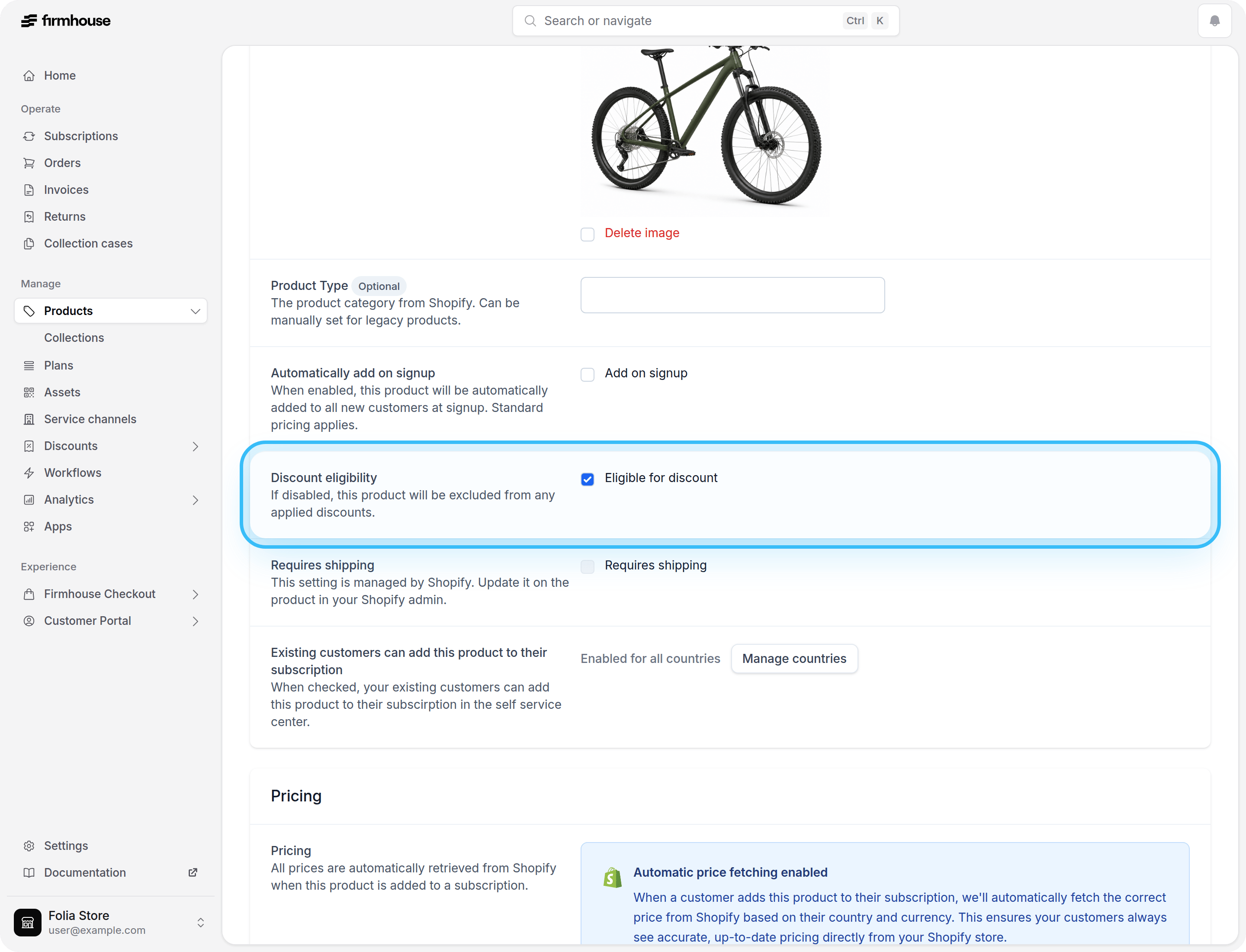
- In the product details section, find the Discount eligibility setting.
- Uncheck the Eligible for discount checkbox.
- Click Save to apply the changes.
Disabling Discounts via the API
You can also disable discounts for products programmatically using the Firmhouse GraphQL API. Use the createProduct or updateProduct mutation and set the eligibleForDiscount field to false.Example
Shopify Product Sync
For Shopify-connected projects, you can also control discount eligibility during product sync by adding a metafield to your Shopify product variant. Set theexclude_from_discount metafield to true to automatically disable discount eligibility when the product is synced to Firmhouse.