

What are Custom Form Field Validations?
With custom form field validations you can define specific requirements for new customers. These validations check if the data entered by the customer are within the criteria you allowed. For instance area codes, whether a phone number is mobile, etc. During signup we will automatically verify this for you.Please note: This is an advanced feature powered by Regular expressions (regex), so it may seem a little complicated to set up if you have not worked with regular expressions before. We will walk you through some examples in this article so you can create your own rules too. If you need further help, do not hesitate to reach out to our customer support.Go to Firmhouse Checkout > Extra fields, then open Custom validations. Here you can create, edit, and delete a custom form field validation.
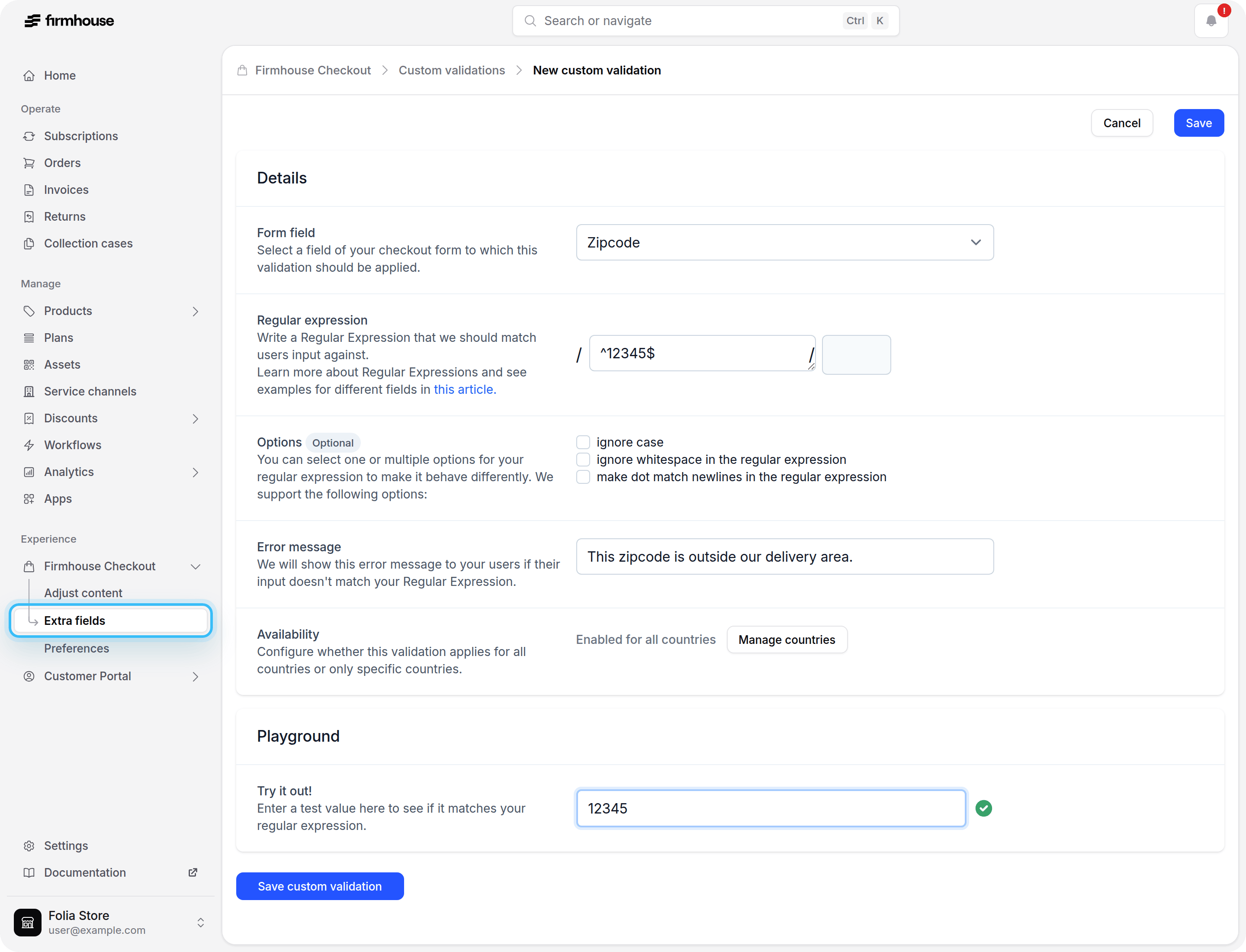
Creating a New Validation
1. Select a Form Field
You can create a validation for any core field of the Firmhouse checkout page form:- Zipcode
- Phone Number
- City
- Address
- House Number
2. Write a Regular Expression
Write a pattern that the user’s input should match against. We support 3 regular expression options that you might need for more advanced patterns:- i - ignore case
- x - ignore whitespace in the regular expression
- m - make dot match newlines in the regular expression
3. Add an Error Message
Write some error text to let your users know why they cannot sign up to your subscription. You can create multiple validations for the same field and we will show error messages accordingly.4. Test Your Regular Expression
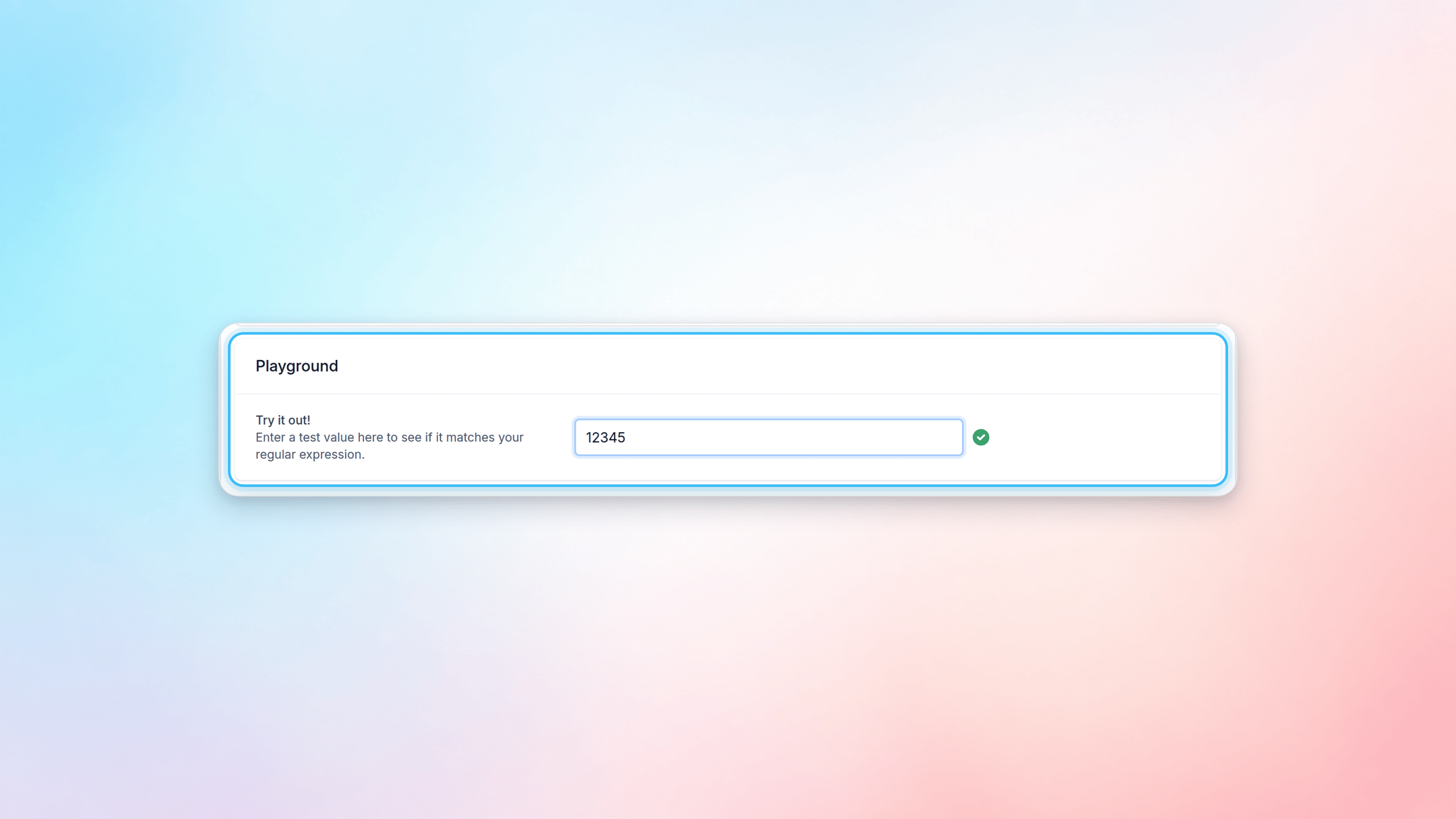
We added a playground so you can test your regex when you are creating one. Go to the Playground section and enter some value you want to test and you will see if it is valid or not right away. For example, the regex^12345$ will match the value 12345 but will not match the value 12347.
Example Regular Expressions for Core Form Fields
Zipcode
To match a few zipcodes, one of the options is to add your selected zipcodes in the following format:TIP: When building a regular expression, start your regex with ^, end it with $, and split values with |.To match a big range of numbers you can create a smarter regex:
^means the start of the string, so no additional characters are allowed before your value (12345 is allowed, 112345 is not)$means the end of the string, so no additional characters are allowed after your value (12345 is allowed, 123451 is not)
.(dot) means any character+(plus) means any amount of times