Configuring the Setting
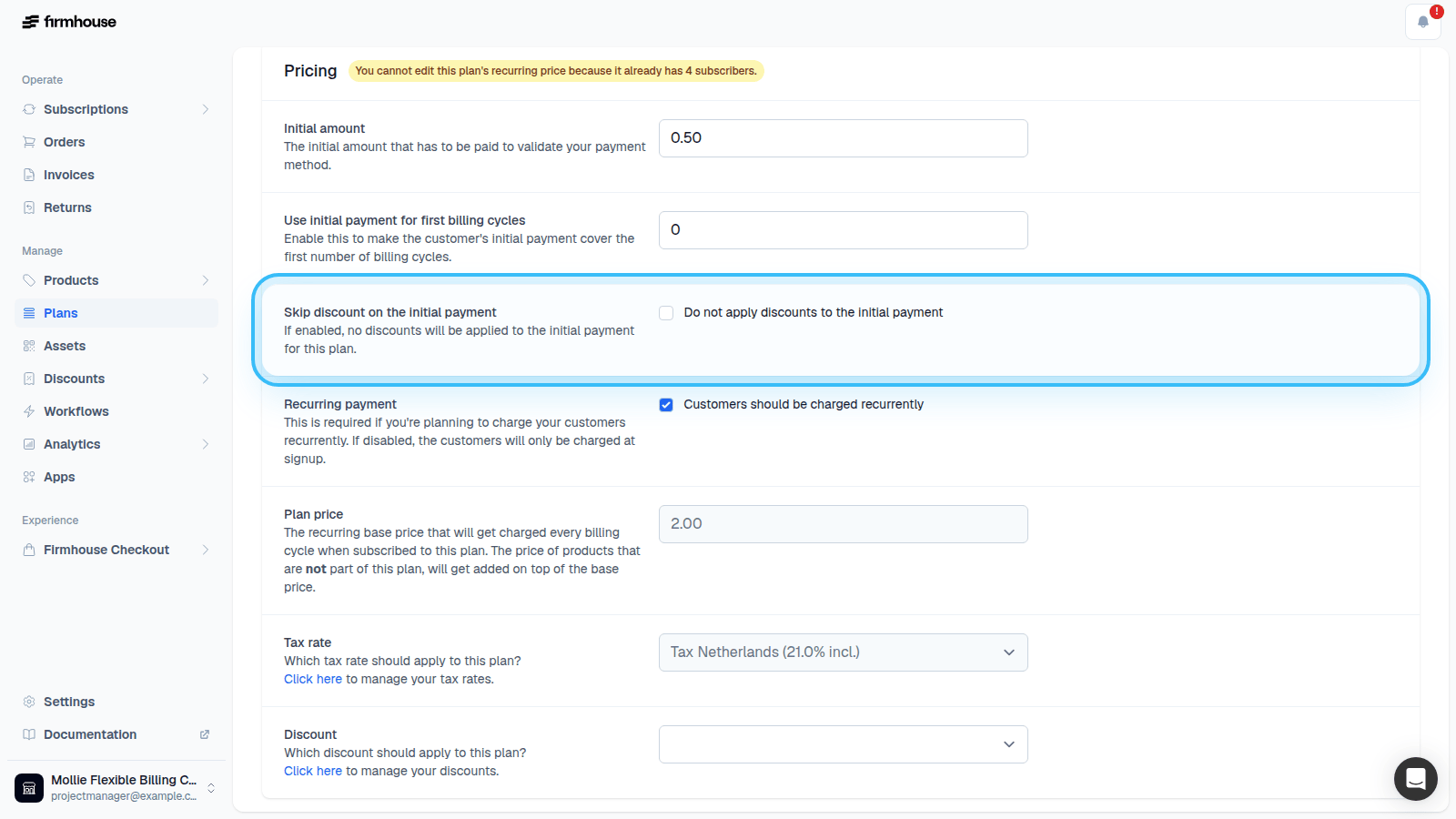
You can configure per Plan if you want any discounts to be applied on the initial payment.Steps
- Go to Plans in the Firmhouse portal.
- Create a new Plan or edit an existing Plan.
- Under the Pricing section, find the Skip discount on the initial payment setting.
- Enable this setting if you want any automatic discounts or entered discount codes to be skipped for signing up to this Plan.